Get your AI support system live for free. Start Exploring

Get your AI support system live for free. Start Exploring
Add an AI chatbot to your website that answers visitor questions, captures leads, and handles repeated FAQs in real time. Train it on your own website pages and documents, customize the chat widget to match your brand, and add it with one simple script tag.
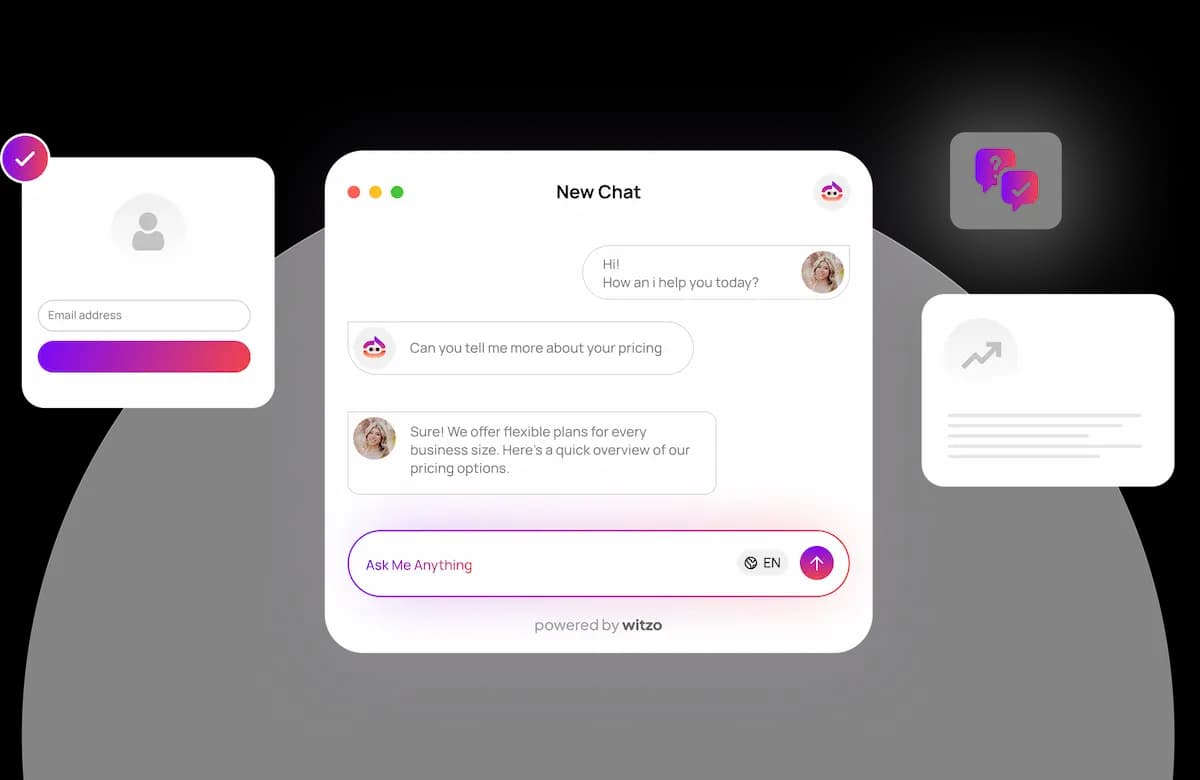

Most website visitors do not wait for replies. They may have one question about pricing, services, shipping, availability, policies, or support.
If they do not get the answer quickly, they may leave the page. A trained AI chatbot helps close that gap by replying instantly, working on every page, and staying available even after business hours.

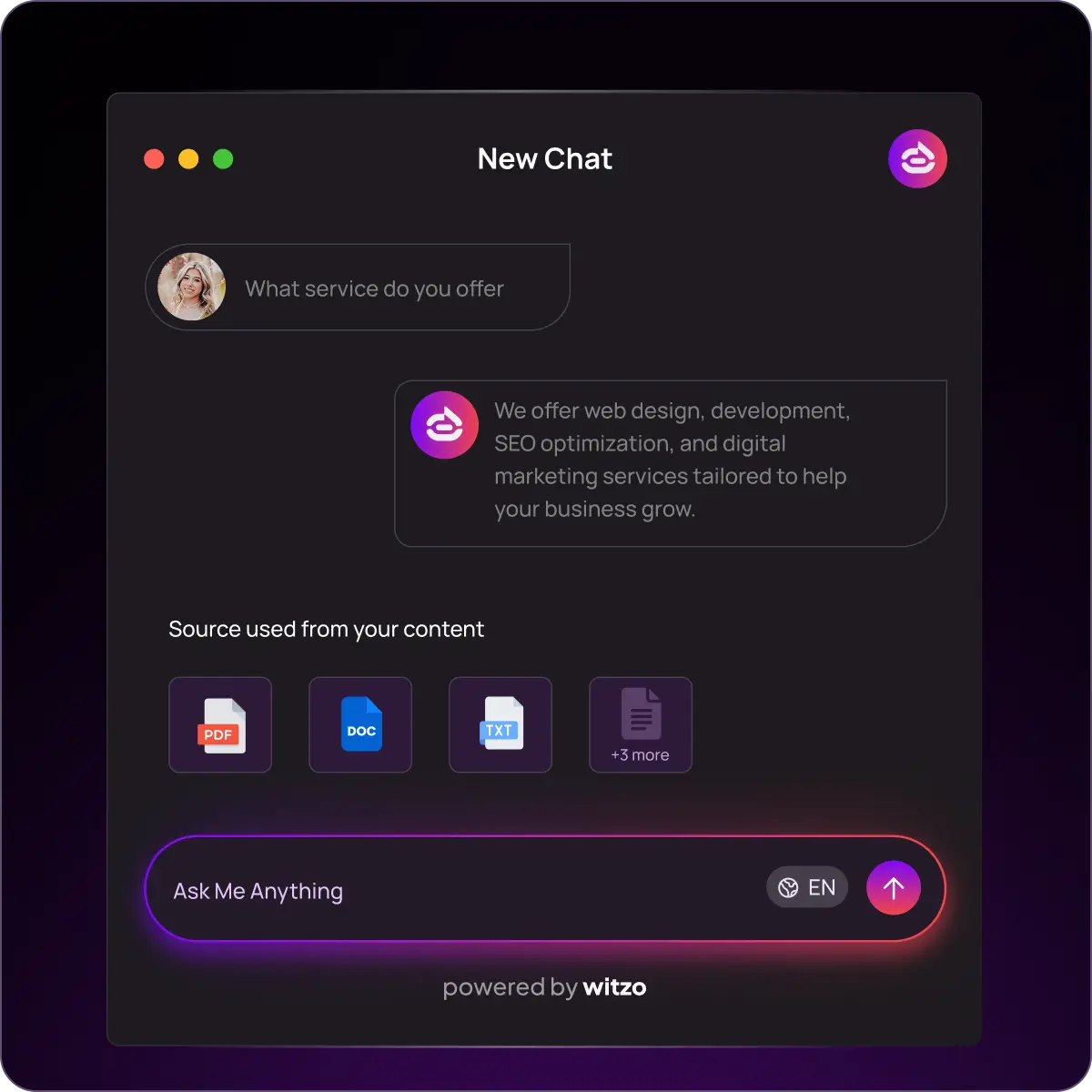
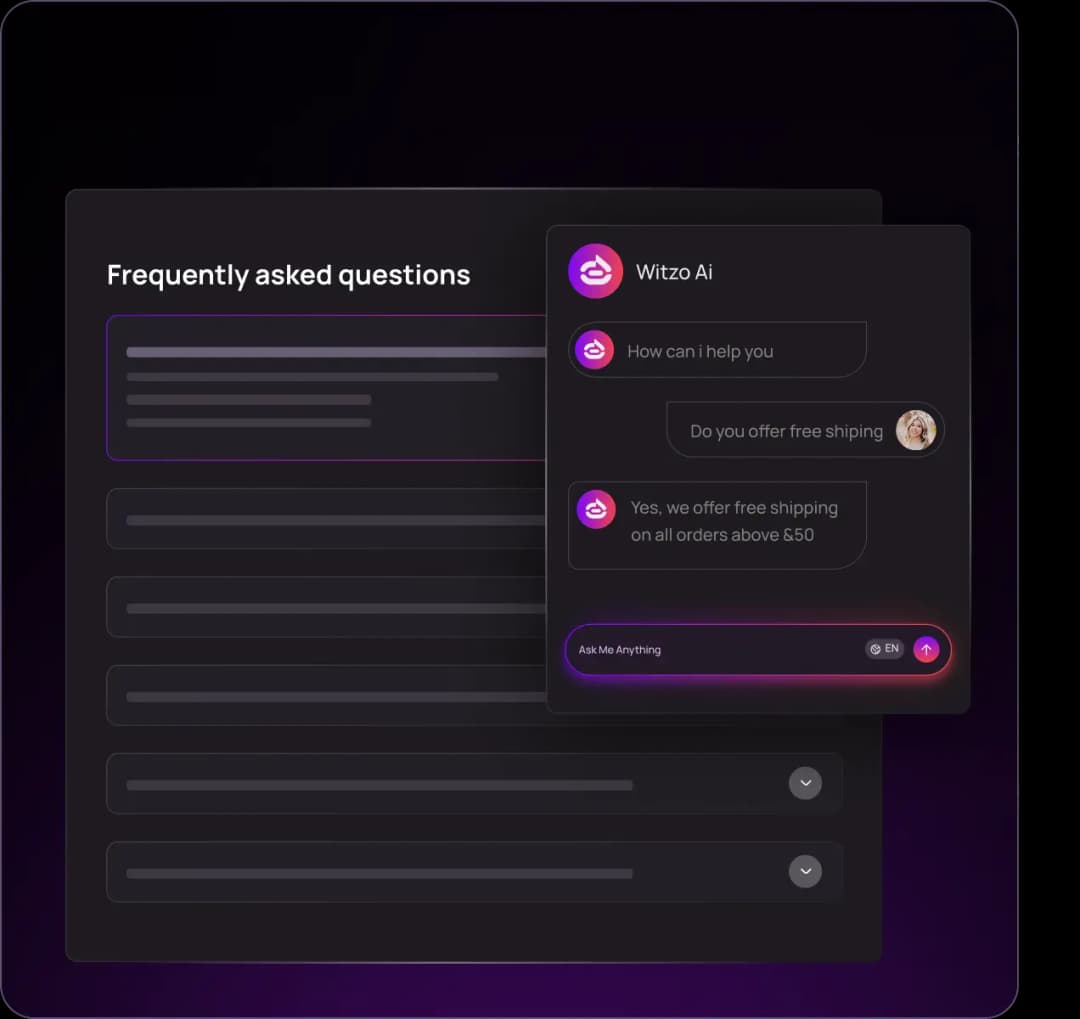
Reply to visitor questions in seconds using your own website content and documents.
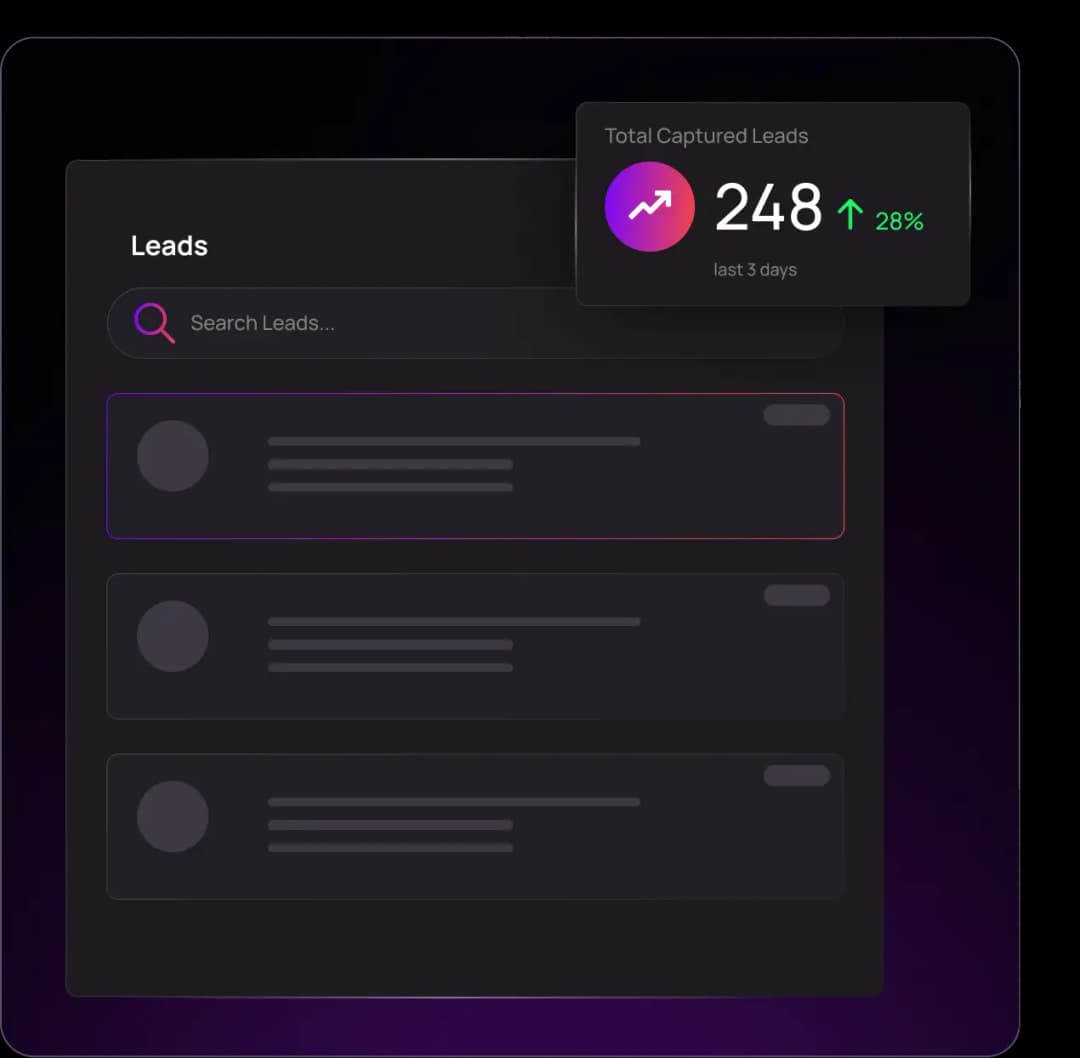
Turn interested visitors into follow-up opportunities before they leave your site.
Let the chatbot handle routine FAQs while your team focuses on important conversations.
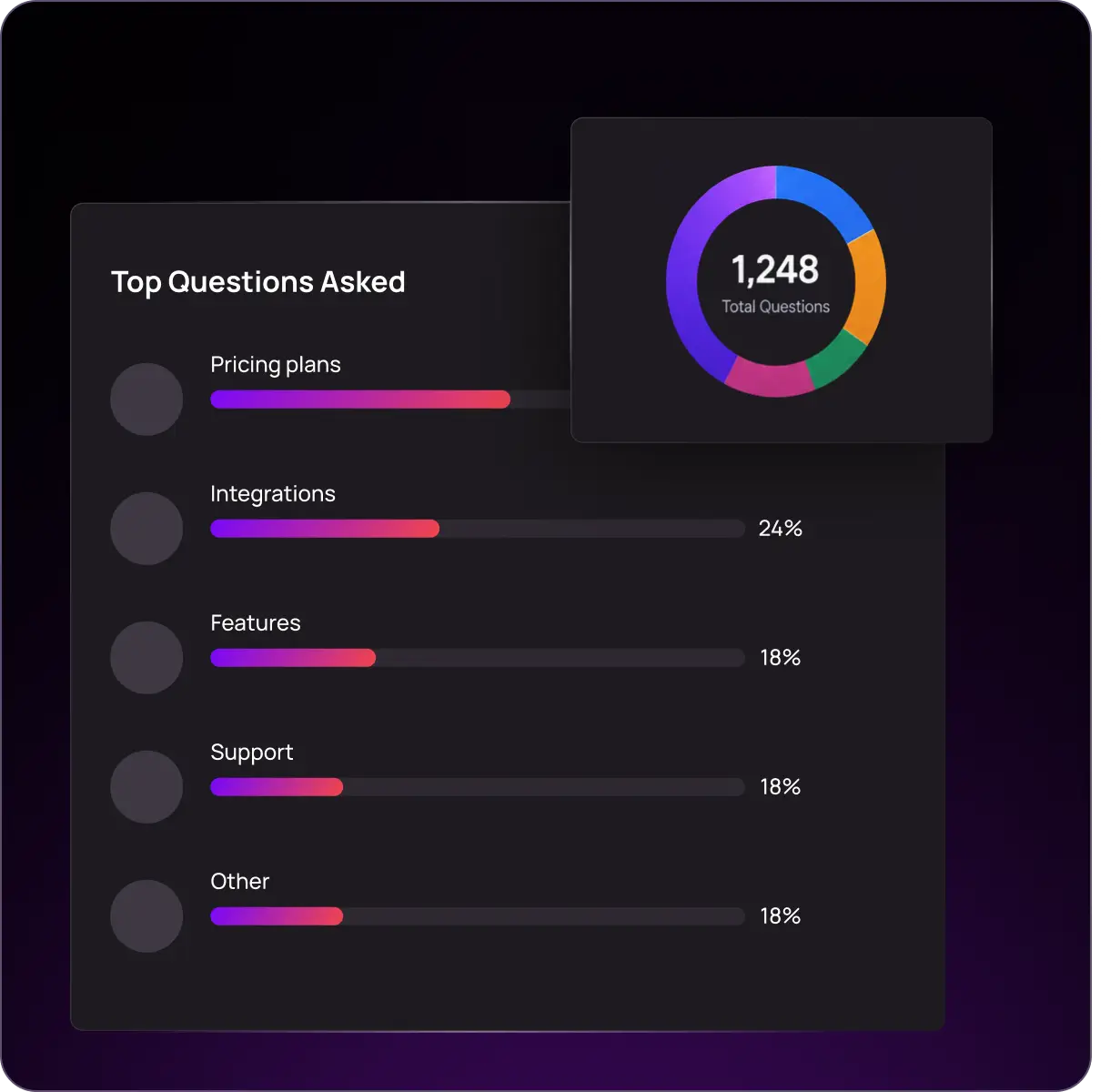
Use chatbot conversations to understand what visitors ask, where they get confused, and what content your website may be missing.
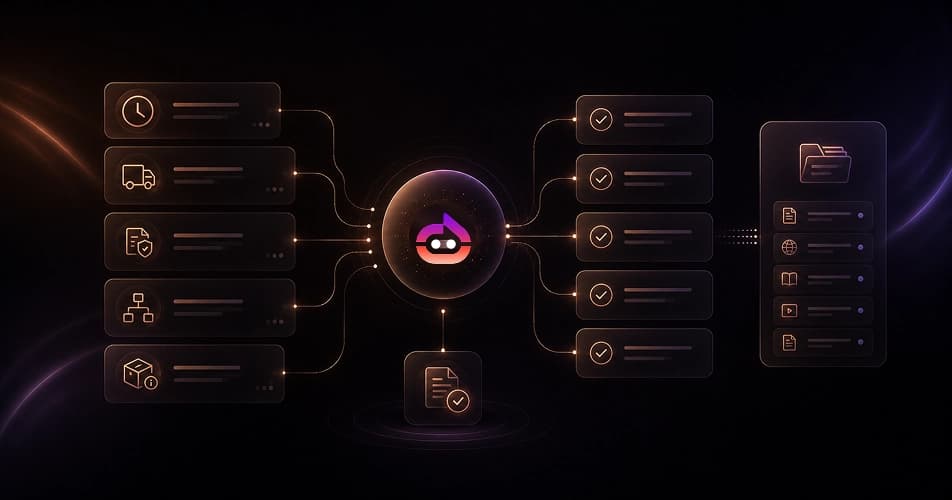
Witzo answers common support questions such as business hours, return policies, shipping details, service process, product information, and FAQs. It pulls answers from your pages and documents, so the response stays aligned with your actual business information.
Best for: FAQs, policies, product details, service questions
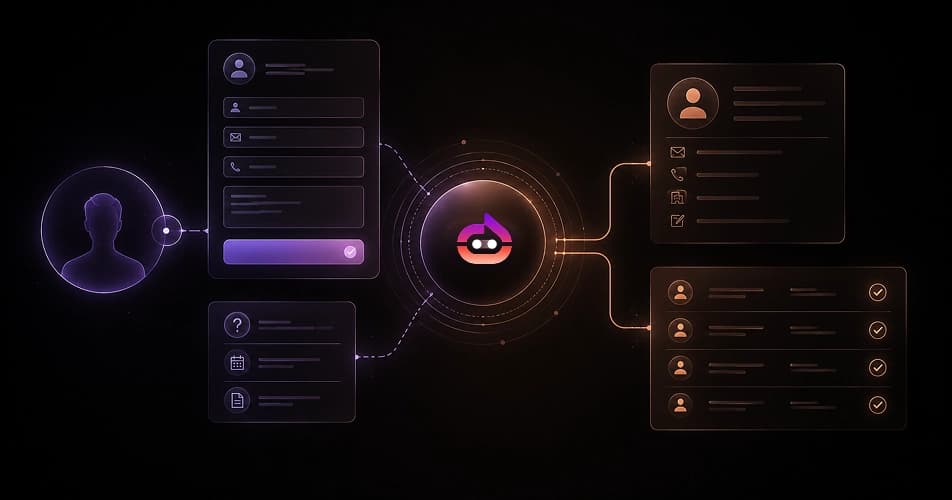
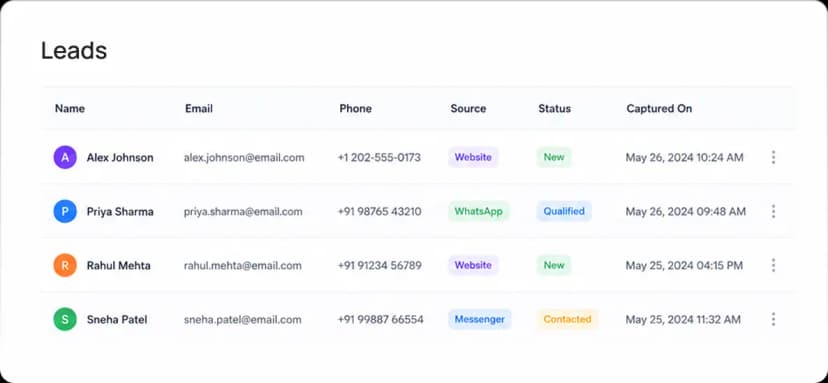
When a visitor shows interest, Witzo can collect their details and save them under Leads. This helps you turn website visitors into follow-up opportunities, even when your team is offline.
Best for: enquiries, demo requests, quote requests, contact capture
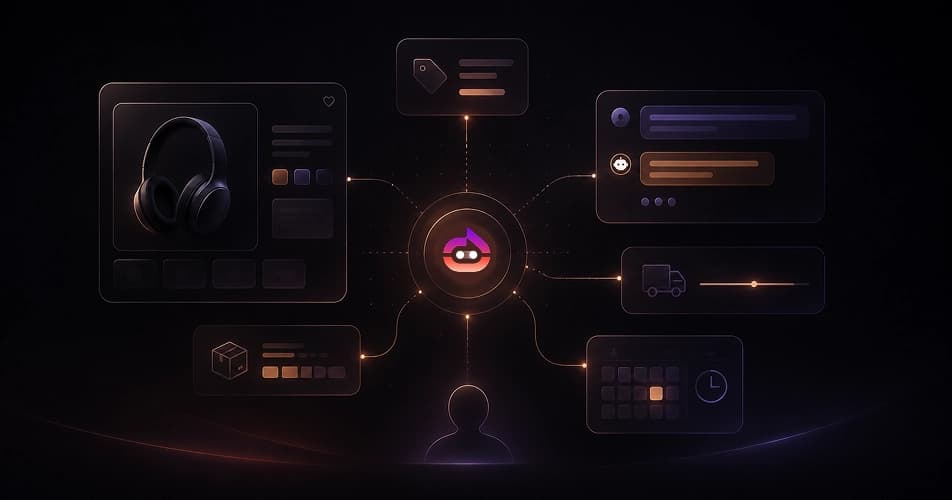
Visitors often leave a page because they cannot find a quick answer. Witzo can answer sales and product-related questions directly on the page where the visitor is making a decision.
Best for: pricing, product fit, availability, shipping, booking, next steps
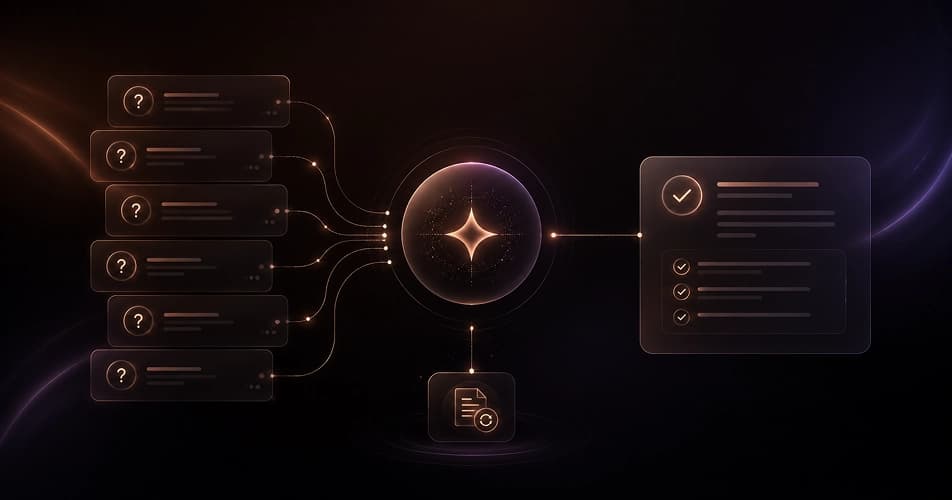
Every business has questions that come again and again. Witzo handles repeated FAQs automatically. If you notice a missing answer in Conversations, you can update your source content and retrain the chatbot.
Best for: repeated support questions and common visitor doubts
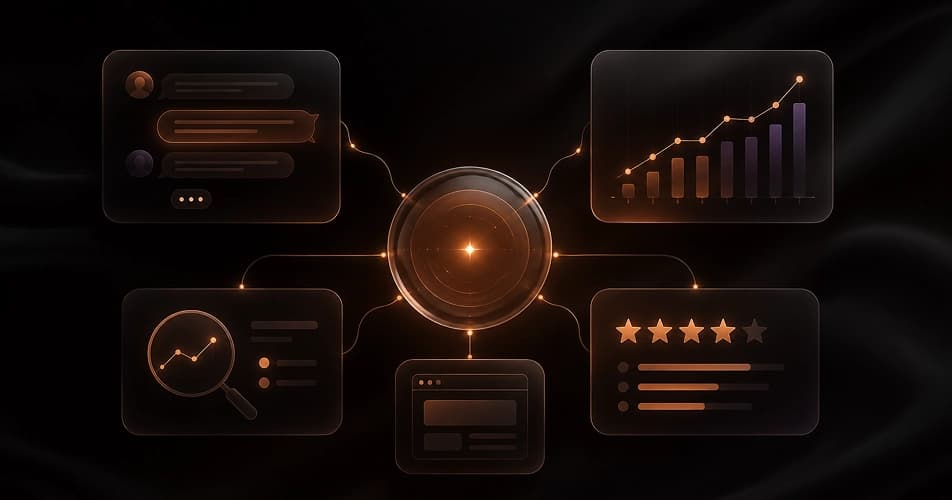
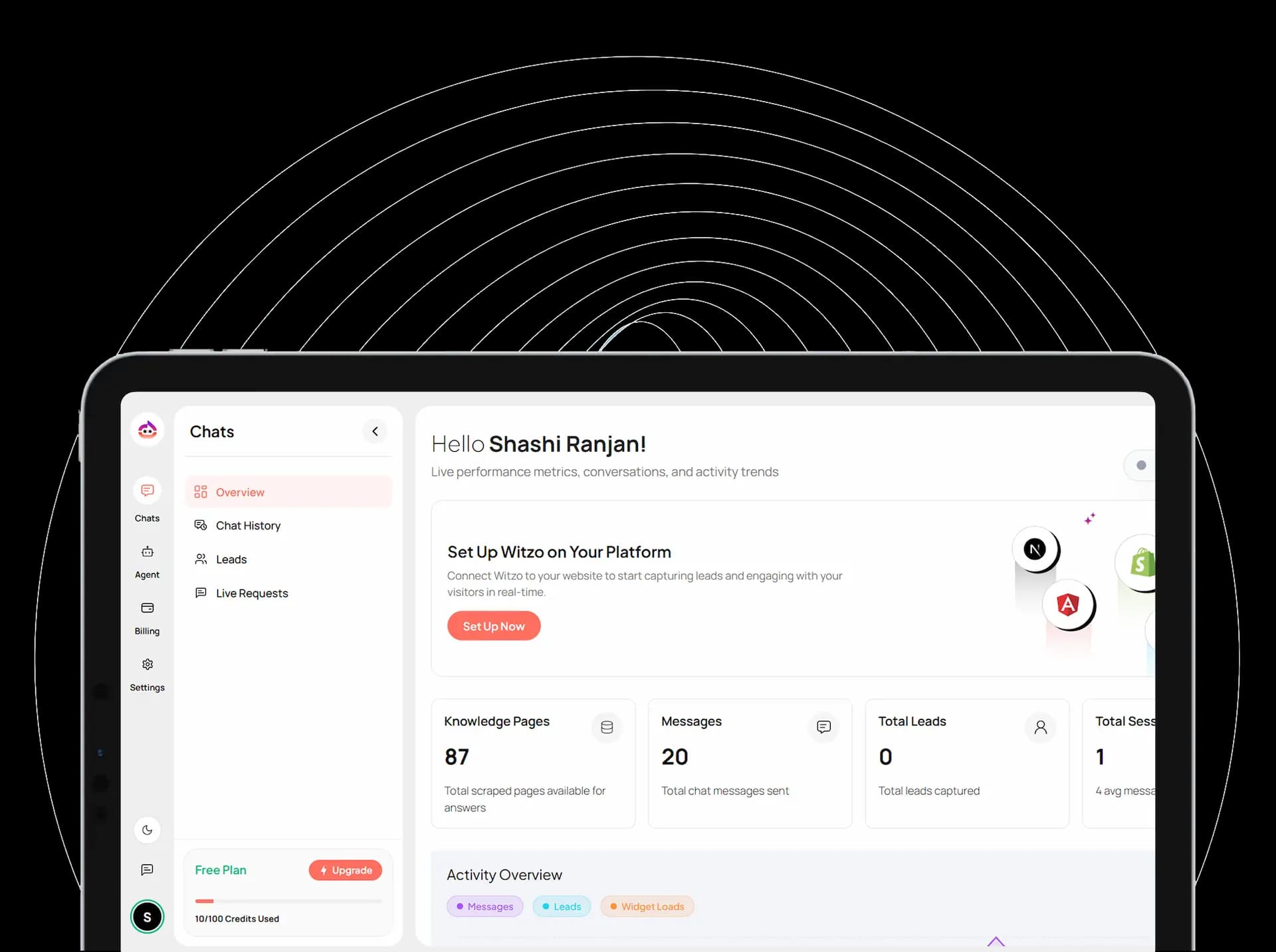
Every chat gives you useful information. With Conversations, Analytics, and Feedback, you can understand visitor intent and improve your website content based on real questions.
Best for: content improvement, CRO, SEO insights, support analysis
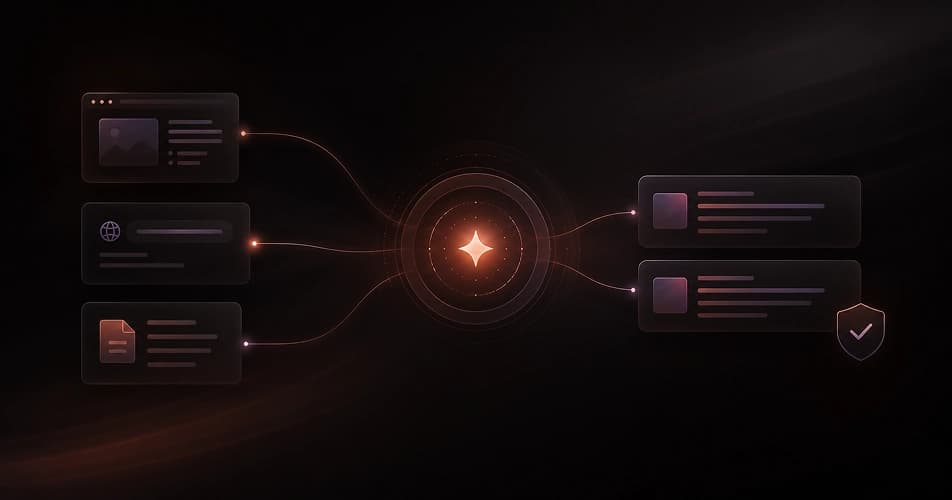
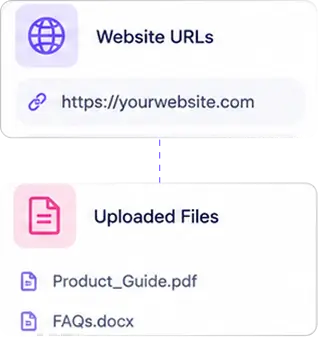
Witzo answers from sources you control: your website URLs and uploaded files. Update a source, retrain, and the answers change with it, so the bot keeps pace with your business.
Best for: accurate, on-brand answers you can audit

Here are a few common situations where Witzo can help your website turn more visitors into conversations and leads.
Witzo Action
The chatbot answers using your website information and collects the visitor's contact details.
Result
You wake up to a lead instead of a missed enquiry.
Witzo Action
The chatbot answers instantly without making the visitor leave the page.
Result
The shopper can continue toward checkout.
Witzo Action
The chatbot answers based on your service pages and asks for contact details.
Result
Your team receives a qualified enquiry.
Witzo Action
Analytics shows the repeated topic.
Result
You update the page, add the missing answer, and reduce confusion.
Witzo Action
Your team reviews the chat and improves the source content.
Result
The chatbot gives better answers in future conversations.
Witzo is trained using the content you provide. You can add your website URLs and upload documents in Data Sources. This makes the chatbot more reliable because it answers from your actual business information instead of guessing.
A generic chatbot may give broad answers. Witzo gives answers based on your own pages, policies, product details, service information, and documents. When your business information changes, you update the source and retrain the chatbot. You stay in control of what the chatbot knows.
You do not need a complex setup to launch Witzo. Train the chatbot, customize the widget, and embed it on your website with one script tag.
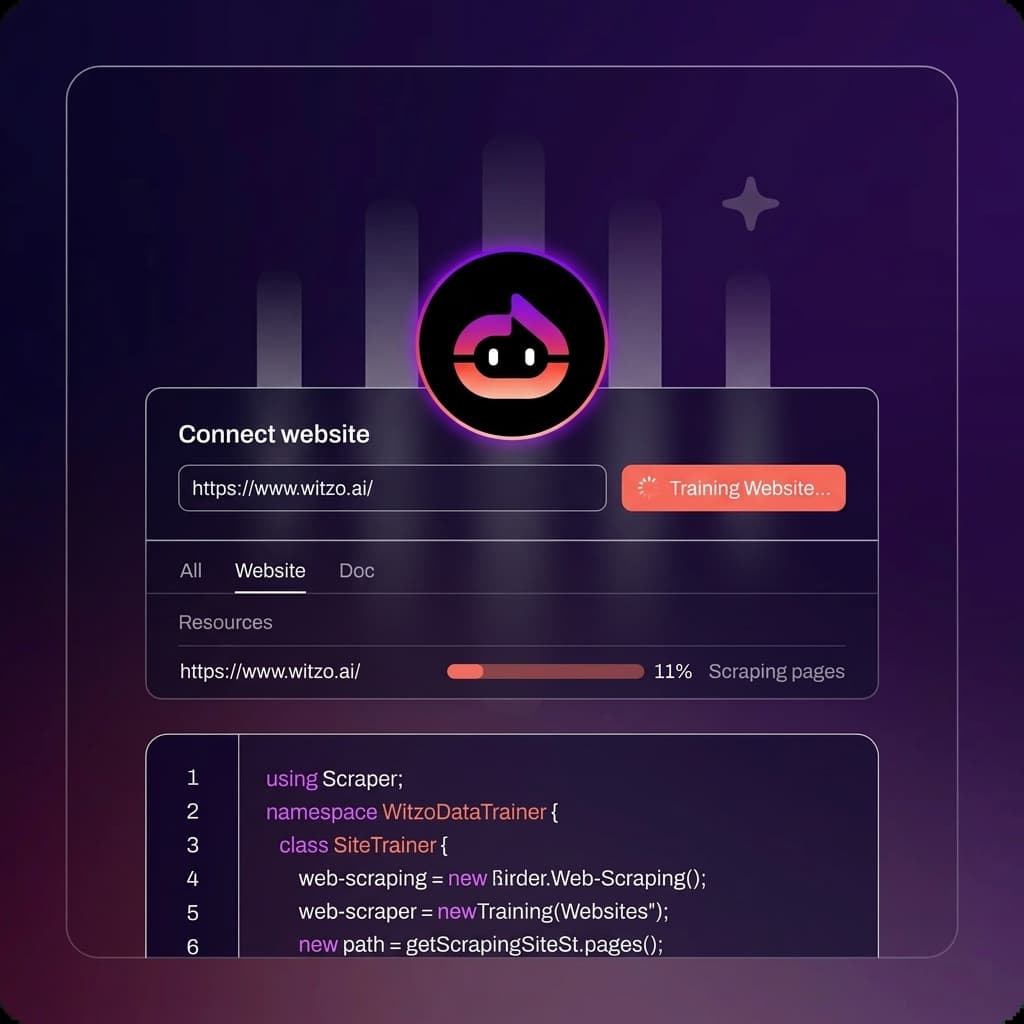
Add your website URLs and upload your documents in Data Sources. Start with the pages that get the most questions, such as pricing, services, product details, shipping, returns, FAQs, or support pages. See train on website and document training.
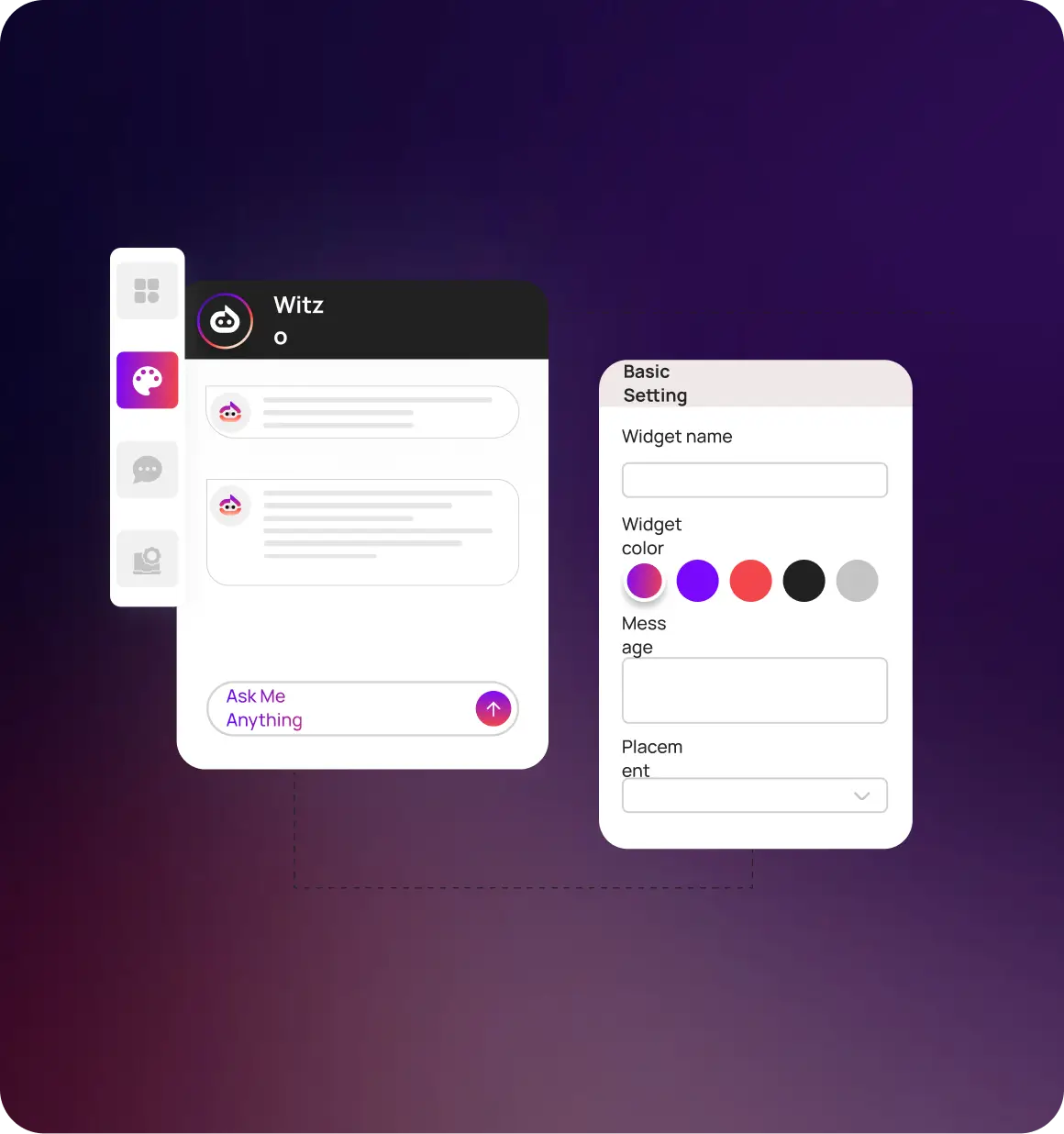
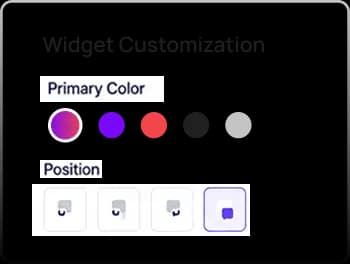
Use Widget Customization to match the chatbot with your brand. Set the widget name, color, welcome message, and placement so the chat widget feels like a natural part of your website.
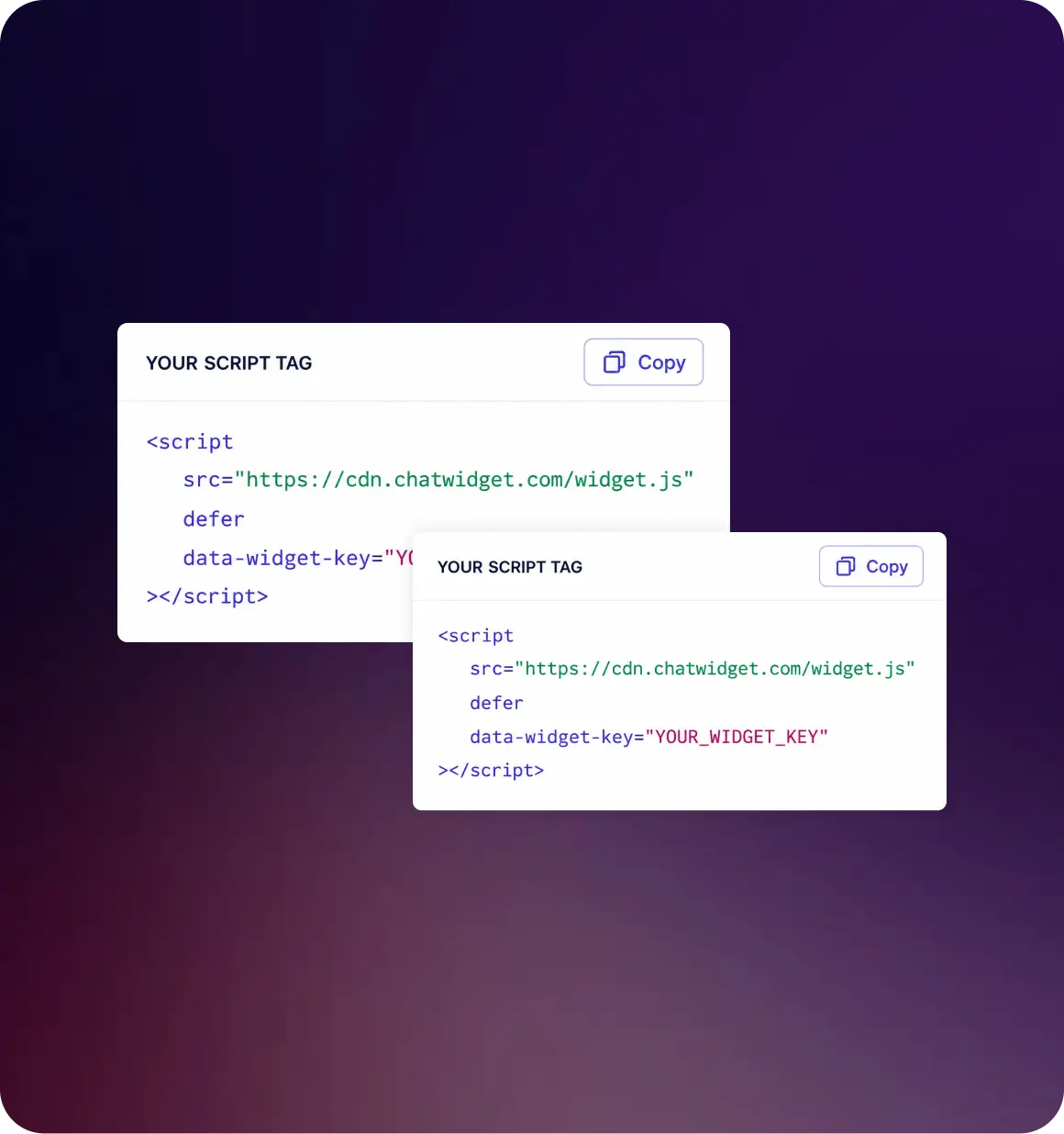
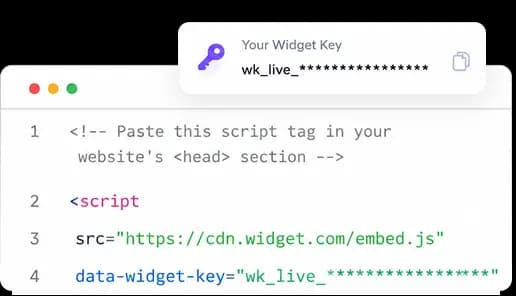
Copy the script tag with your Widget key and add it to your website. Once the script is added, the chat widget appears on your site. No complex backend work is required. See installation.
Train it on your own content and go live with one script tag.
Start for Free
Save time by letting the chatbot handle routine questions. Capture leads even after working hours and make your website more useful to visitors.

Understand what visitors are asking, find content gaps, and turn website conversations into leads.

Reduce repeated support questions and give your team more time for conversations that need human attention.

Answer product, shipping, return, and availability questions without making shoppers leave the product page.

Help visitors understand your services, ask the right questions, and share their contact details for follow-up.
A generic chatbot may not understand your business. It may give broad answers, ask visitors to contact support, or fail when the question is specific. Witzo is trained on your own website pages and documents.
Gives generic answers
Needs fixed scripts or rules
May not understand your business
Hard to improve over time
Often feels disconnected
Limited visibility into user questions
Answers using your own content
Learns from website URLs and documents
Uses your actual business information
Conversations and Feedback show what to fix
Can be customized to match your brand
Analytics helps you understand visitor intent
A generic bot is like a stranger reading from a script. Witzo is like a trained website assistant that has already read your content before the visitor asks a question.
Witzo helps your website answer better, capture more leads, and give your team useful insights.
You decide what the chatbot knows by adding website URLs and documents. This keeps the answers specific to your business.
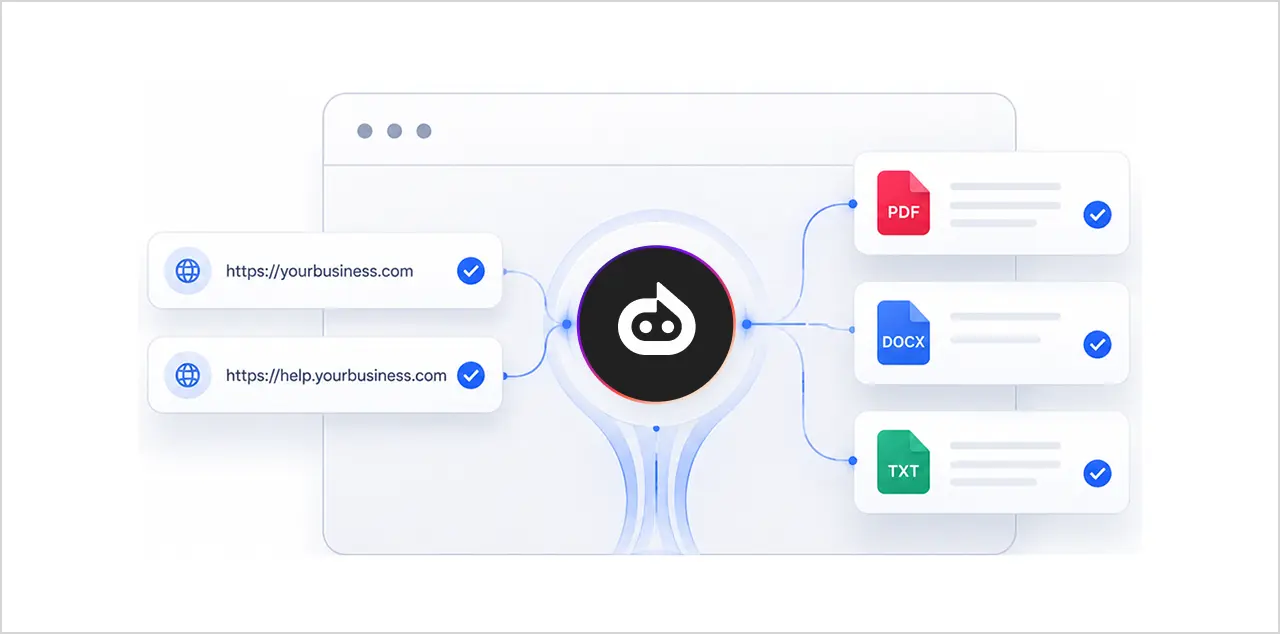
Add Witzo to your website with one script tag using your Widget key. Setup is simple without major development work.
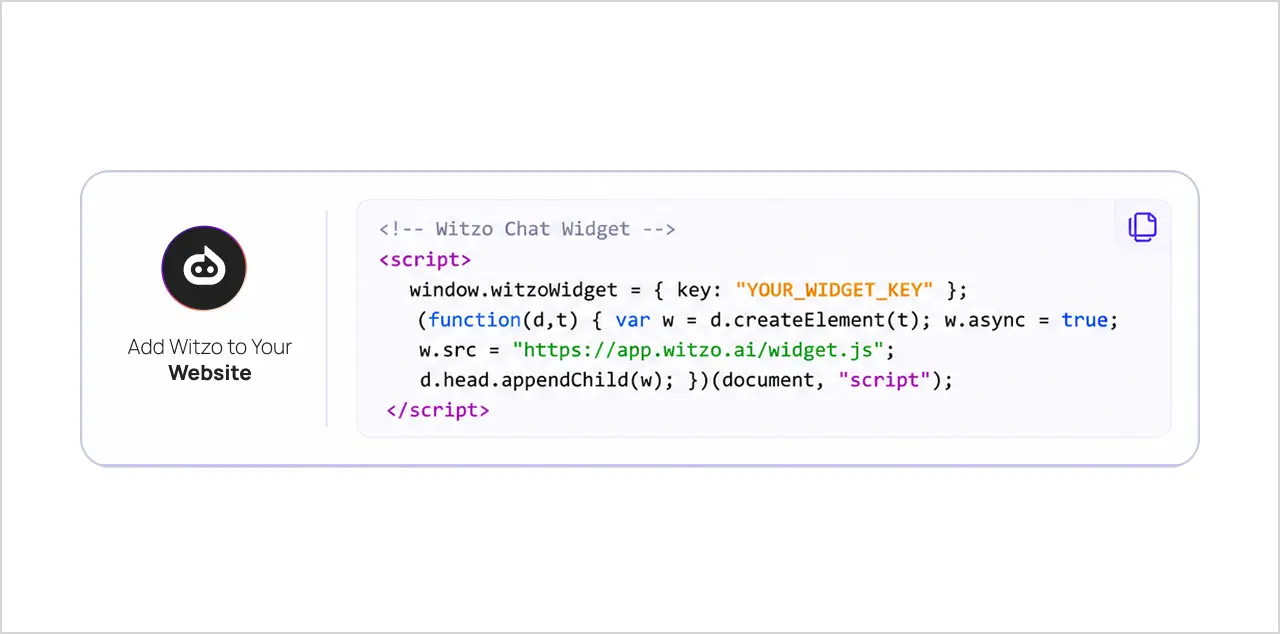
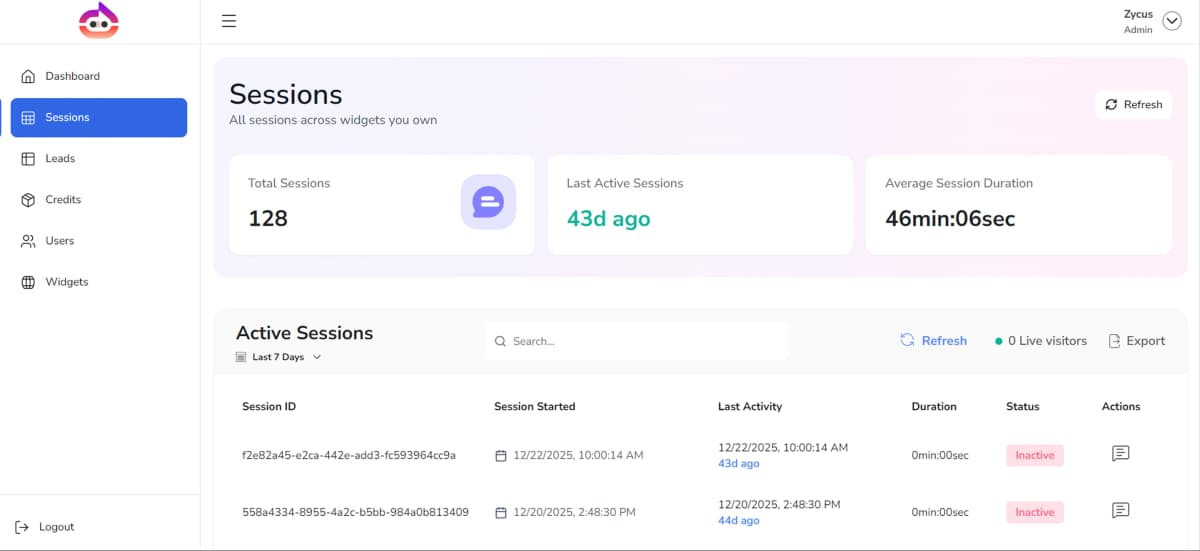
Manage your chatbot, review chats, track leads, and improve answers in one place: Data Sources, Widget Customization, Conversations, Leads, Analytics, and Feedback.
Witzo loads from one script tag, so it works on any website, whatever it is built with. Add your Widget key and the chat widget appears, no matter your tech stack.

Add the chatbot with the WordPress installation steps.

Add it to your Shopify store so shoppers can ask while browsing.

Paste the script into your site settings or a page embed.

Drop the script into a custom code block.

Add the script through code injection.

Include the script tag in your app shell or index file.

Add the one-line script to any page template.

If you can add a script tag, you can add Witzo.
Witzo is not only a chatbot. It also helps you understand what happens after visitors start chatting.

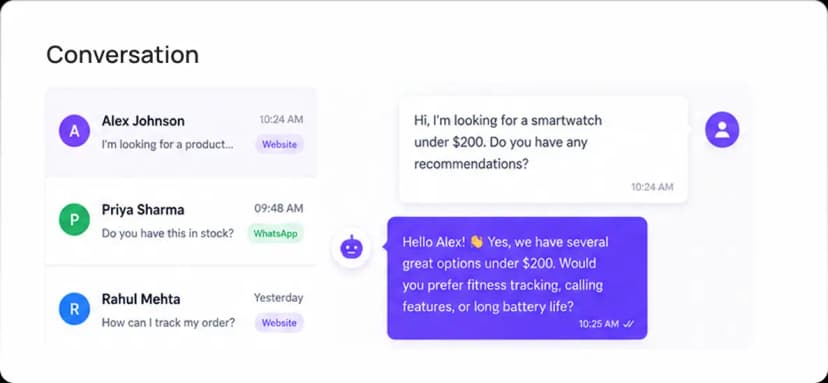
Read full chat histories and understand what visitors ask on your website.

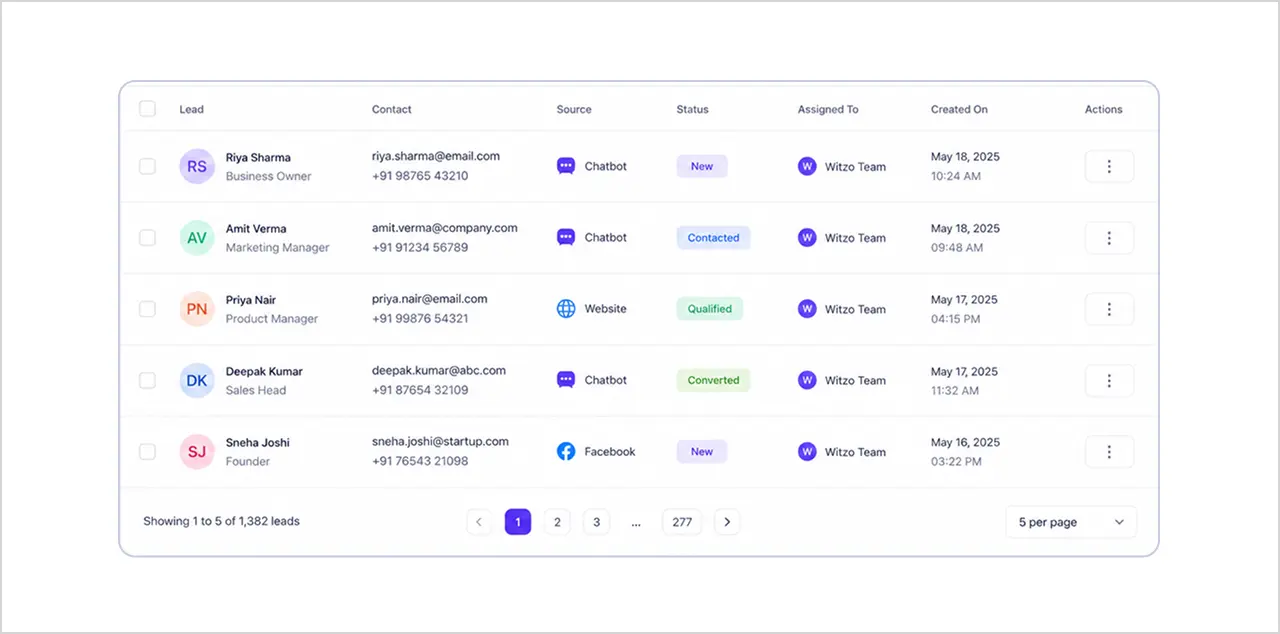
View captured visitor details and follow up with interested prospects.

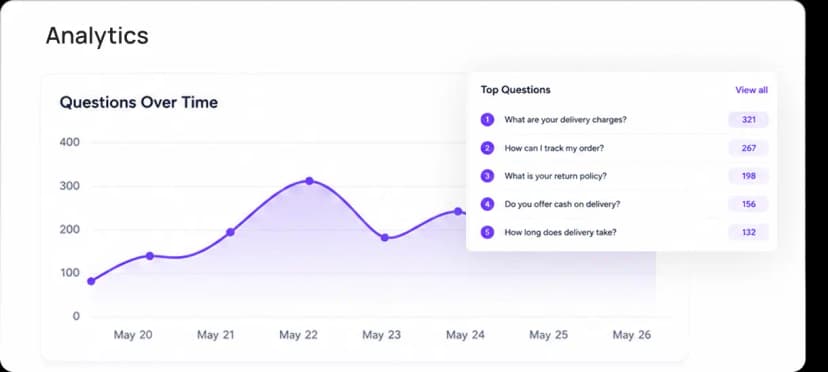
Find common topics, repeated questions, and areas where your website may need better content.

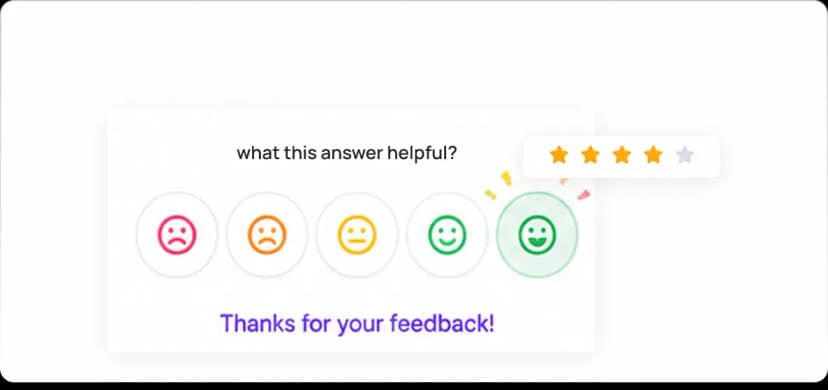
Collect visitor ratings and identify which answers need improvement.
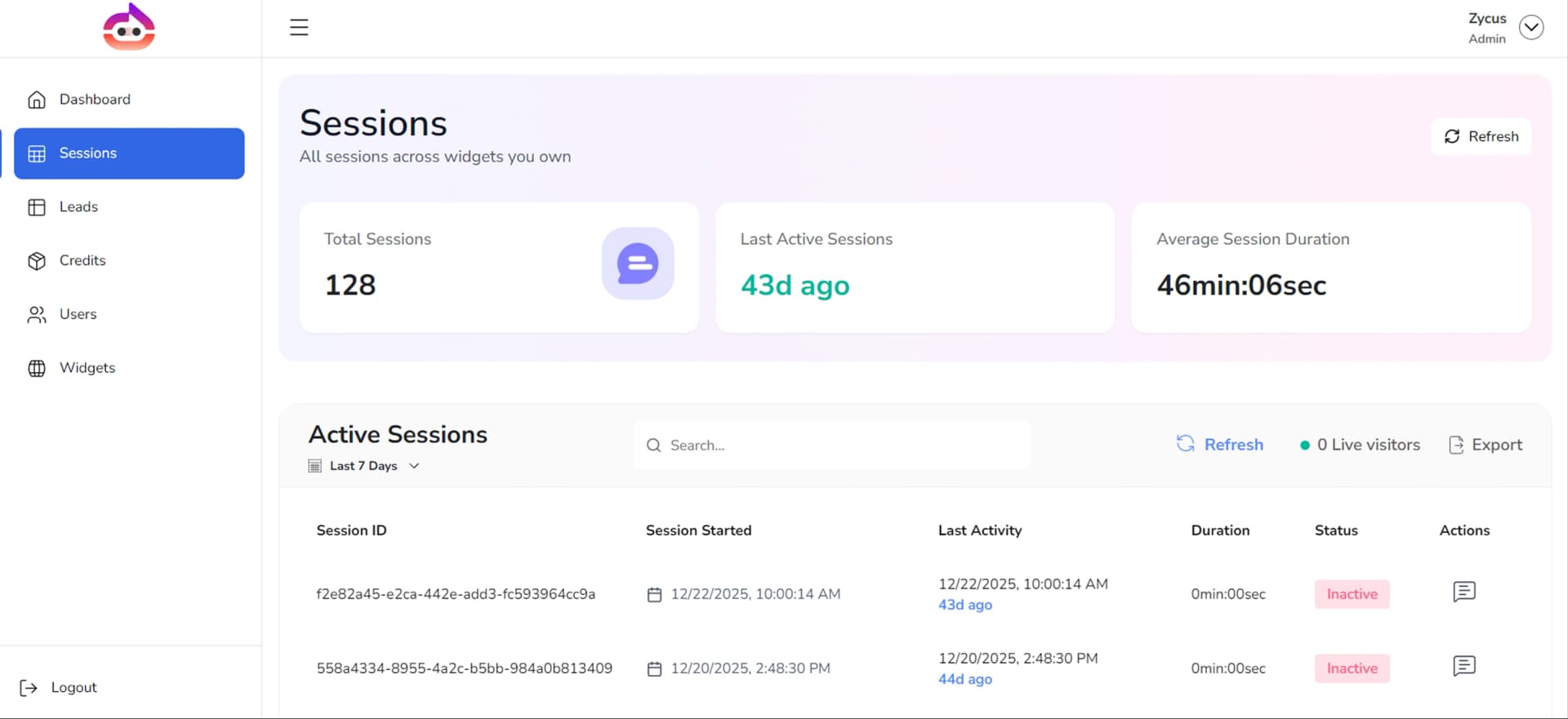
💡 Together, these sections help turn website chats into a practical improvement plan for your business.
Grow with Witzo
Start with a basic chatbot setup and expand as your needs grow. The core features help you train your chatbot, answer visitor questions, capture conversations, review leads, and understand website activity.
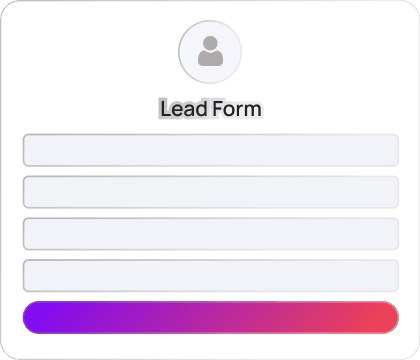
As your business grows, you can explore advanced features such as Fallback Lead Form, Auto Follow-up Email, CRM integrations, and White-Label options.
Capture visitor details when a conversation needs follow-up.
Reach visitors after a chat and continue the conversation.
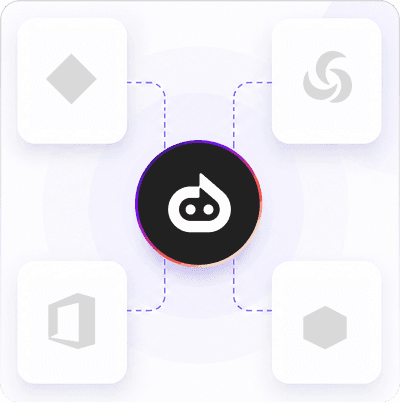
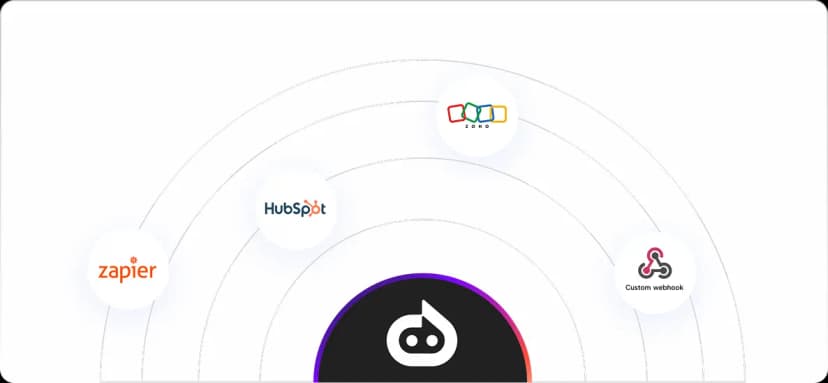
Connect with tools such as HubSpot, Zoho, Salesforce, and SAP ERP.
Use your own brand experience for larger business needs.
Plan Restriction: Some features are plan-based. Check the pricing for complete plan details.

Witzo offers Free, Basic, Standard, and Enterprise plans. Start free and upgrade as your conversations grow. Paid plans begin at $30/month, and annual billing saves 20%. Enterprise plans are available for larger teams that need advanced integrations, white-label options, and custom requirements.
At a glance
One platform to train your chatbot, answer visitors, capture leads, and improve your website.
Answers from your website URLs and uploaded files.
Match colors, wording, and placement to your brand.
Go live with a single script tag and your Widget key.
Read every chat under Conversations.
Save visitor details under Leads.
See the questions and topics that come up most.
Collect visitor ratings on answers.
CRM integrations and White-Label.
Find everything you need to know about Witzo, from security to supported assets.
Your website already gets visitors. Witzo helps you answer their questions, capture their details, and understand what they need before they leave. Train your chatbot on your own content, customize the widget, and go live with one script tag.