
A ai chatbot can only respond well when it clearly understands the information it is trained on. Many businesses add a chatbot to their website but struggle with poor responses, missed queries, or generic answers that do not reflect their offerings. The difference usually comes down to how the chatbot is trained.
Your website already contains valuable content, service details, FAQs, product information, and brand messaging. When this content is structured and used correctly, it becomes a strong foundation for training a chatbot.
This guide explains how to turn your website content into a reliable knowledge base and train AI chat agent that responds in a way that feels accurate, relevant, and easy to interact with.
Why Website Content is the Best Training Source
Your website represents how your business communicates with customers. It contains verified information and reflects your tone, services, and positioning. Using this content for chatbot training helps maintain consistency across all interactions.
- It keeps responses aligned with your actual offerings
- It reduces dependency on manual support
- It improves response accuracy with real business data
- It creates a consistent experience across the website and chatbot
Instead of relying on generic datasets, your own content gives the chatbot context that is specific to your business.
Step 1: Audit and Organize Your Content
Before training begins, review your website content carefully. Not every page is useful for chatbot training, and some sections may even create confusion.
Focus on:
- Product or service pages
- FAQs and help sections
- Pricing or package details
- About the company information
Remove outdated, duplicate, or unclear content. If multiple pages say the same thing in different ways, consolidate them. A chatbot learns patterns from content, so clarity at this stage directly improves performance.
Step 2: Structure Content for Better Understanding
Chatbots process information more effectively when content is structured properly. Long paragraphs or mixed topics make it harder to identify the right response.
Improve structure by:
- Breaking content into smaller sections
- Using clear headings and subheadings
- Writing direct and specific answers
- Including question-and-answer formats where possible
For example, instead of a long paragraph explaining pricing, create a clear section answering “What are your pricing options?” This makes it easier for the chatbot to map user queries to the right response.
Step 3: Choose the Right Chatbot Platform
The platform you choose plays a major role in how your chatbot learns and performs. Different tools offer different training methods.
Look for:
- Knowledge base training options
- Natural language understanding capabilities
- Context handling for follow-up questions
- Support for multiple languages
- Performance tracking and analytics
If your business handles a high volume of customer queries, consider platforms that support both chat and voice interactions for better reach.
Step 4: Feed Your Website Data
Once your content is ready, the next step is to provide it to the chatbot system.
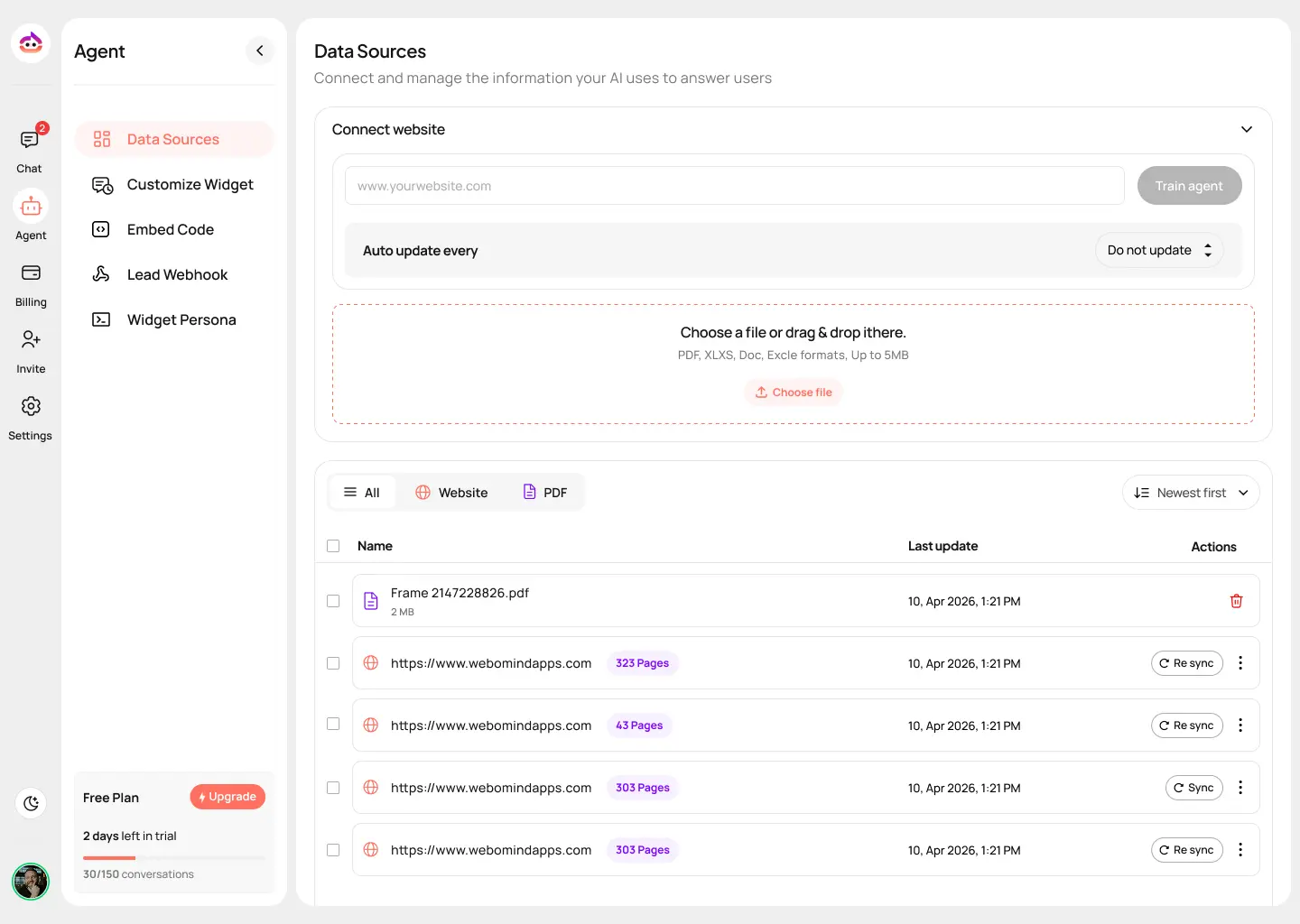
You can do this by:
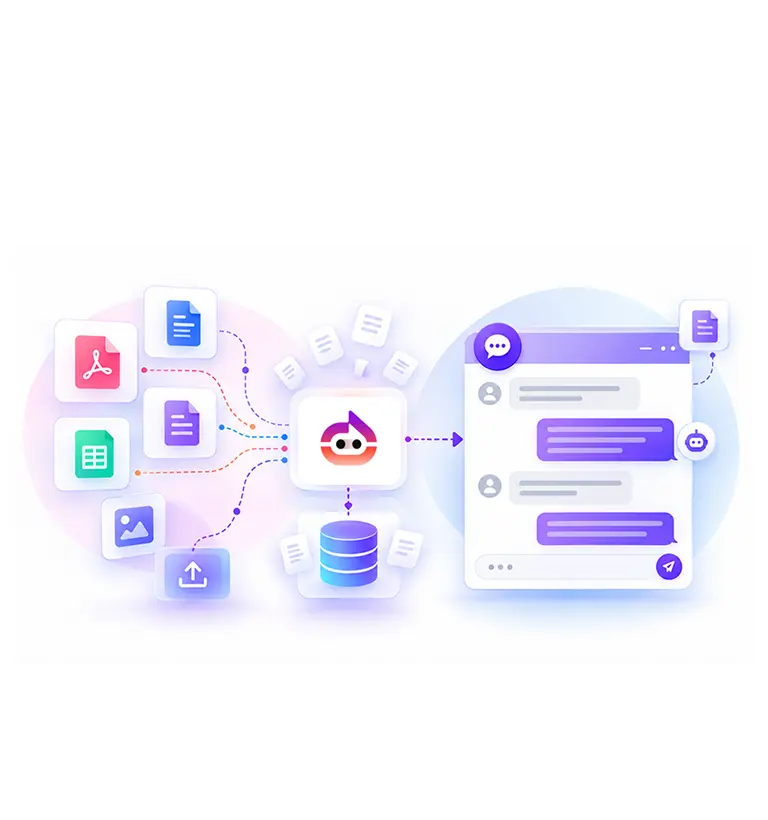
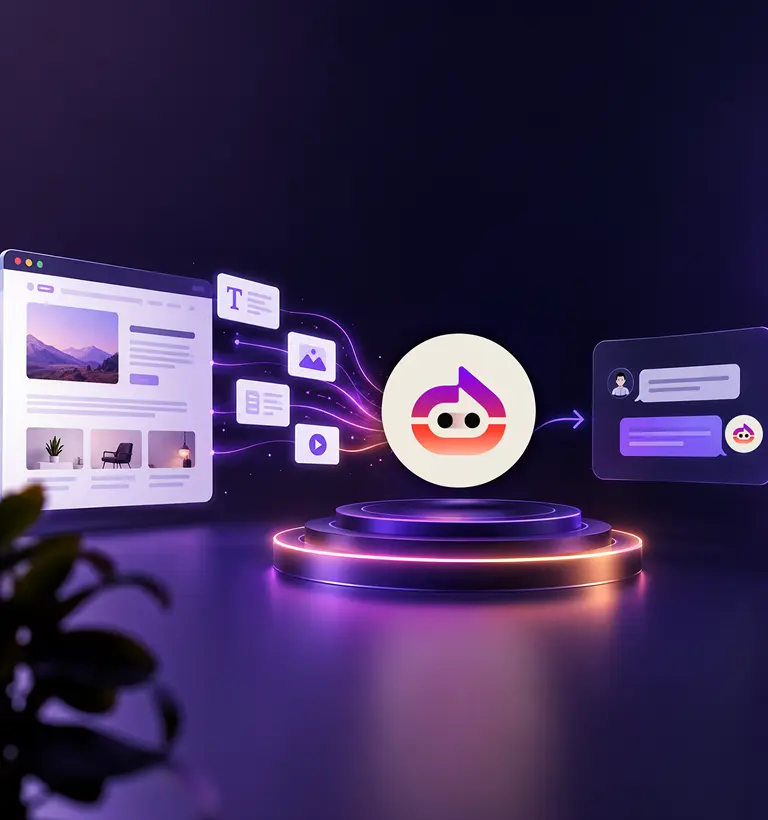
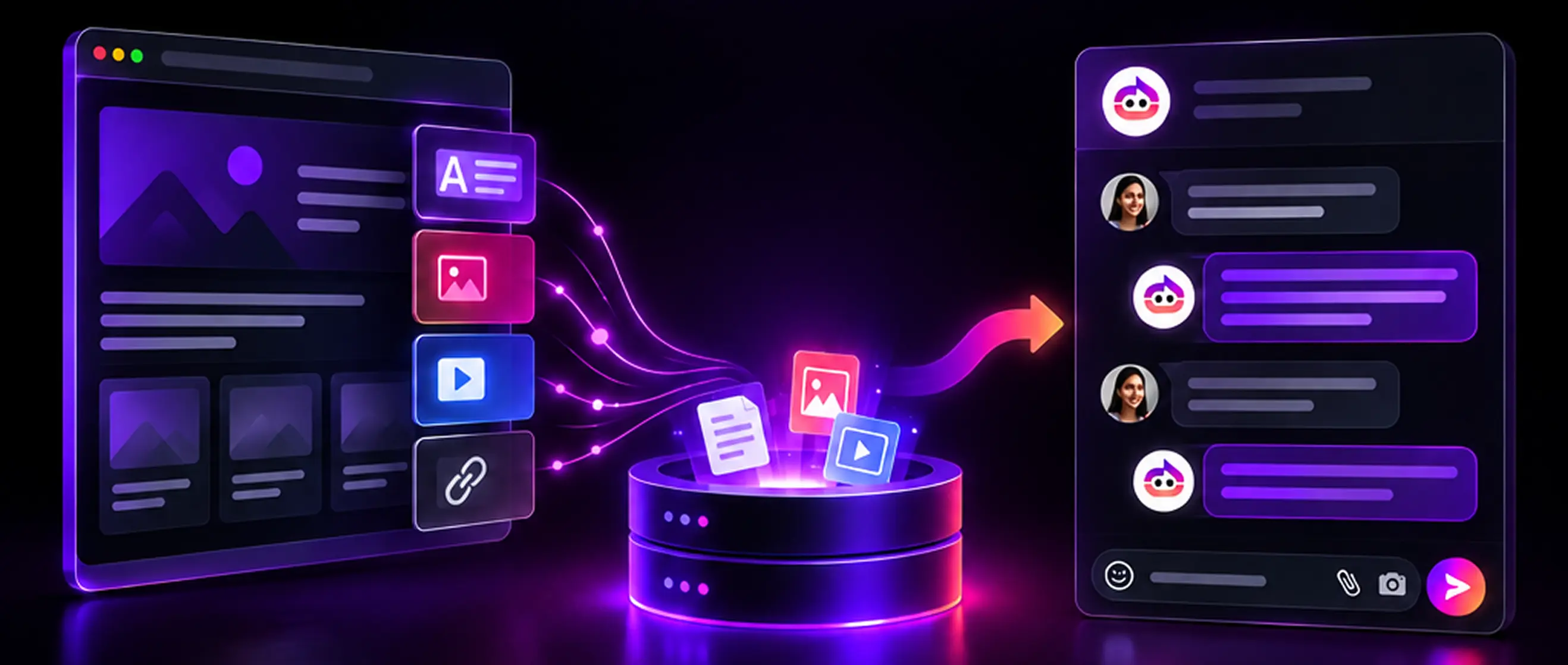
- Uploading website URLs for automated crawling
- Adding documents such as PDFs or text files
- Manually entering FAQs and key responses
- Connecting your CMS or database
During this stage, the chatbot builds a knowledge base by identifying patterns, keywords, and relationships within the content.
Step 5: Train for Intent and Query Variations
Users do not always ask questions in the same way. A chatbot must understand different variations of the same query.
For example:
- “What are your pricing plans?”
- “How much does it cost?”
- “Do you have monthly packages?”
All of these should lead to the same response.
To improve this:
- Add multiple sample queries for each intent
- Include synonyms and variations
- Use real customer queries if available
This step helps the chatbot respond naturally, even when the phrasing changes.
Step 6: Test with Real Scenarios
Testing is where many gaps become visible. Instead of basic checks, simulate real user behavior.
Test by:
- Asking incomplete or unclear questions
- Using both formal and casual language
- Trying uncommon or edge-case queries
This helps identify where the chatbot may fail, give incorrect answers, or require better training.
Step 7: Refine and Improve Continuously
Chatbot training is an ongoing process. It improves as more users interact with it.
Track:
- Frequently asked questions
- Queries that receive no response
- Incorrect or irrelevant answers
Use these insights to update your content and retrain the chatbot. Even small adjustments can improve accuracy and user satisfaction.
Common Mistakes to Avoid
- Uploading unfiltered website data
- Poor content clarity
- No intent mapping
- Ignoring real user queries
- Skipping detailed testing
- Overloading with too much data
- No fallback responses
- Not updating regularly
Adding all pages without reviewing content often leads to irrelevant or confusing responses. The chatbot may pull information from low-value sections instead of key pages.
If your content is vague or overly complex, the chatbot will struggle to provide clear answers. Simple, direct content works better.
Making the Chatbot Feel Human
- Use conversational language
- Acknowledge user intent
- Provide balanced responses
- Add variation in responses
- Handle confusion politely
- Maintain a consistent tone
- Offer guided options
Write responses in a way that feels natural and easy to understand rather than formal or rigid.
Conclusion
Training a chatbot using your website content is a practical way to improve how your business interacts with users. When the content is clear, structured, and regularly updated, the ai chat agent becomes more accurate and helpful over time. It can handle common queries, guide users effectively, and reduce the load on support teams.
The process requires attention to detail, from content preparation to continuous refinement. With the right approach, a chatbot can become a reliable extension of your communication, offering responses that feel relevant and easy to understand.
Train smarter chatbots with Witzo. Turn your website content into meaningful conversations, improve response quality, and handle customer queries with clarity using AI built around your business needs.