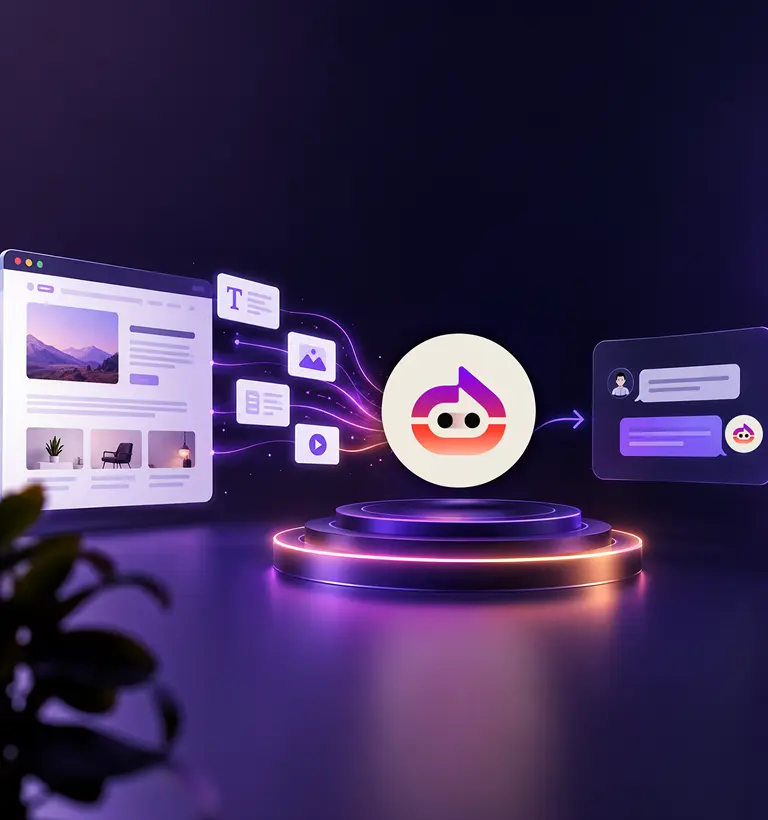

Quick answer: Yes. You can train a chatbot on your documents, not just your web pages. With Witzo, you can upload PDF, DOC, DOCX, CSV, XLS, XLSX, and TXT files. The chatbot reads them and answers visitor questions from that content, so the replies match what's in your own files.
If you are comparing chatbot tools, you have probably hit this question. Your best answers are not always on a web page. They're in a PDF spec sheet, a price list spreadsheet, or a policy document you send to customers.
So can a chatbot use those files? Yes. Here's exactly which formats work, how the training happens, and where documents beat web pages.
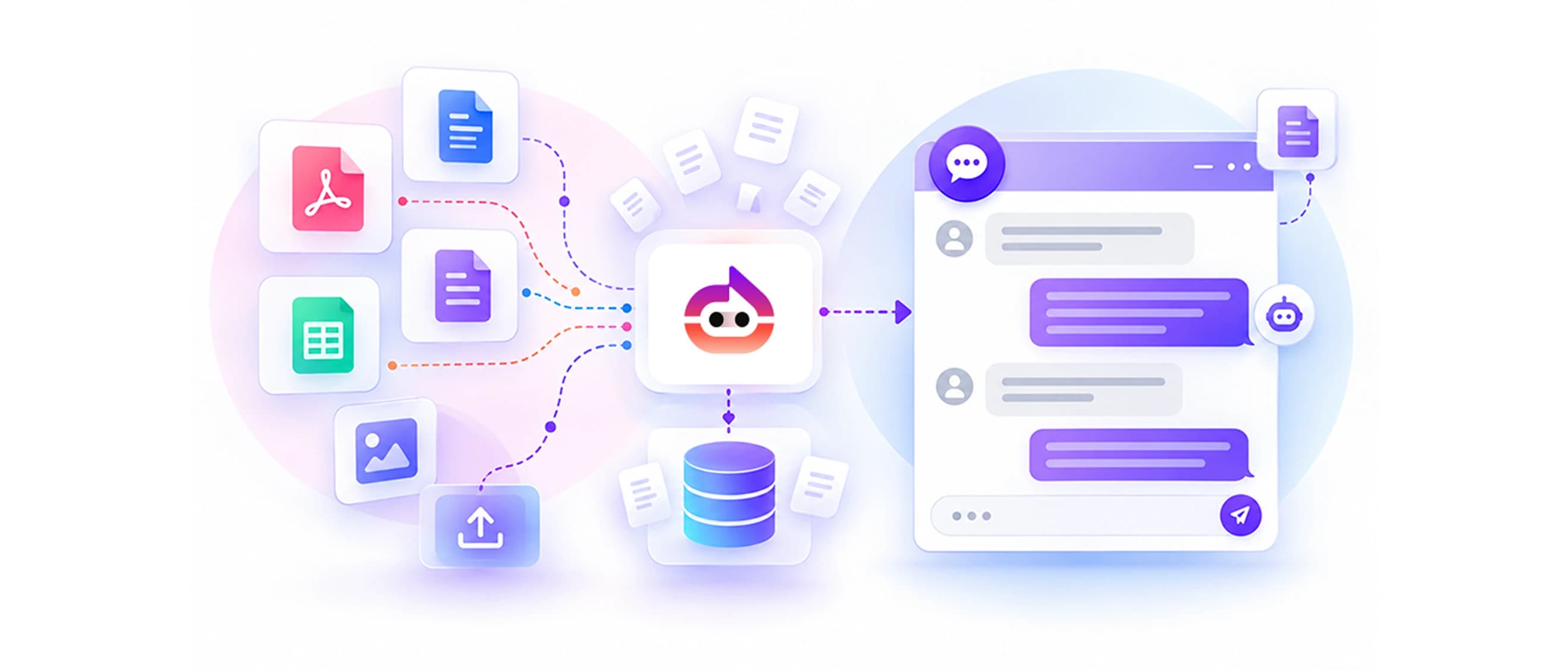
Which file types you can train on
With Witzo, you can upload these formats in the Data Sources section:
- PDF for spec sheets, manuals, brochures, and warranty terms
- DOC and DOCX for policies, guides, and proposals written in Word
- CSV, XLS, and XLSX for price lists, product tables, and other spreadsheet data
- TXT for plain notes, FAQs, or exported content
That covers the documents most businesses already keep on hand. You don't have to rebuild anything as a web page first. Upload the file you have, and the chatbot reads it.
Why people train chatbots on documents, not just websites
A website shows what you want the public to see. Documents often hold the detail customers actually ask about.
Think about the gap. Your site might list "warranty included," but the full terms live in a PDF. Your homepage says "flexible pricing," while the real numbers sit in a spreadsheet. A chatbot trained on documents can answer from that deeper layer.
For a buyer weighing their options, that detail is the difference between a quick yes and another round of emails. Document training closes that gap.
It also saves you work. Instead of copying file contents into new web pages, you upload the file you already have. The information you send customers by hand becomes something the chatbot can share on its own.
How training a chatbot on documents works
The process is simple on your side, even if the work behind it isn't.
You upload a file. The chatbot reads the text inside it, splits that text into smaller pieces, and stores those pieces so it can search them fast. When a visitor asks a question, the bot finds the matching pieces and writes a reply in plain language.
So a 30-page manual doesn't get pasted back at the visitor. The chatbot pulls the few lines that answer the question and turns them into a short, clear response. You can read more on our document training page.
Upload your first document to Witzo on the free plan and watch the chatbot answer from it.
What kind of documents work best
Not every file gives the same result. A few things help the chatbot get more from what you upload:
- Text it can read. A PDF with selectable text works better than a scanned image of a page. If you can highlight the words, the bot can read them.
- Clear structure. Headings, short sections, and labeled tables are easier to match against a question than a wall of text.
- One topic per file. A focused warranty document is easier to search than a 90-page catch-all binder.
- Current versions. Upload the latest price list, not last year's. Old files produce old answers.
You don't need to redesign your documents. You just get better results when the content inside them is clean and up to date.
Documents or website URLs: when to use each
You don't have to pick one. Witzo lets you train on both, and most businesses do.
Use your website URLs for the public basics: what you offer, who you are, how to get started. Use documents for the detail that lives off the page: full terms, exact specs, complete price tables. Together they give the chatbot a fuller picture than either source alone.
A practical rule: if a customer would have to email you to get a file, that file is a good candidate to upload.
You can also start with a small set and grow it. Add the documents tied to your most common questions first, see how the chatbot handles them, then upload more as you spot gaps in the answers.
Honest limits to keep in mind
Document training is useful, but it isn't magic.
A scanned image without real text can be hard for the bot to read, so a clean digital file is the safer choice. The chatbot also won't know about edits you make in a document until you upload the new version. And it answers from what's in the file, so a gap in your document is a gap in the answers.
For complex or sensitive cases, a person should still step in. The chatbot handles the common, repeatable questions well, which leaves your team free for the rest.
If privacy or compliance matters for your use, remember that compliance also depends on your legal, operational, and business processes, not the product alone.
Where document training pays off
A few real situations show the value.
An equipment supplier uploads product manuals as PDFs. Shoppers ask about dimensions and power requirements, and the chatbot answers straight from the spec sheets instead of sending them to a sales rep.
A clinic uploads its services and pricing document. Patients get clear answers about what a visit costs before they call, which cuts down on back-and-forth.
A software company uploads its onboarding guide. New users ask setup questions in the chat and get the exact steps from the guide, day or night.
A real estate agency uploads a building's floor plans and fee schedule as PDFs. Prospects ask about layouts and monthly costs and get answers in the chat, which keeps them engaged while they decide.
In each case, the answer already existed in a file. Document training just made it easy to reach.
What you get with Witzo
Beyond reading your files, Witzo shows you how the chatbot performs. The dashboard tracks Conversations, captures Leads, shows Analytics, and collects Feedback through visitor chat ratings. So you can see which questions come up and whether your documents answer them well. If a topic keeps coming up that your files don't cover, that's a clear signal to upload another document or update an existing one.
Some features depend on your plan. A Fallback Lead Form and an Auto Follow-up Email are plan-gated. Plan Restriction: Check the pricing page for your plan.
The short version
Can you train a chatbot on PDFs and documents? Yes. Upload your PDF, Word, spreadsheet, or text files, keep them current, and the chatbot answers from them alongside your web pages. It's a practical way to put the detail in your documents to work without rewriting any of it.
Start free with Witzo and train a chatbot on your own documents. See pricing page when you need more.