
When someone visits your website, they usually have something in mind. A question, a doubt, or something they want to understand. If they don’t find it quickly, they leave. That’s the reality most businesses deal with.
An AI chatbot helps you change that. It stays on your website, ready to respond, guide, and support every visitor the moment they arrive. It doesn’t get tired, and it doesn’t miss a single message. If you’ve been thinking about how to add chatbot to website but felt it might be too technical, it’s actually much simpler than it seems.
In this blog, you’ll learn how AI chatbots work, why they matter for your website, and how to add one in a few simple steps.
What Is an AI Chatbot for a Website?
An AI chatbot is like having someone on your website who is always ready to help. It talks to visitors, answers their questions, and guides them in real time.
Instead of searching through pages or waiting for a reply, visitors can simply ask what they need and get an instant answer. You don’t have to build anything from scratch. The chatbot can learn from your website content and use that to respond. It’s like your website finally has a voice.
Why Add an AI Chatbot to Your Website?
Automate Customer Support 24/7
People visit your website at all times and you can’t always be there to respond. A chatbot fills that gap. It answers common questions, shares details, and helps visitors without delay. Even when you are offline, your website still feels active and helpful.
Capture Leads
Many visitors come with interest but leave without taking action. A chatbot can gently ask questions, understand their needs, and collect their details. Instead of losing potential customers, you start building a list of people who are already interested in what you offer.
Reduce Bounce Rate and Improve Engagement
When visitors don’t find what they need, they leave within seconds. A chatbot gives them a reason to stay. It starts conversations, guides them to the right pages, and keeps them engaged. This small interaction can turn a casual visitor into someone who spends time on your website and explores more.
How to Add an AI Chatbot to Your Website with Witzo
If you’re wondering how to create a chatbot for a website without coding, tools like Witzo make the process simple. You don’t need technical knowledge. You just need your website content.
Let’s break it down step by step.
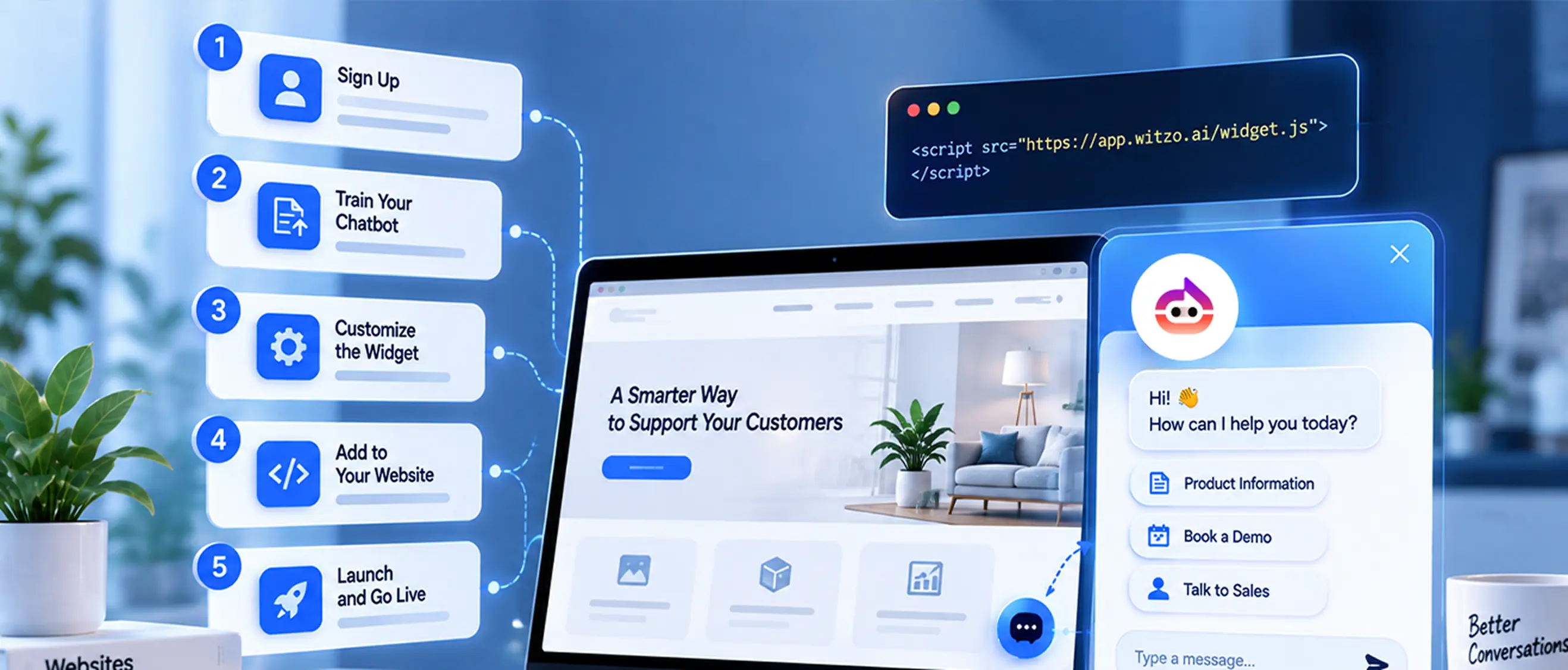
Step 1 : Create Your Witzo Account and Add Your Website
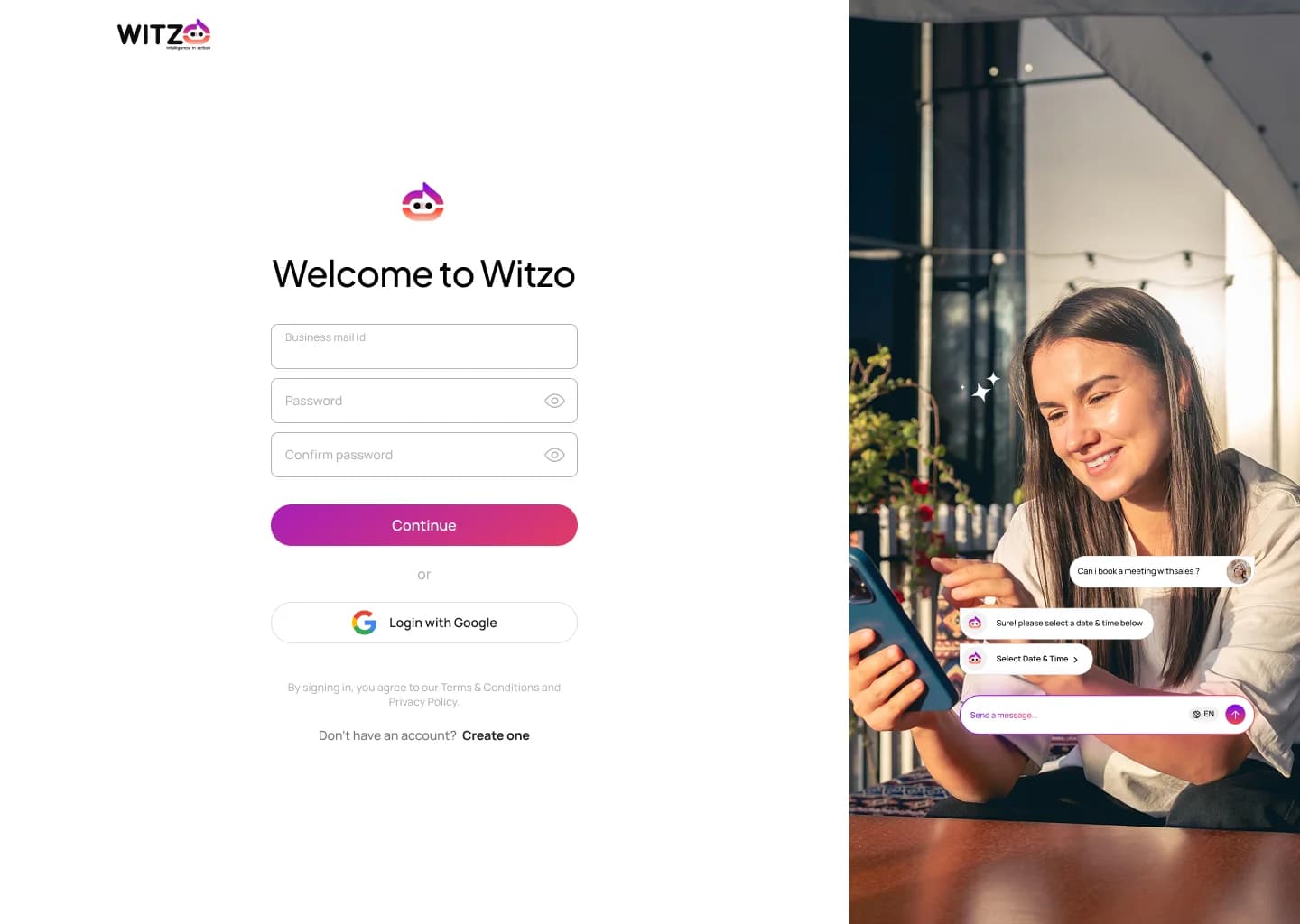
Start by creating your account. Once you’re in, the first step is to help the chatbot understand your business.
Add website pages via URL scraping
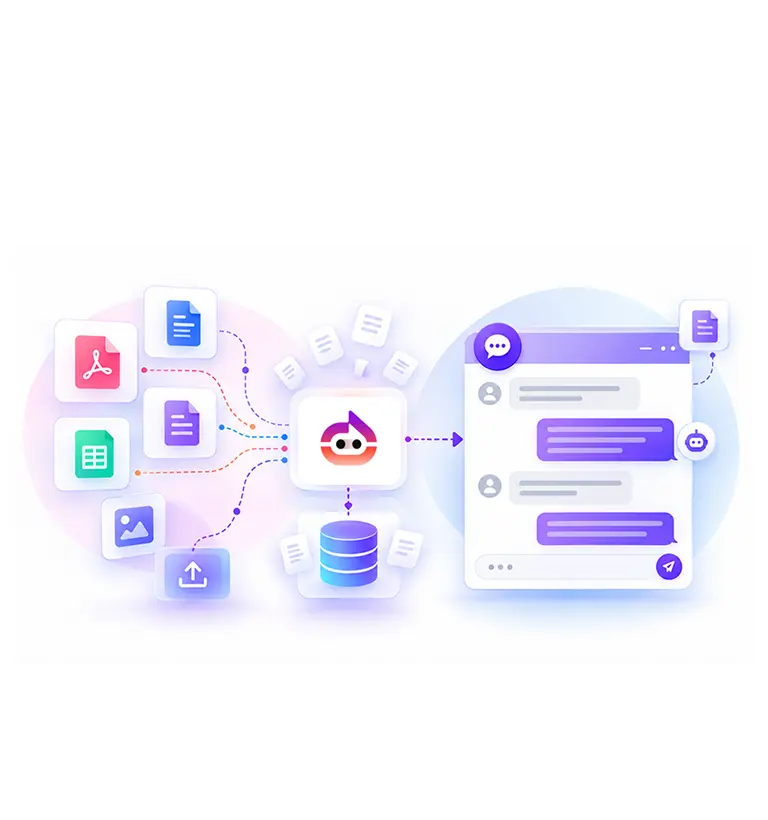
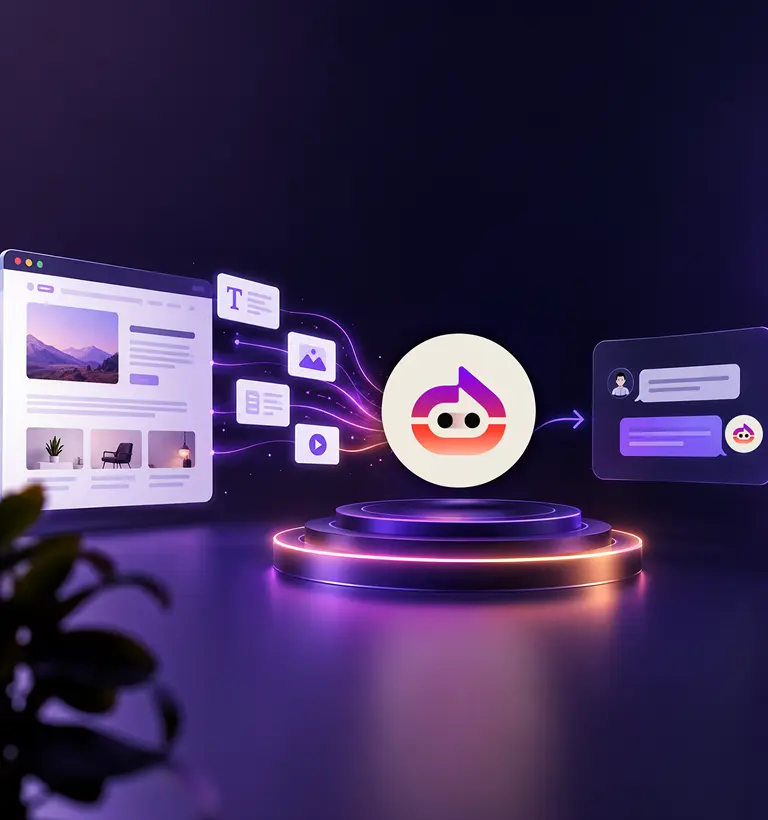
You can simply enter your website link. The system will read your pages and collect information from them. This process is like teaching the chatbot by showing it your website. It studies your content and uses it to answer questions. This is one of the easiest ways to understand how to train a chatbot using your existing content.
Upload documents (PDF, DOCX, CSV, and more)
If you have extra information that is not on your website, you can upload it.
- Brochures
- Product details
- FAQs
- Price lists
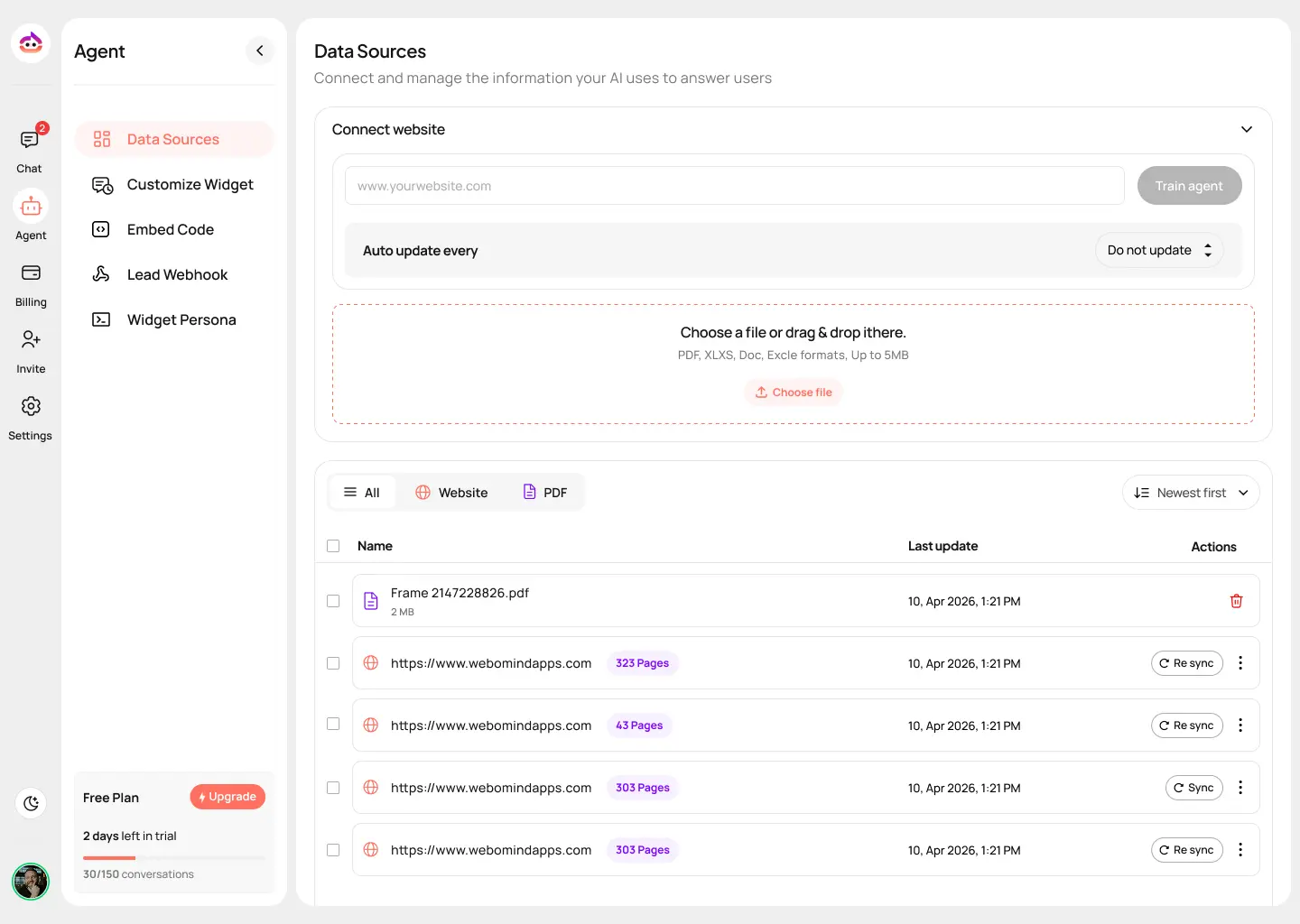
The chatbot reads these files and adds them to its knowledge. This helps it give more complete and accurate answers.
Step 2 : Train and Retrain Your AI
Once your data is added, the chatbot starts learning. But this is not a one-time process. You can keep improving it. If you notice a reply that feels incomplete, you can update it. Over time, the chatbot becomes better because it learns from real conversations. This is how you continue to train a chatbot and make it more useful for your visitors.
Step 3 : Customize Your Chat Widget
Now it’s time to make the chatbot match your website.
- Colors
- Chat title
- Welcome message
- Logo
This small step makes a big difference. The chatbot feels like a part of your brand instead of something added later.
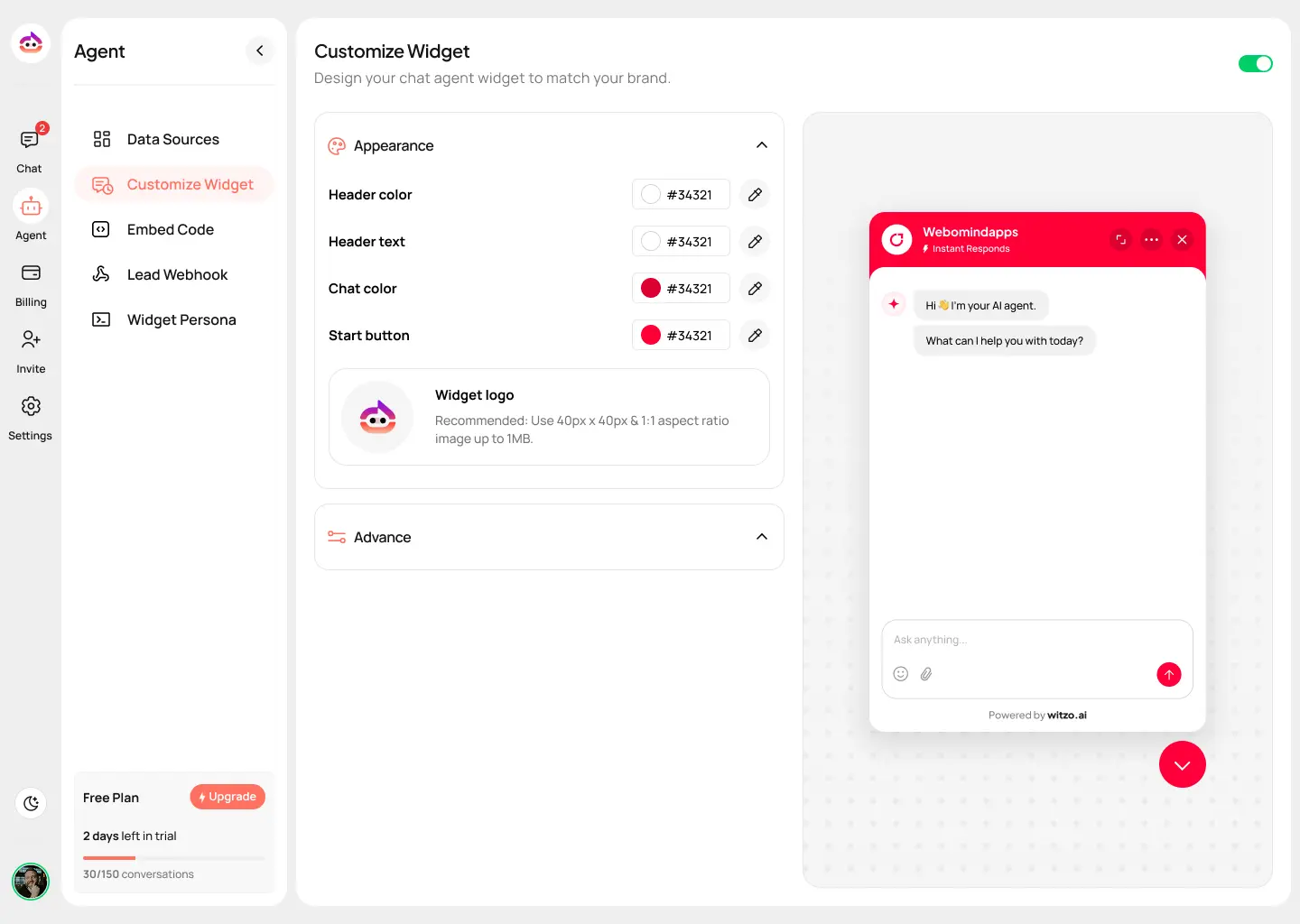
Preview before you publish
Before going live, you can test how the chatbot looks and responds. This helps you fix anything you don’t like.
White-label options for agencies
If you are an agency or working with clients, you can remove platform branding and present the chatbot as your own solution.
Step 4 : Install the Chatbot on Your Website
This is the final step. You will get a small code, often called a script. You just need to place this code on your website, and the chatbot will appear.
How to add Witzo to WordPress
- Go to your WordPress dashboard
- Open theme settings or header section
- Paste the chatbot script
- Save changes
How to add Witzo to Shopify
- Go to your Shopify admin panel
- Open theme settings
- Find the section where you can edit code
- Paste the script
- Save and refresh your store
How to add Witzo to any custom website
If your website is custom-built, you can add the script inside the HTML, usually before the closing body tag. Even if you’re not a developer, this step is simple and takes only a few minutes.
Who Should Add an AI Chatbot to Their Website?
- E-commerce stores - to help customers choose products
- Service businesses - to answer questions and collect leads
- Agencies - to manage client inquiries
- SaaS companies - to guide users and explain features
If your website gets visitors, a chatbot can help you interact with them better.
Conclusion
Adding a chatbot to your website is no longer a complex task. You don’t need coding skills or a technical team. With the right tool, you can set it up, train it using your content, and make it live within a short time.
More than just a feature, a chatbot changes how your website feels. It turns a static page into a place where real conversations happen. If your goal is to guide visitors, answer questions, and not miss opportunities, this is one step that can quietly make a big difference.
Start building your chatbot today with Witzo and turn your website into a place where every visitor gets a response.