AI Customer Support Agent That Answers Instantly From Your Knowledge
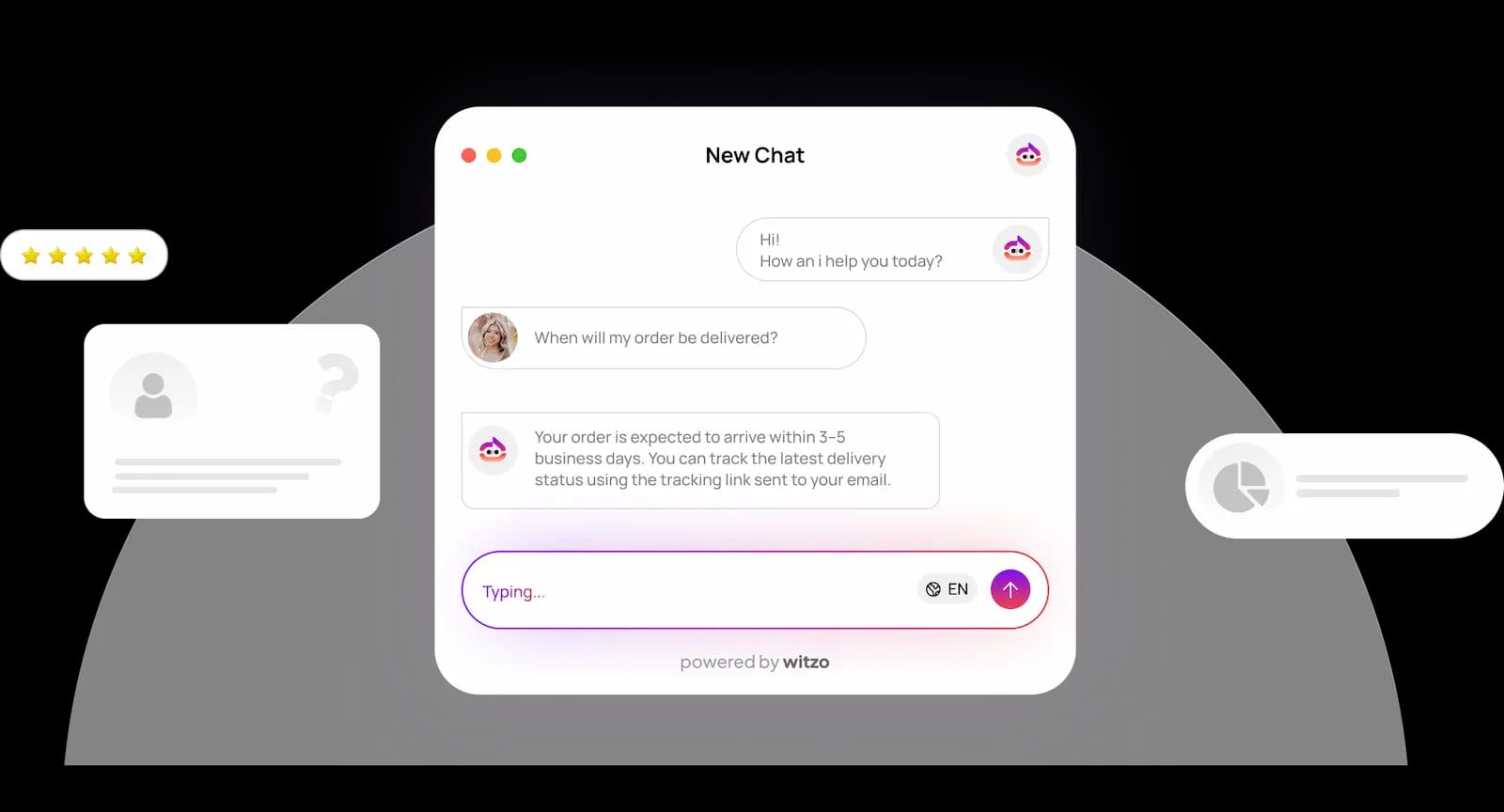
Stop making customers wait in an email or ticket queue. Train an AI customer support agent on your help content, embed it with a single script tag, and answer common questions as they are asked.
What Does an AI Customer Support Agent Do?
Why support teams need an AI support agent
Long Response Times Frustrate Customers
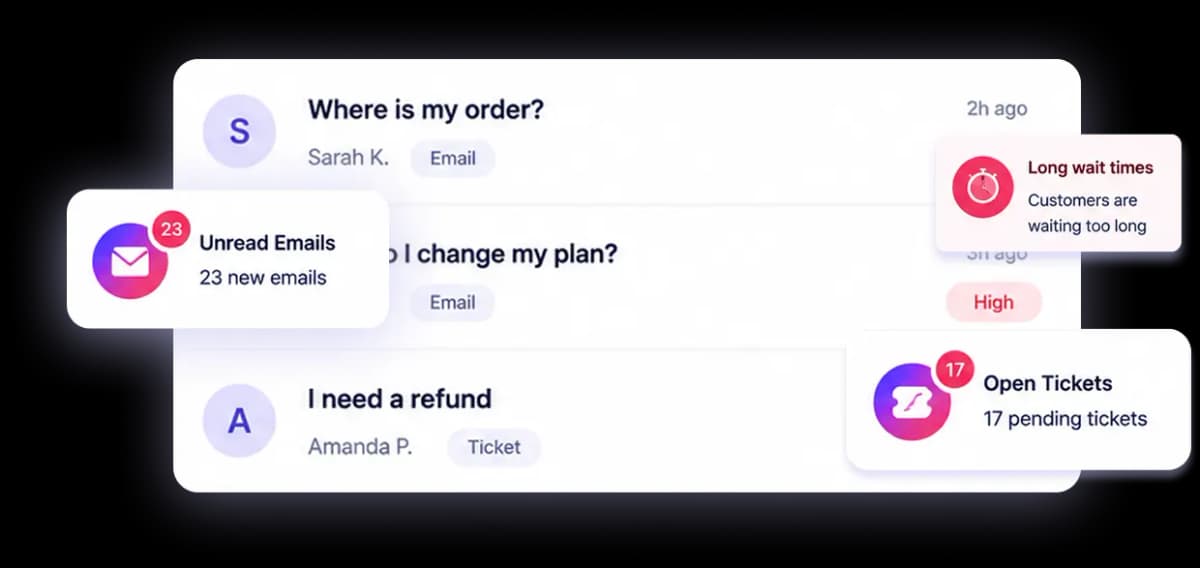
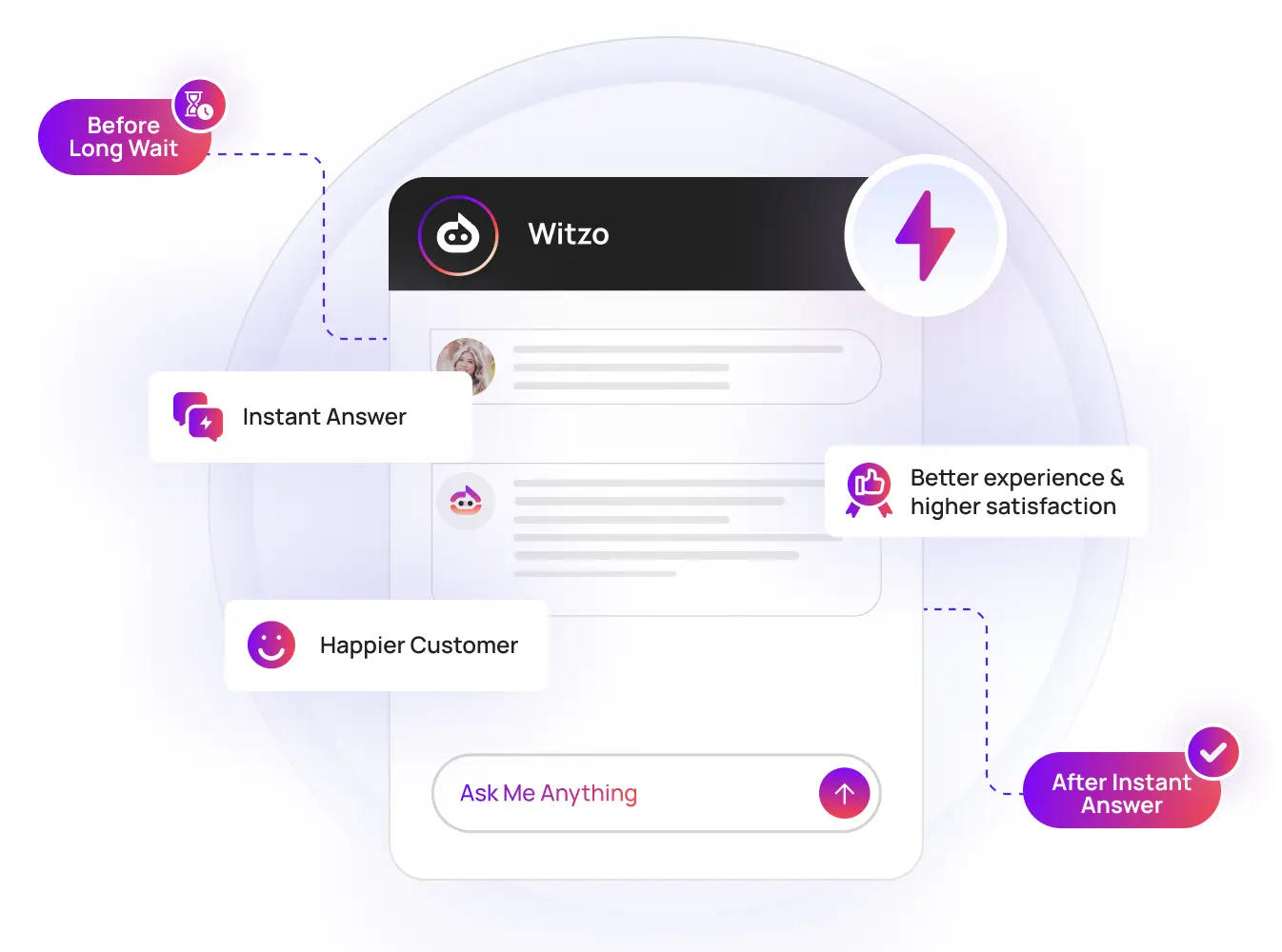
Email and tickets pile up, and customers wait hours for answers they could get in seconds. An instant first response changes the whole experience.
Repetitive Questions Reduce Team Productivity
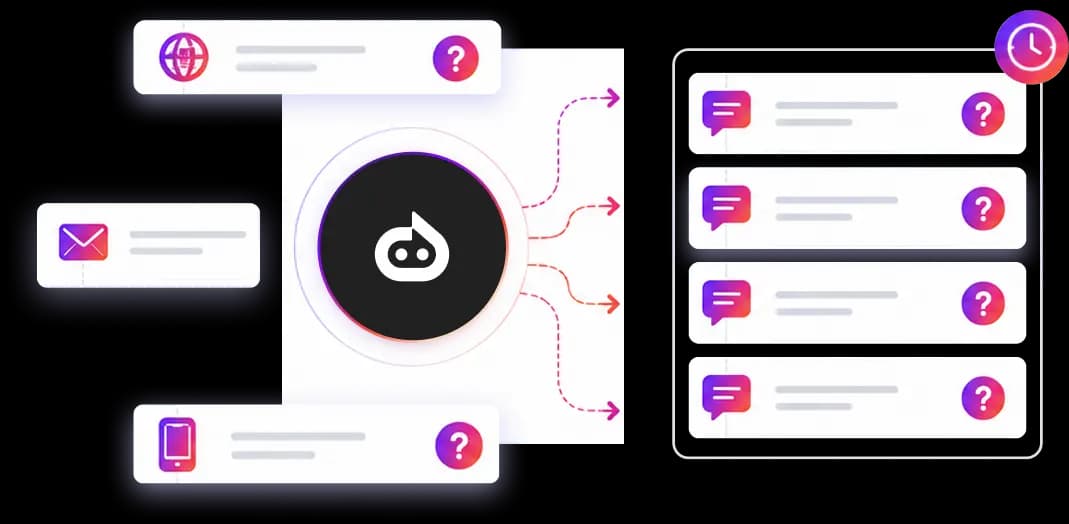
A large share of tickets are variations of a handful of questions. Answering them by hand, over and over, burns your team's time.
Lack of after-hours coverage
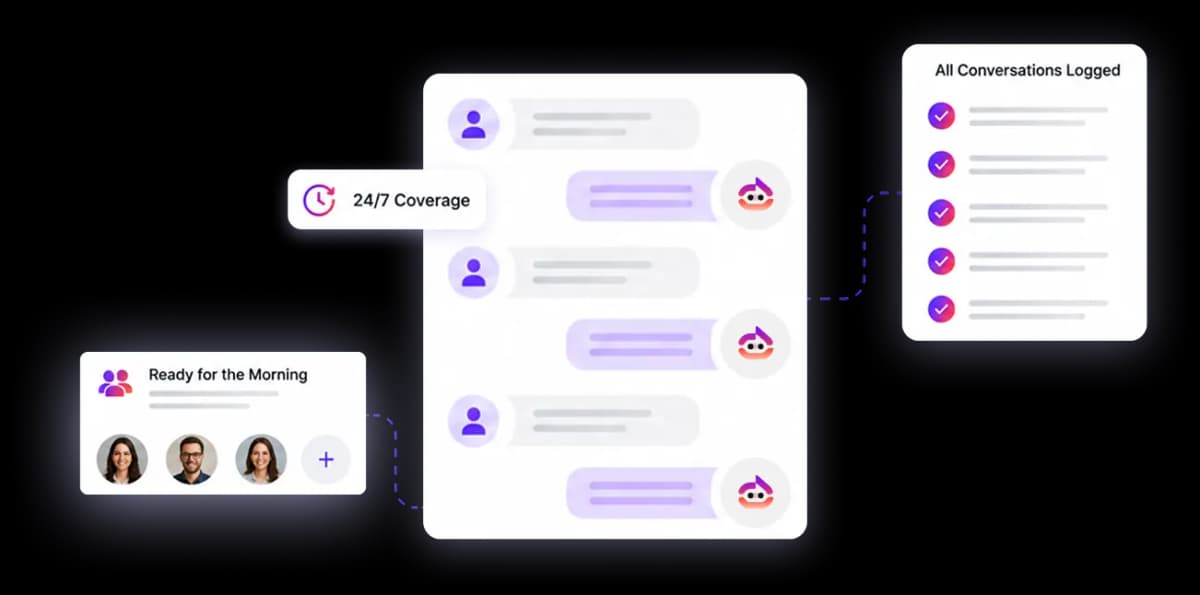
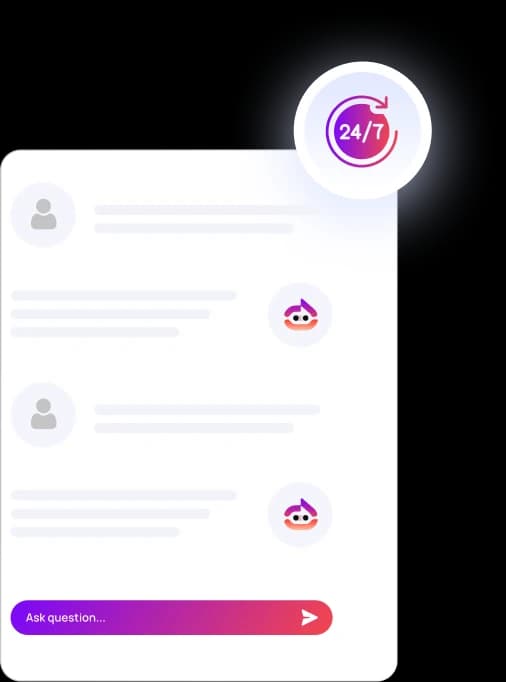
Questions arrive nights and weekends. A trained agent keeps answering when your team is offline, then logs everything for the morning.
Feature Highlights
AI Customer Support Agent Features
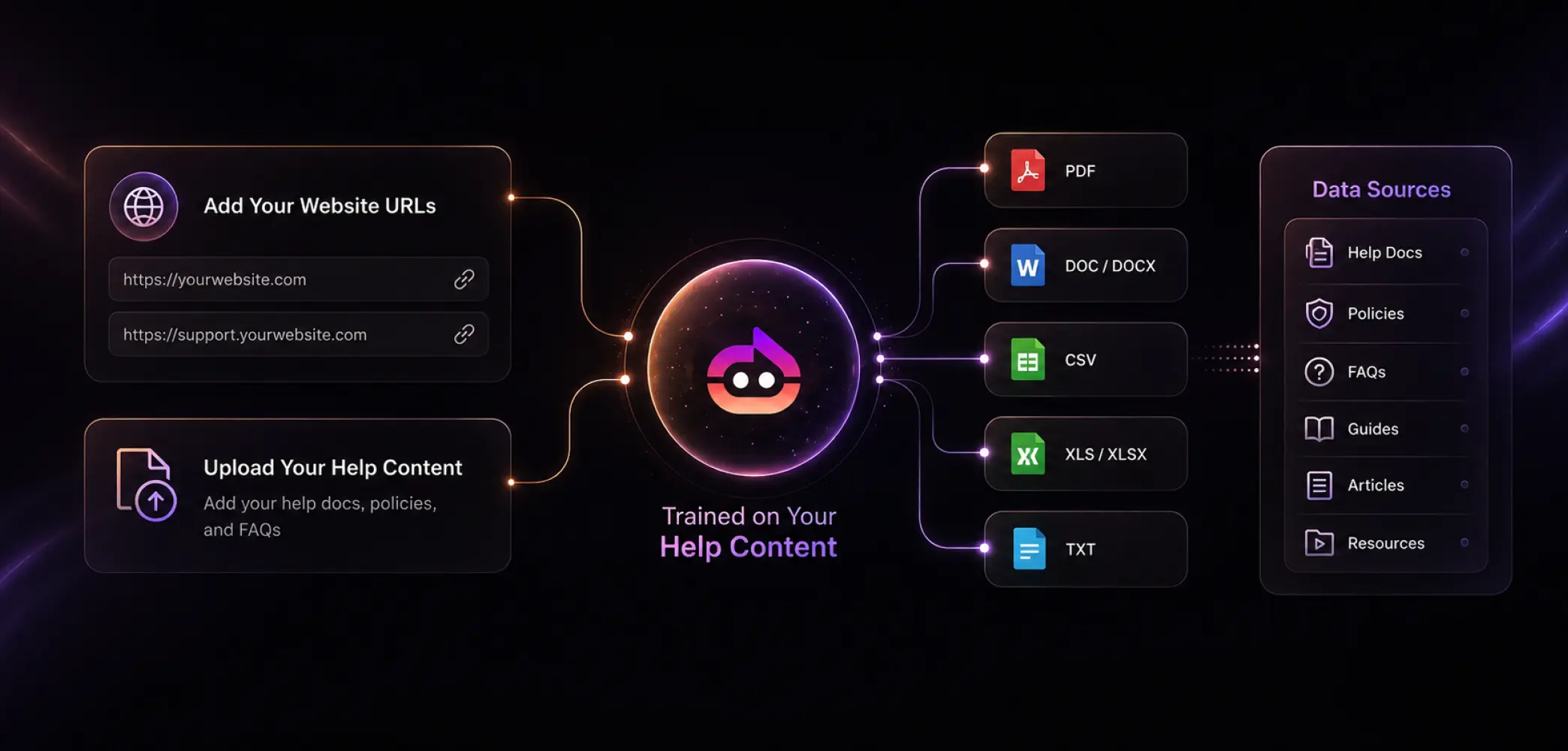
Trained on your help content
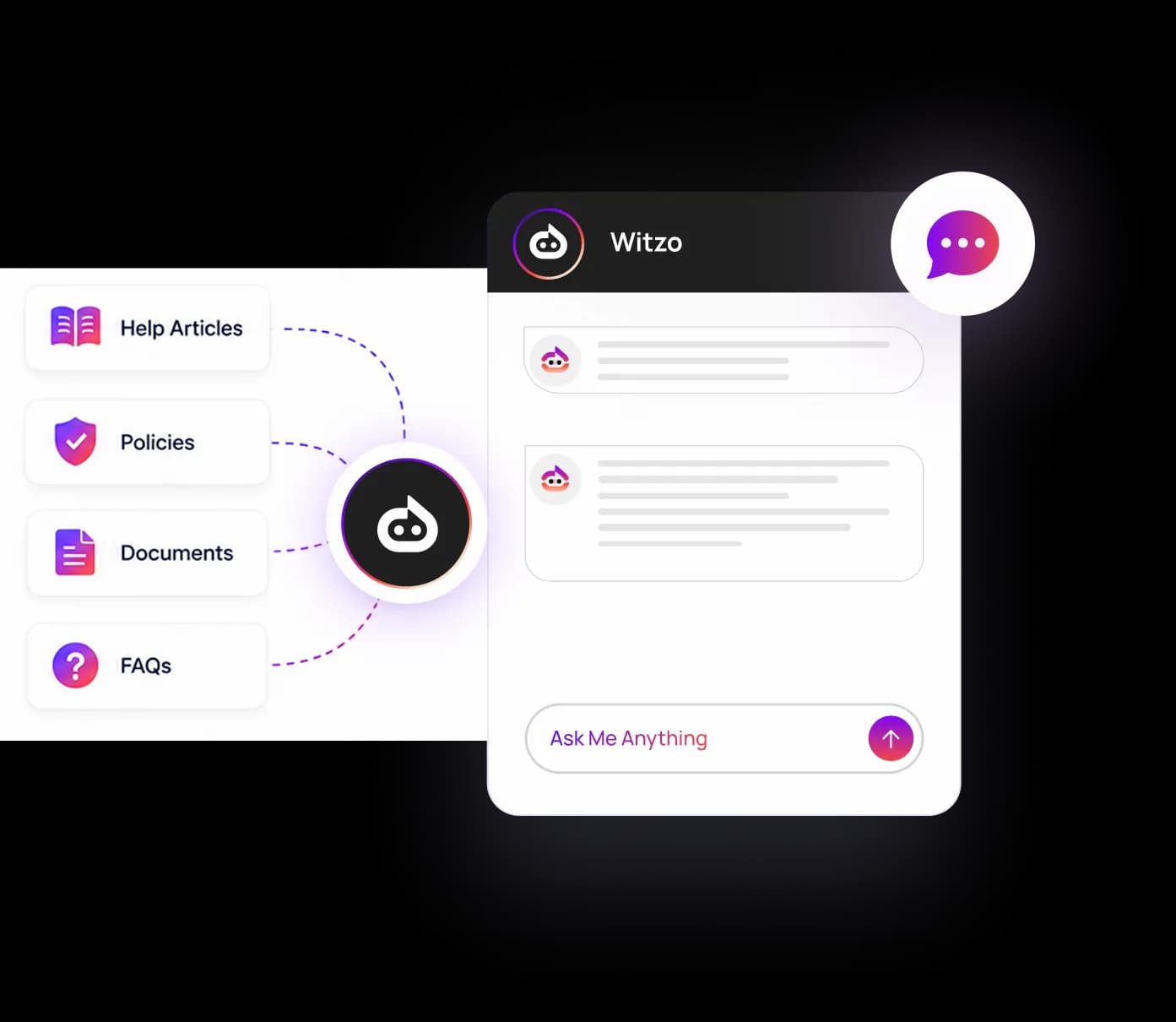
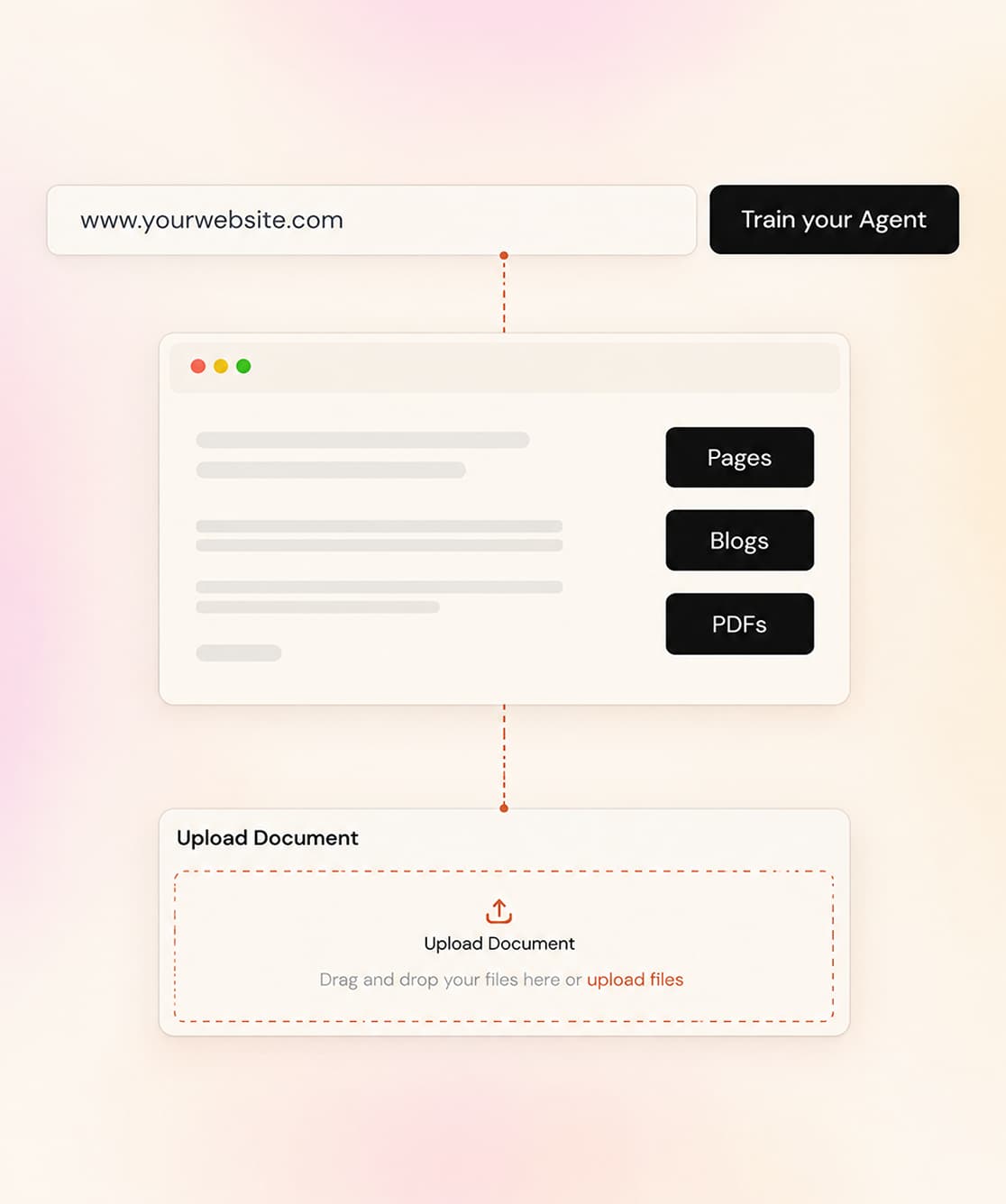
Add your website URLs and upload your help docs, policies, and FAQs. Witzo accepts PDF, DOC, DOCX, CSV, XLS, XLSX, and TXT, all managed in Data Sources.
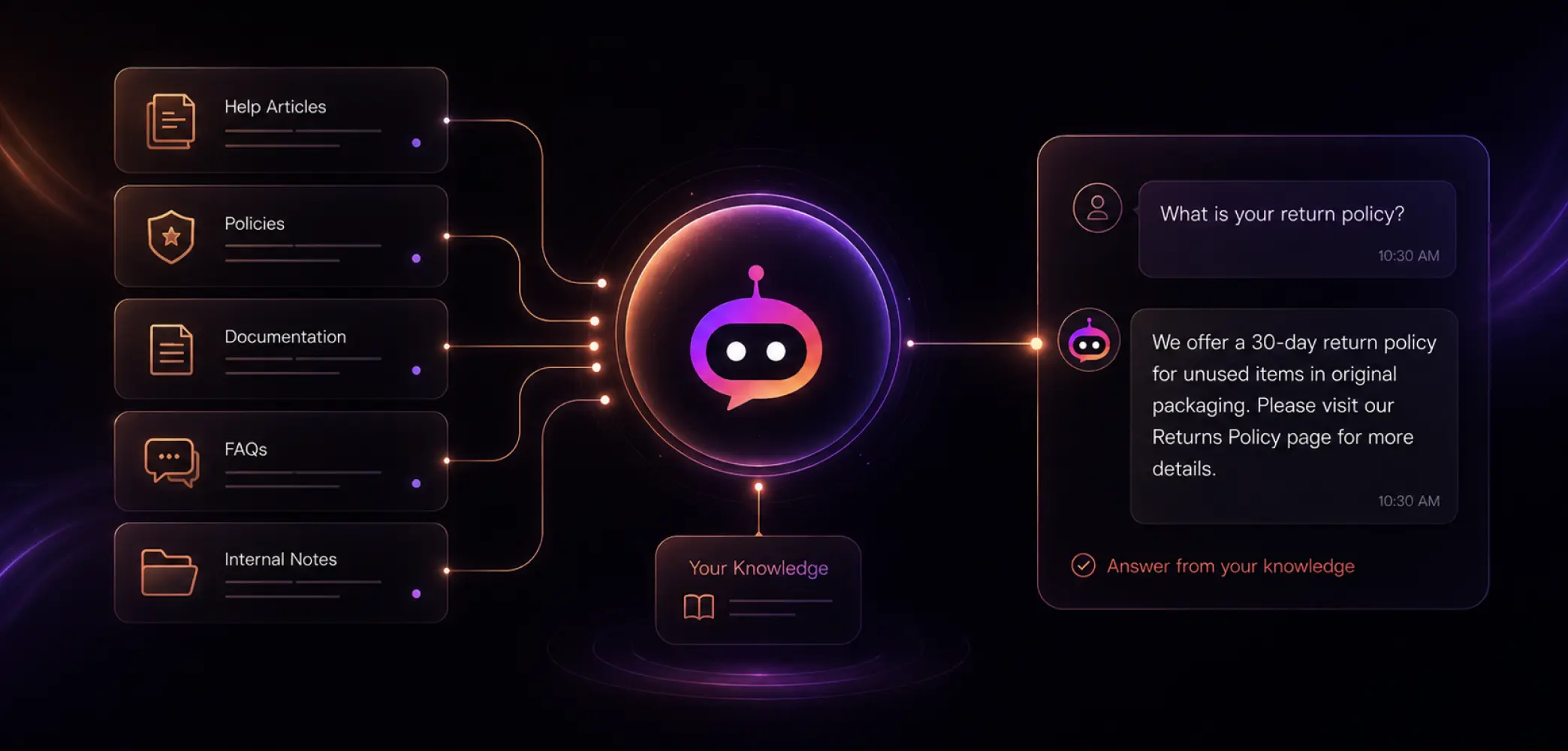
Instant answers from your knowledge
The agent replies from what you wrote, so customers get accurate, on-brand answers instead of generic guesses.
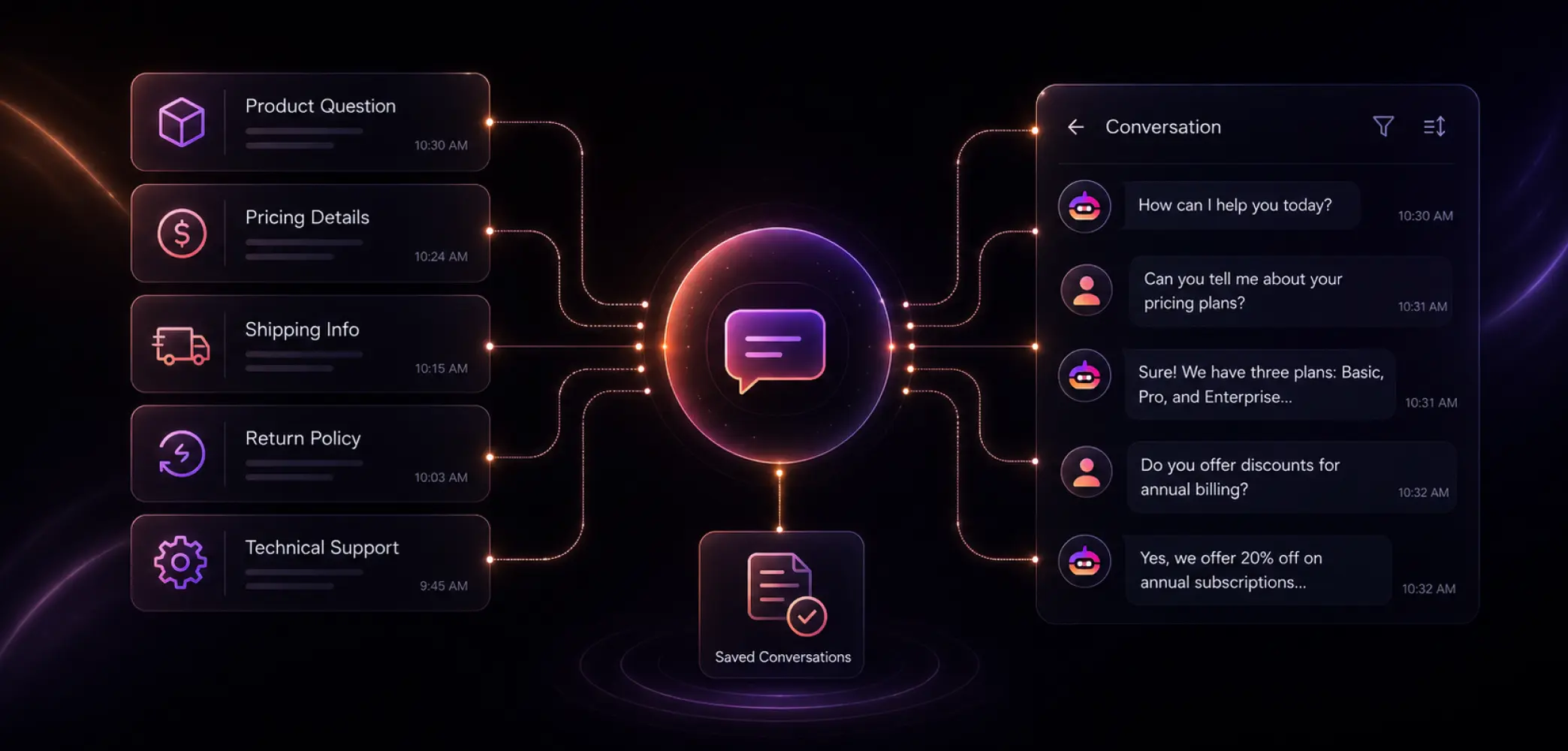
Conversation tracking
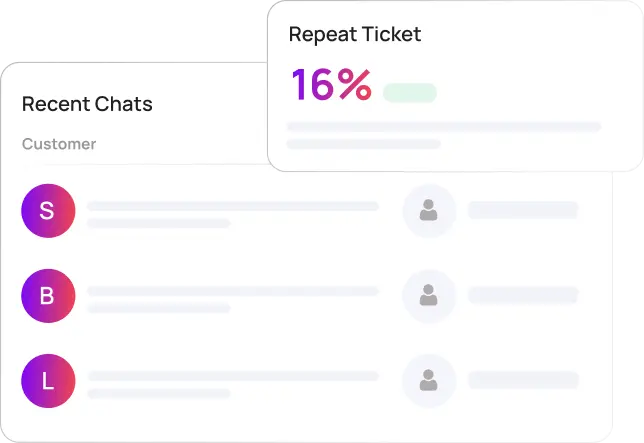
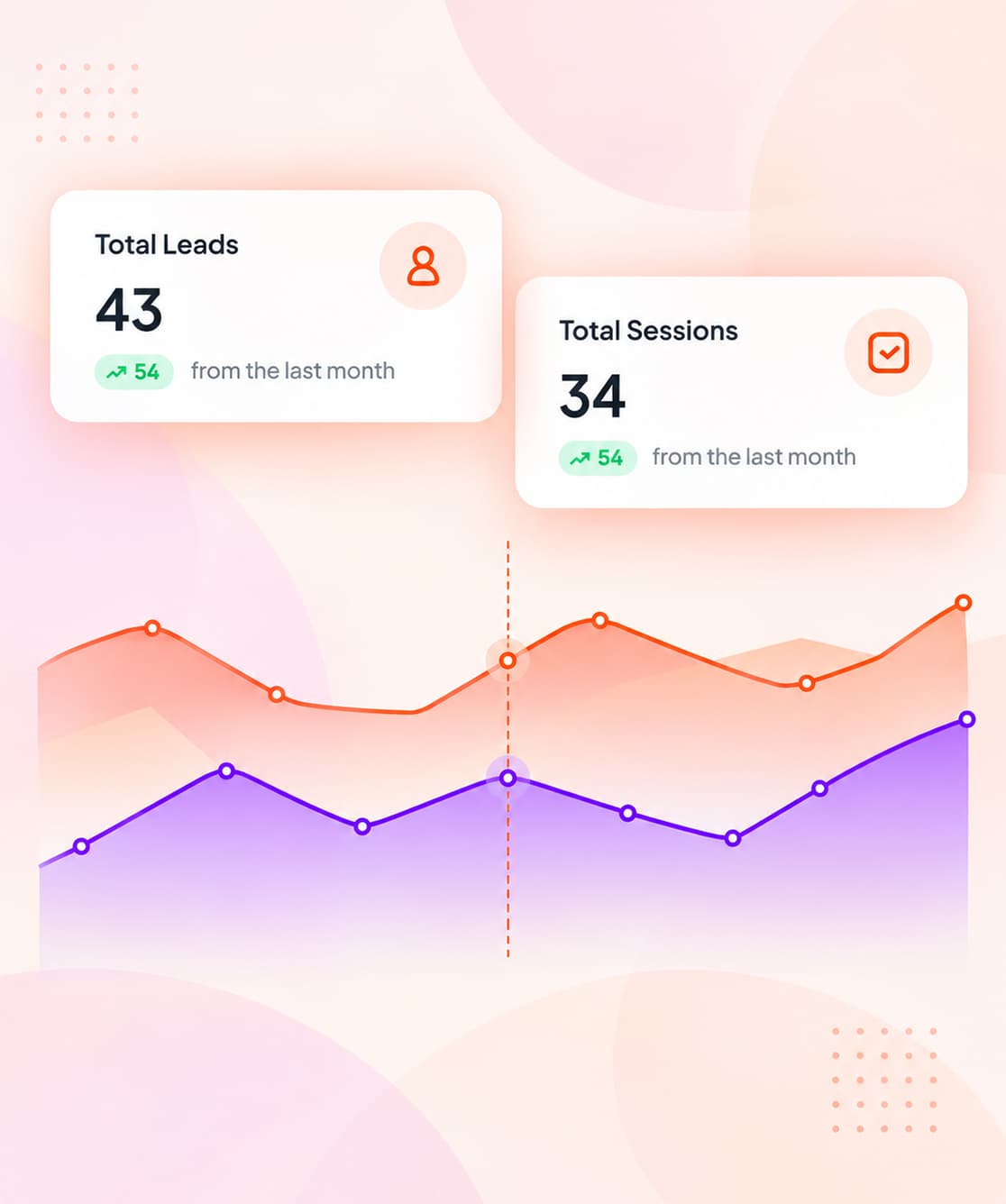
Every chat is saved under Conversations, so you can review how questions were handled and where answers fell short. See conversations.
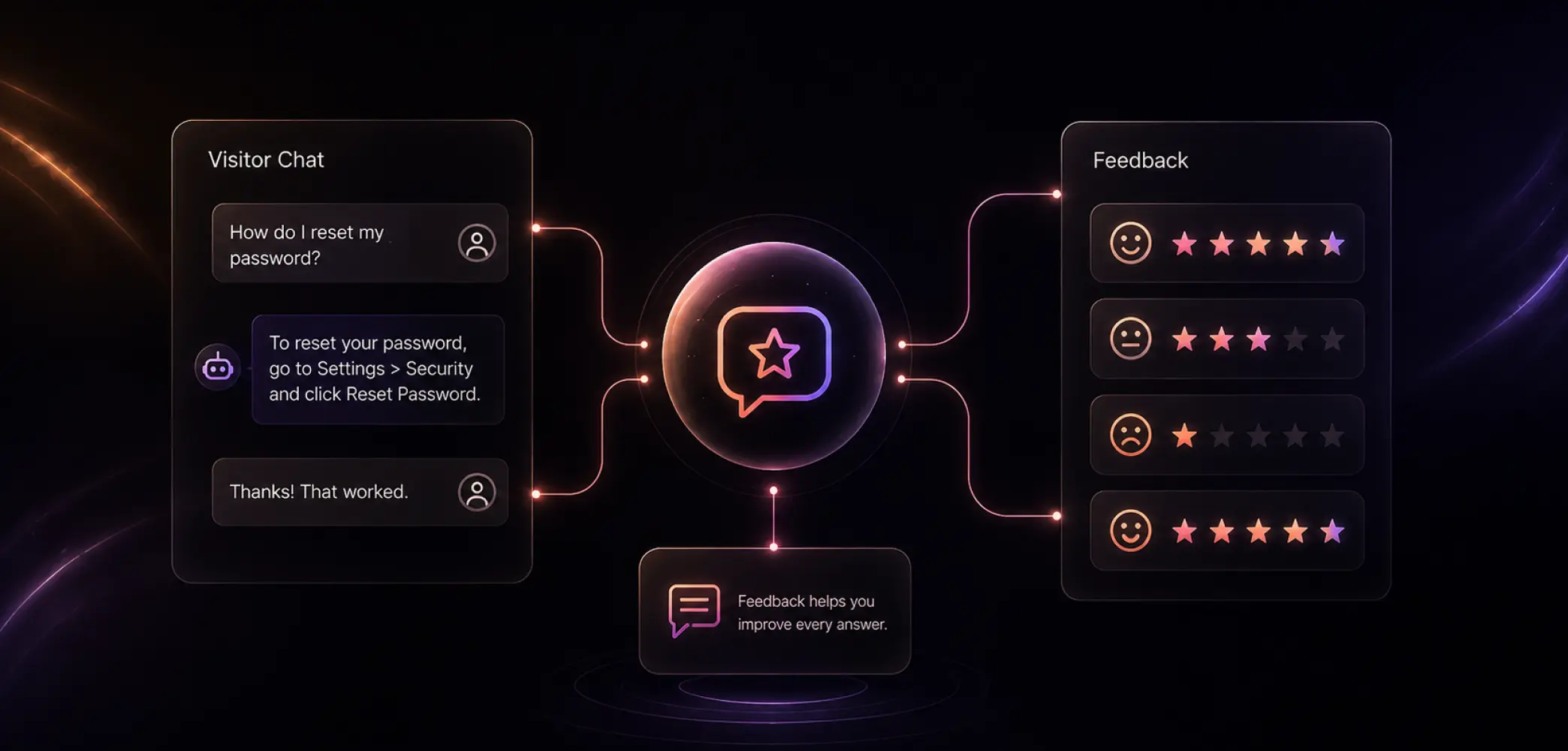
Customer feedback
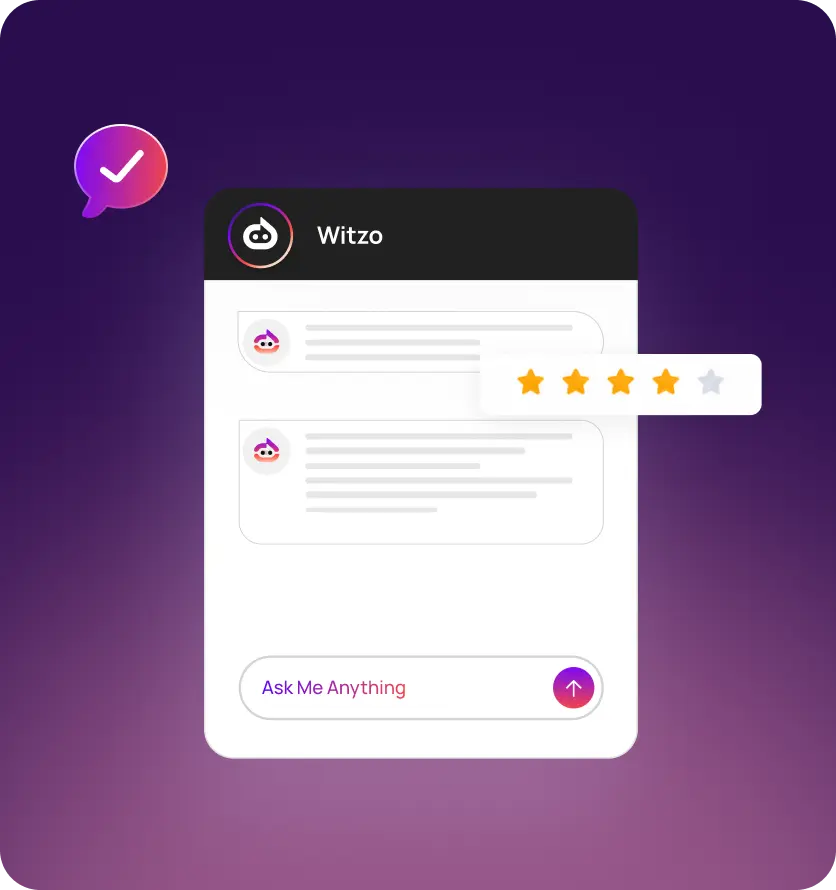
Visitors rate chats through Feedback, giving you a direct signal on which answers helped. See feedback.
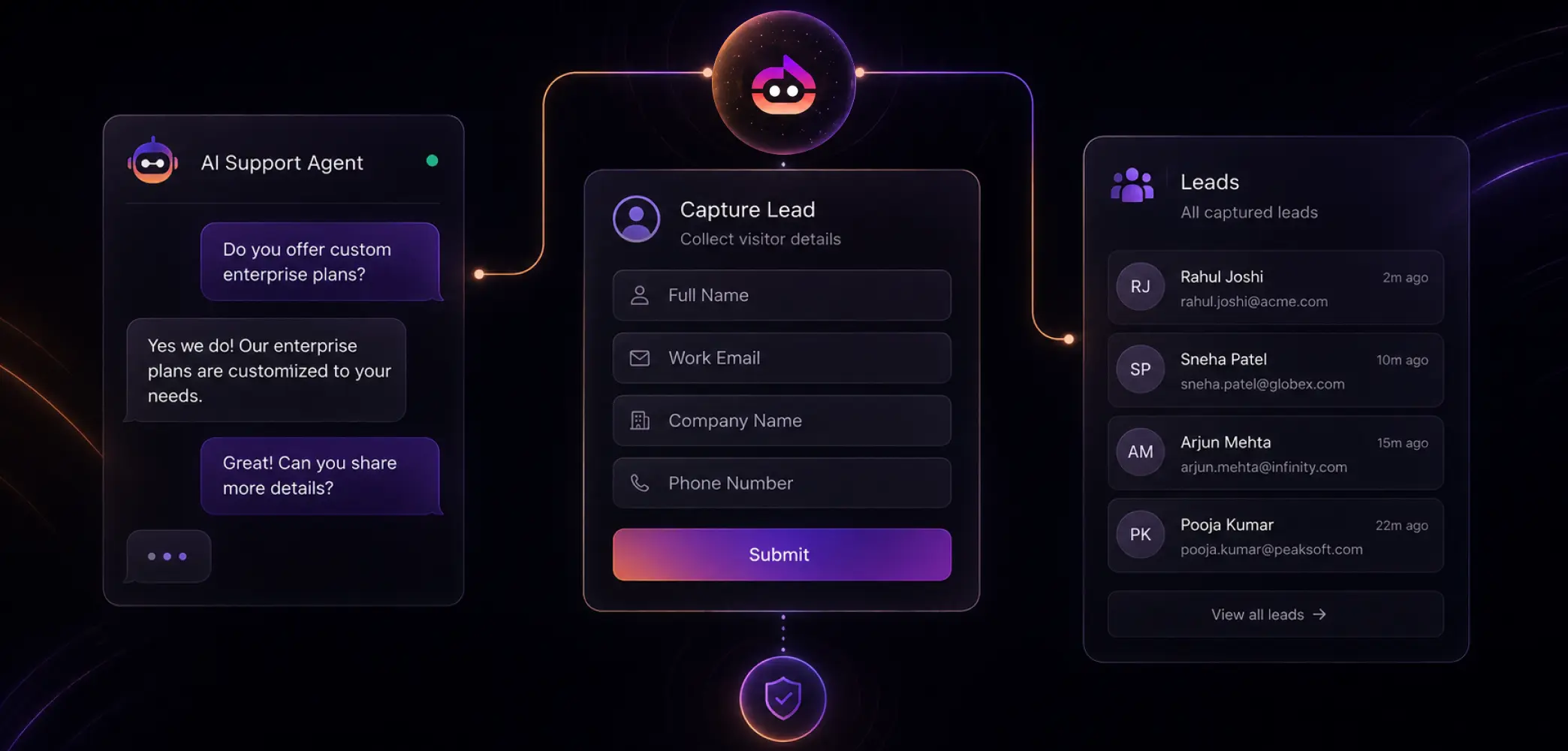
Lead and contact capture
When a support chat turns into a sales question, the agent can collect details and save them under Leads. Plan Restriction: Fallback Lead Form; check the pricing page for your plan.
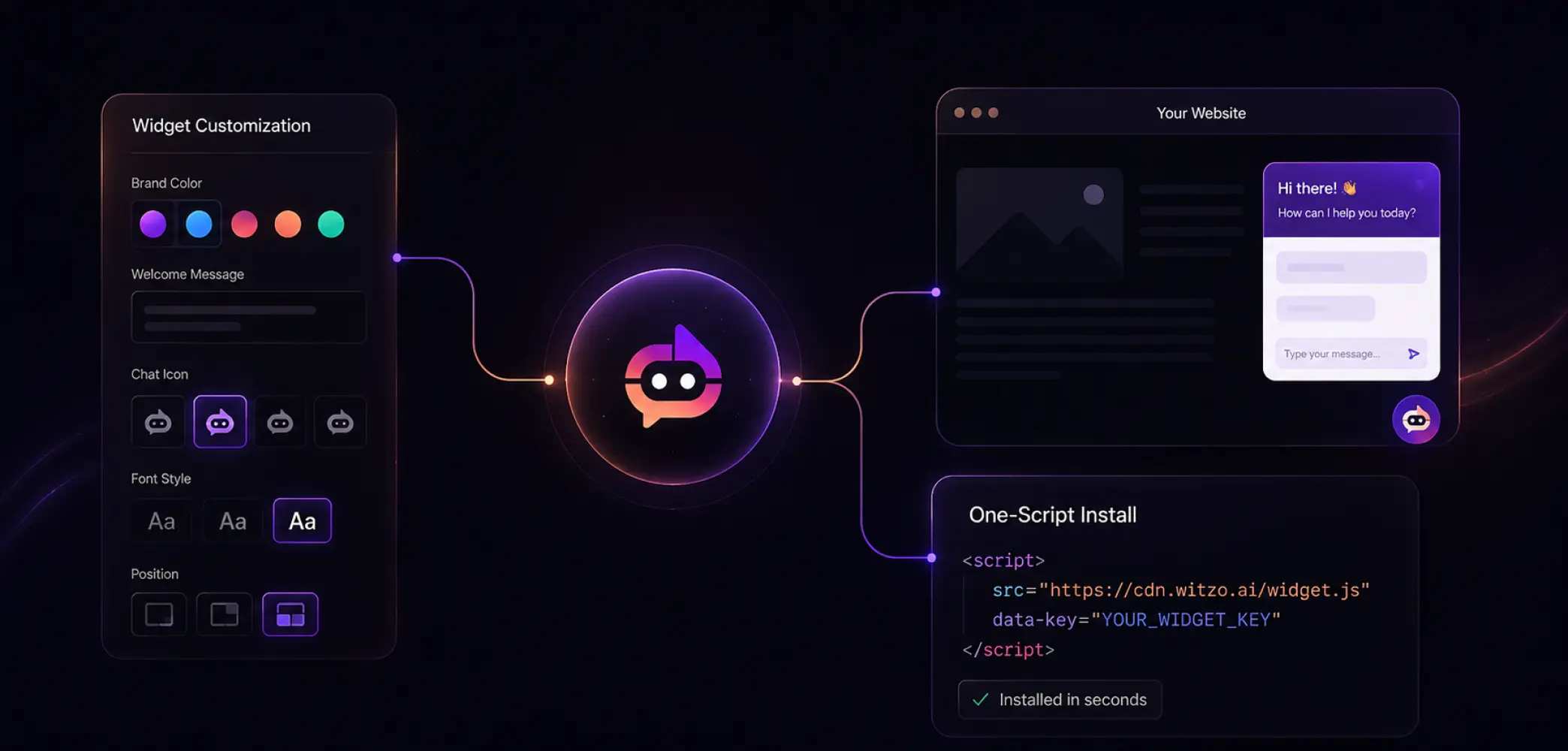
Customizable widget and one-script install
Match the widget to your brand in Widget Customization, then embed it with a single script tag and your Widget key.
AI Support Agent vs Live Chat
A live chat tool still needs a person typing on the other end, so it carries the same limits as your team: working hours, queue length, and one conversation at a time per agent. An AI customer support agent answers on its own, around the clock, and handles many chats at once.
The honest framing: it's not a replacement for your people. The agent takes the routine, repeated questions, and your team handles the cases that need judgment. Live chat and an AI agent work together. See how it compares with a traditional setup in vs help desk.
| Features | Witzo AI Support Agent | Traditional Live Chat |
|---|---|---|
| Availability | 24/7 support without breaks | Limited to business hours or agent availability |
| Response Time | Instant responses | Depends on queue length and agent availability |
| Concurrent Conversations | Handles hundreds or thousands of chats simultaneously | One agent manages only a limited number of chats |
| Handling FAQs | Automatically answers repetitive questions | Human agents answer each question manually |
| Complex Issue Resolution | Escalates complex cases to the right team | Human agents handle all queries directly |
| Consistency | Delivers accurate, standardized responses every time | Responses may vary between agents |
| Scalability | Easily manages spikes in customer inquiries | Requires hiring additional agents as demand grows |
| Operating Cost | Reduces repetitive support workload and operational costs | Costs increase with larger support teams |
| Learning & Improvement | Improves through knowledge base updates and AI training | Depends on individual agent experience and training |
| Best Use Case | Automating FAQs, order tracking, appointment booking, account queries, and first-line support | Solving complex issues, handling exceptions, and providing personalized assistance |

AI Customer Support
Agent Benefits

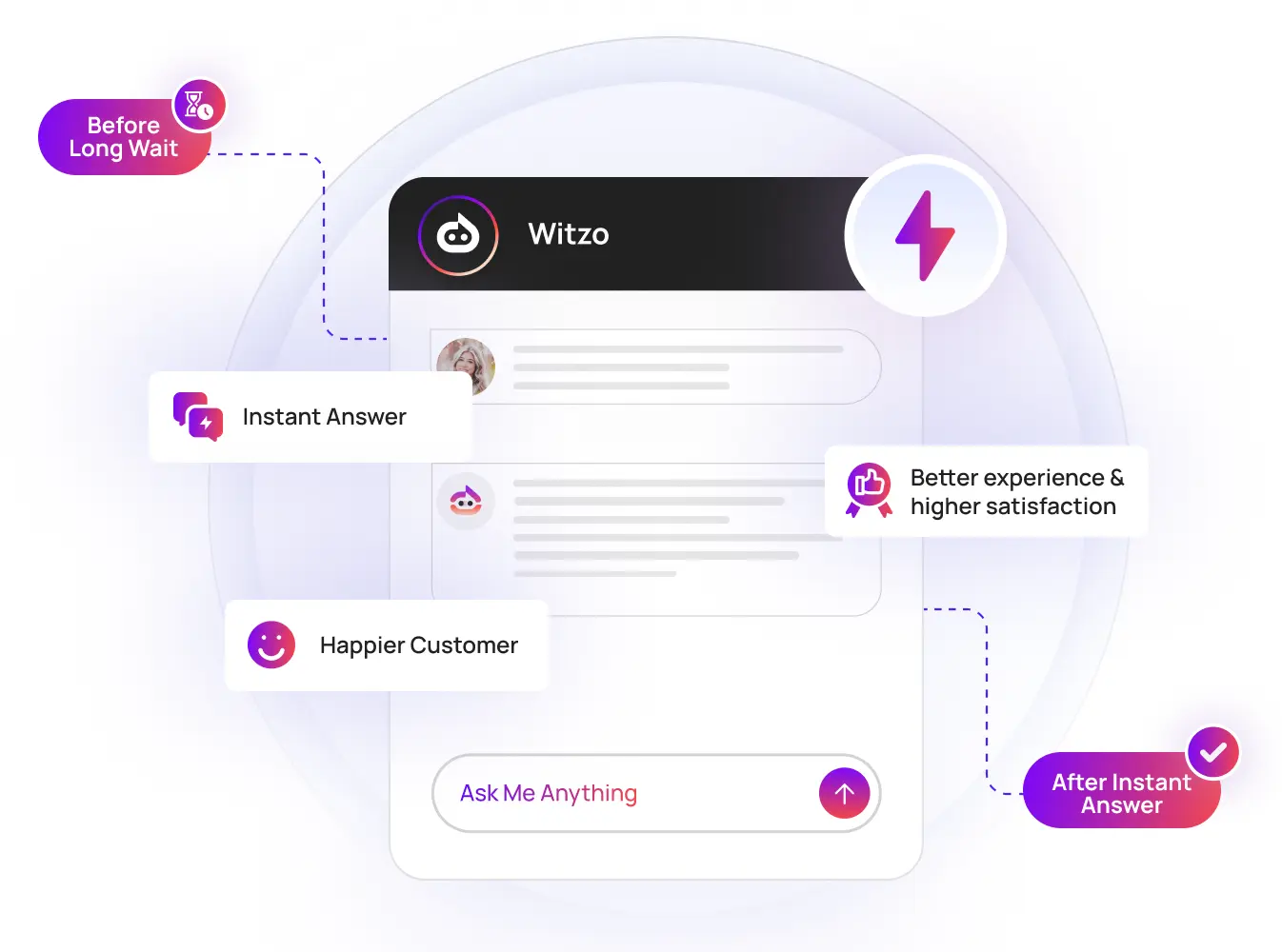
Faster first response
Customers get an answer the moment they ask, instead of waiting in a queue.

A lighter ticket load
Routine questions get handled automatically, so your team focuses on the harder cases.

A clearer picture of your gaps
Conversations and Feedback show you what customers actually struggle with, so you can fix the docs behind the questions.
Key Capabilities

Answers from your sources
The agent reads your help articles and uploaded files, then answers from them.

Conversation history
Read past chats under Conversations to spot repeat issues and weak answers.

Feedback ratings
Chat ratings show which responses land and which need rewriting.

Smart handoff context
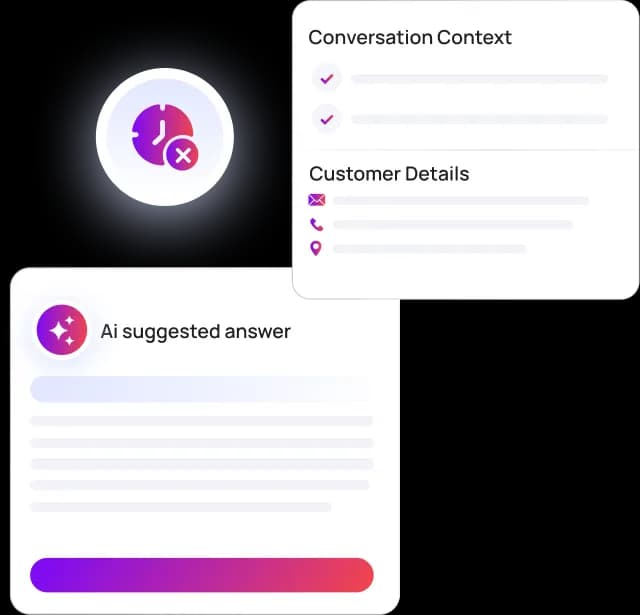
When a chat needs a person, you still have the full conversation, so your team picks up without making the customer repeat themselves.

Auto follow-up
Keep a conversation moving with a follow-up email. Plan Restriction: Auto Follow-up Email, check the pricing page for your plan.

Enterprise add-ons
CRM integrations (HubSpot, Zoho, Salesforce, SAP ERP) and White-Label are available. Plan Restriction: Available on Enterprise.
How the AI Customer
Support Agent Works
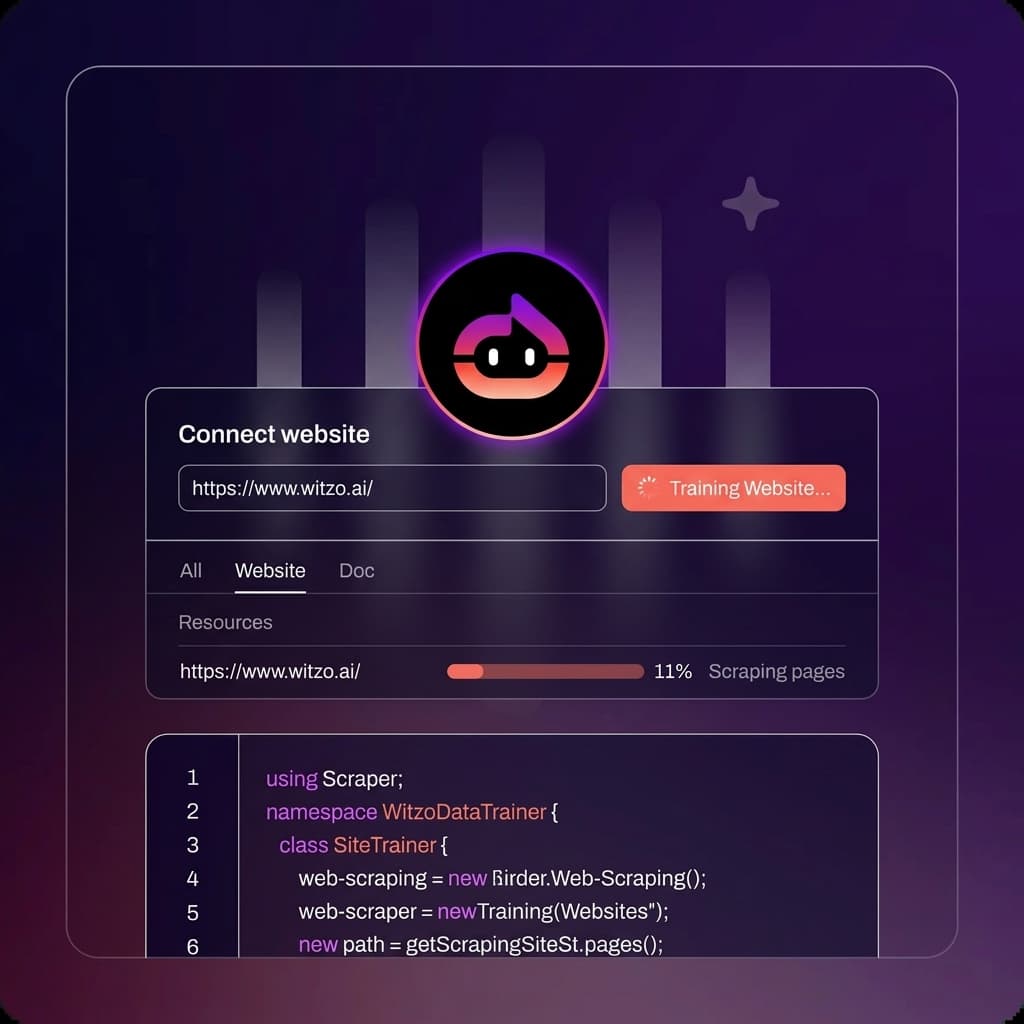
Train on your support content
Add your website URLs and upload your help docs and policies in Data Sources. The better your sources, the better the answers. Learn more about customer support automation.
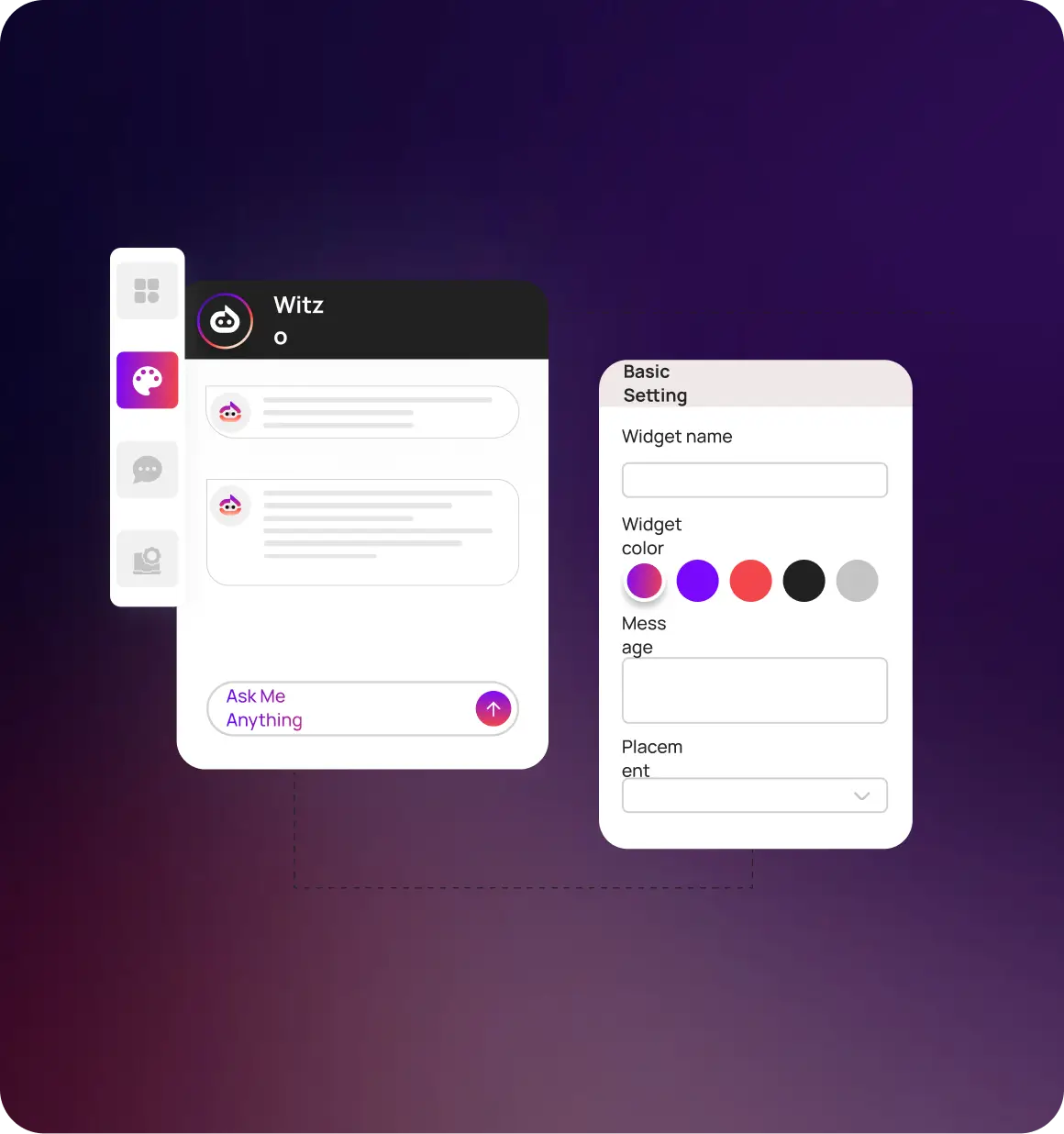
Customize the widget
Set the colors, wording, and placement in Widget Customization so it matches your support experience.
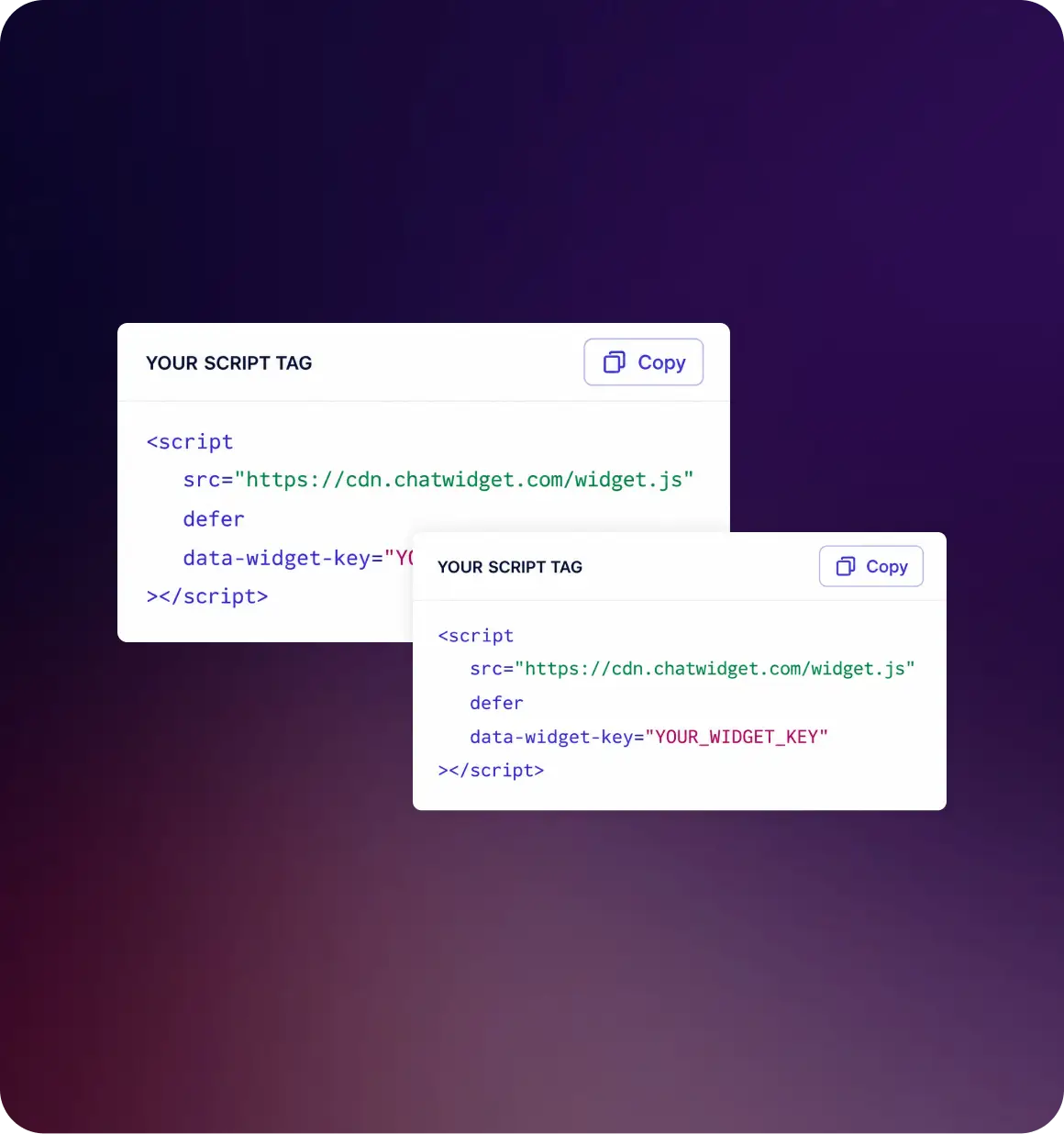
Embed it
Paste one script tag with your Widget key into your site and the agent goes live. No backend changes.
Review and refine
Watch Conversations and Feedback, then update your sources to close gaps and improve answers.
Who It's For

SMB support teams
Handle a growing volume of routine questions without hiring ahead of demand.

SaaS companies
Point customers to the right answer in long documentation, fast, instead of opening a ticket.

Lean teams covering off-hours
Keep answering when nobody's at the desk, with everything logged for follow-up.
What Each Role Gets
For support managers
Fewer repeat tickets, a record of every chat, and feedback that shows where to improve.
For agents
Less time on the same questions, and full context when a chat is handed over.
For customers
An instant answer instead of a wait, at any hour.
Plans and Pricing

How it works
How to Get Started
Create your free account
Sign up and add your website URL.
Train and customize
Upload your help content, then style the widget.
Go live
Embed the script tag and start answering customers instantly.
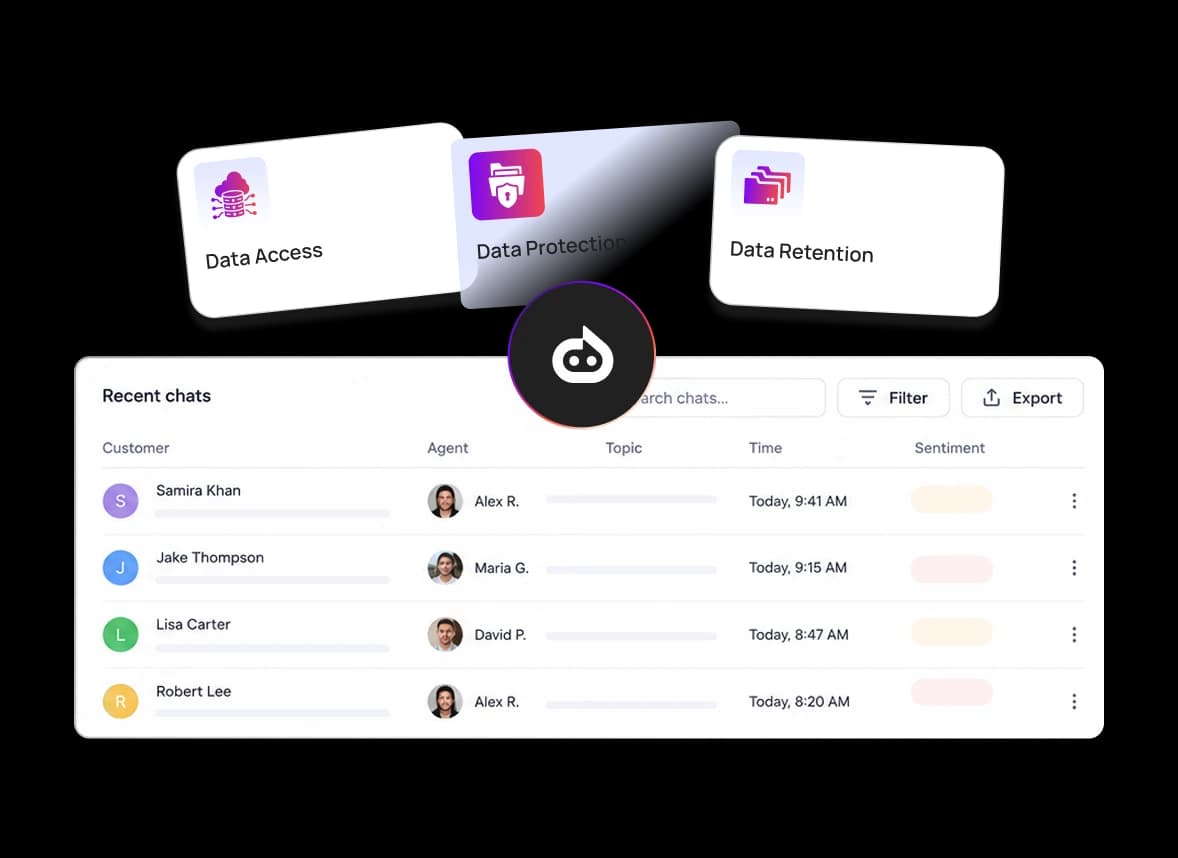
Security and Privacy
Honest Expectations
FAQ
Your Questions, Answered
It's a chat agent that answers customer questions automatically from your own help content. With Witzo, it handles routine questions and passes harder cases to your team with the full conversation.
Live chat needs a person typing in real time. An AI customer support agent answers on its own, around the clock, and handles many chats at once, while your team takes the cases that need judgment.
Add your website URLs and upload PDF, DOC, DOCX, CSV, XLS, XLSX, and TXT files in Data Sources.
You keep the full conversation history under Conversations, so your team can pick up a handed-off chat with context.
Yes. Details can be saved under Leads. The Fallback Lead Form is plan-gated. Plan Restriction: Check the pricing page for your plan.
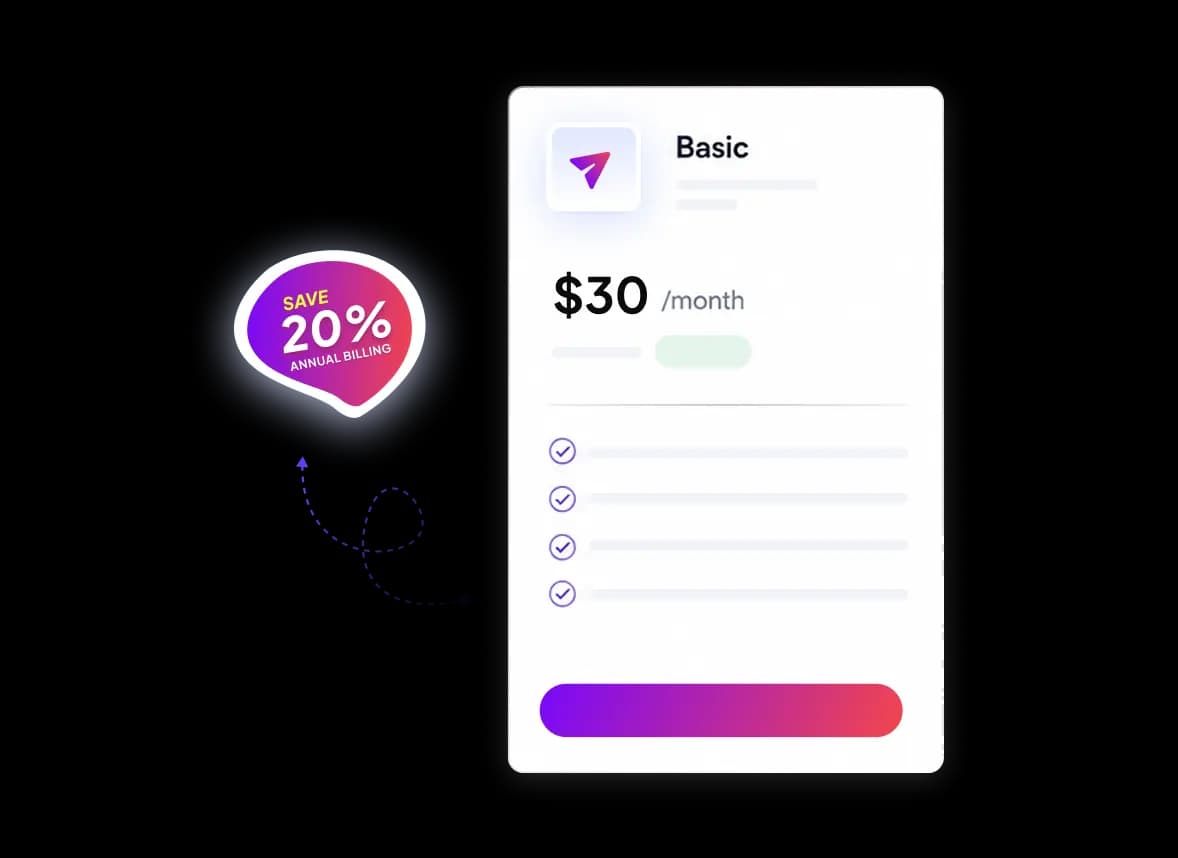
Yes. The Free plan lets you start without paying. Paid plans are billed monthly or yearly, and paying yearly costs less. Current prices are on the pricing page.