Workspace & Team Management
Manage organizations, invite team members, and control access with role-based permissions and workspace-level security.
Overview
Team and workspace management is built for organizations that need collaboration across projects, secure access controls, and shared workspace data.
This page explains how to invite members, assign roles, and manage workspace permissions while keeping each organization isolated.
Organization model
- Users can belong to multiple workspaces
- Workspaces provide isolated data and settings
Invite team members
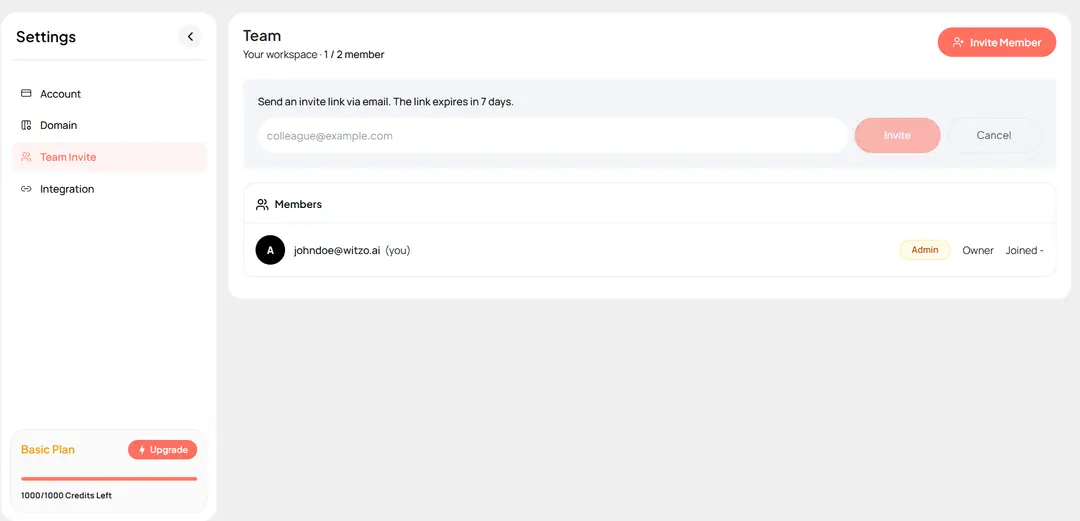
- Open Team Settings in the dashboard
- Click Invite Member
- Enter the user's email address
- Send the invitation
Permissions and access control
Pending invitations appear in the workspace interface until accepted.
Important Notes
- Removing a user revokes access to workspace data.
- Workspace switching is available for users with multiple workspace memberships.