Picture-in-Picture (PiP) Mode
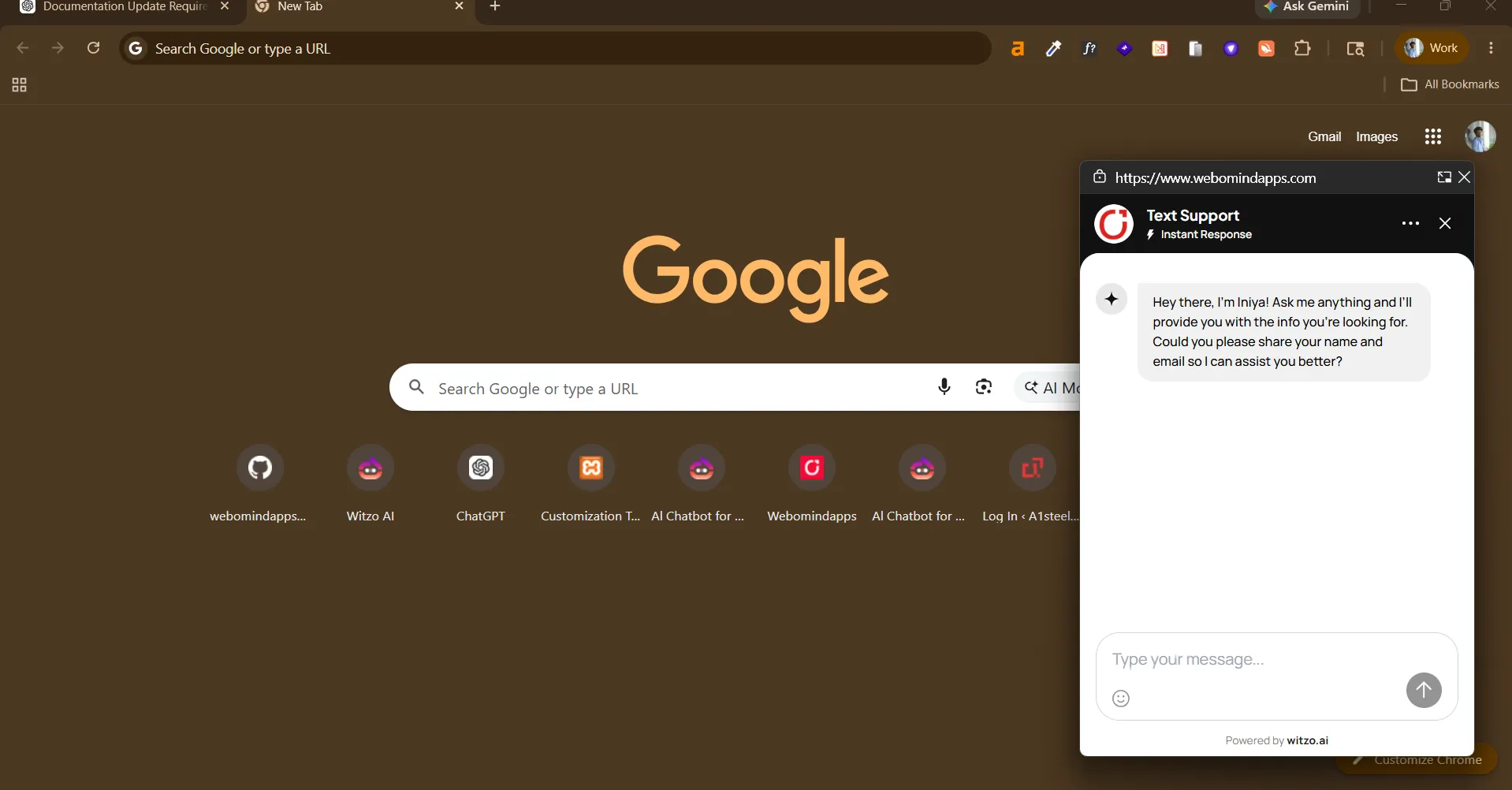
Picture-in-Picture (PiP) mode keeps your AI assistant accessible while visitors continue browsing your website. The widget transitions into a compact floating window so conversations can continue without interrupting the user's workflow.
Overview
Picture-in-Picture mode provides a lightweight floating chat experience that remains accessible while users navigate through your website.
How to Enable PiP
- Open Dashboard > Widget Customization.
- Locate the Picture-in-Picture setting in the widget behavior controls.
- Turn PiP on for the widget.
- Save the widget configuration.
- Test the widget on a staging page before publishing to production.
How It Works
When Picture-in-Picture mode is enabled:
- the chat appears in a compact floating window
- users can continue browsing without losing the conversation
- the widget remains accessible while minimizing screen usage
- the experience is optimized for supported browser and device combinations
Browser Behavior
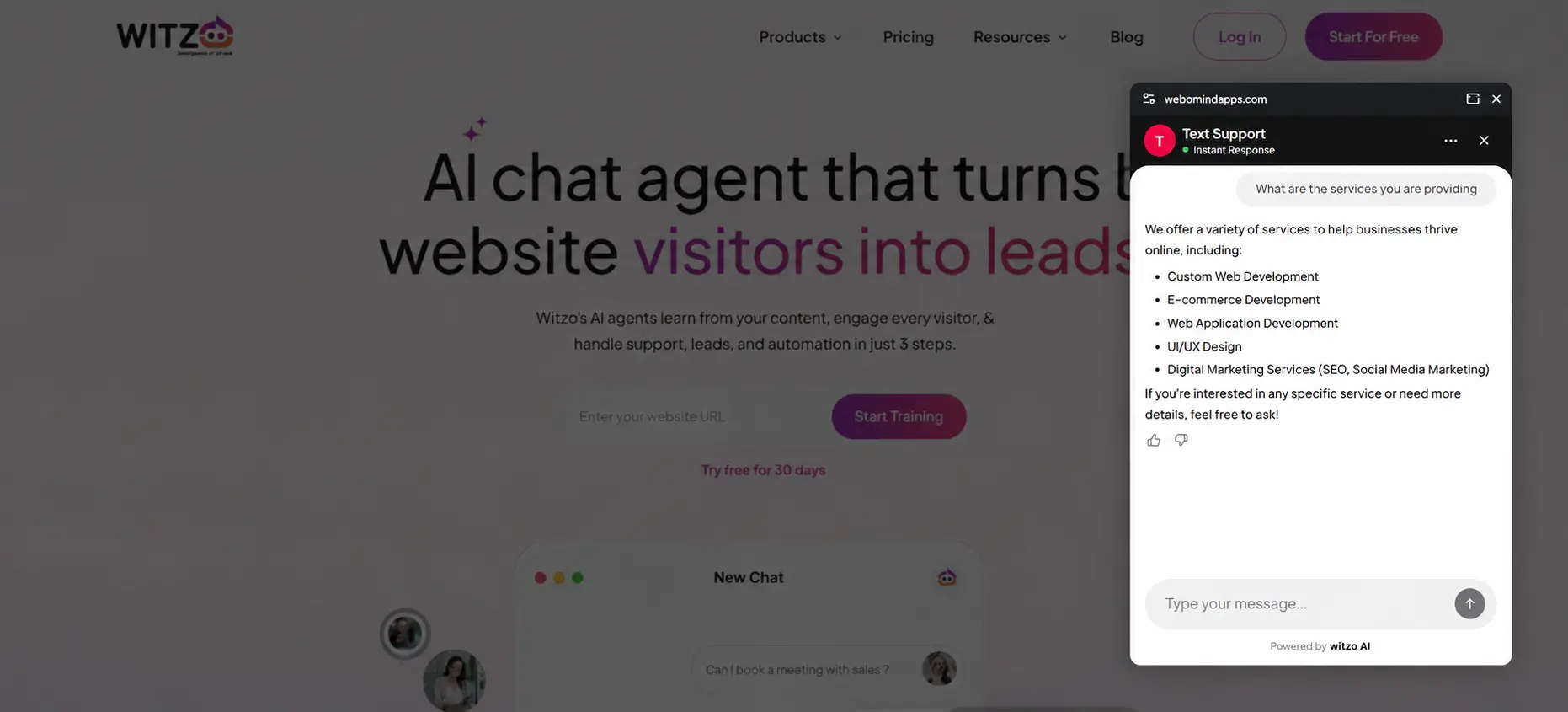
Picture-in-Picture functionality depends on browser support.
- Supported browsers provide a floating chat experience.
- Unsupported browsers continue using the standard embedded widget.
- No additional configuration is required.
If PiP is not supported, the widget continues using the standard embedded experience.
Closing the PiP Window
Once a visitor closes the chat widget or the PiP window:
- the widget does not automatically reopen
- reopening requires a direct user action, such as clicking or tapping the chat button
Why?
This behavior respects user intent, prevents intrusive experiences, and follows browser security expectations.