Sign Up
Create your Witzo account in just a few minutes. You can register using your email address or sign up instantly with your Google account. If you choose email registration, you verify your email with a one-time password (OTP) before entering the dashboard.
1
Create Your Account
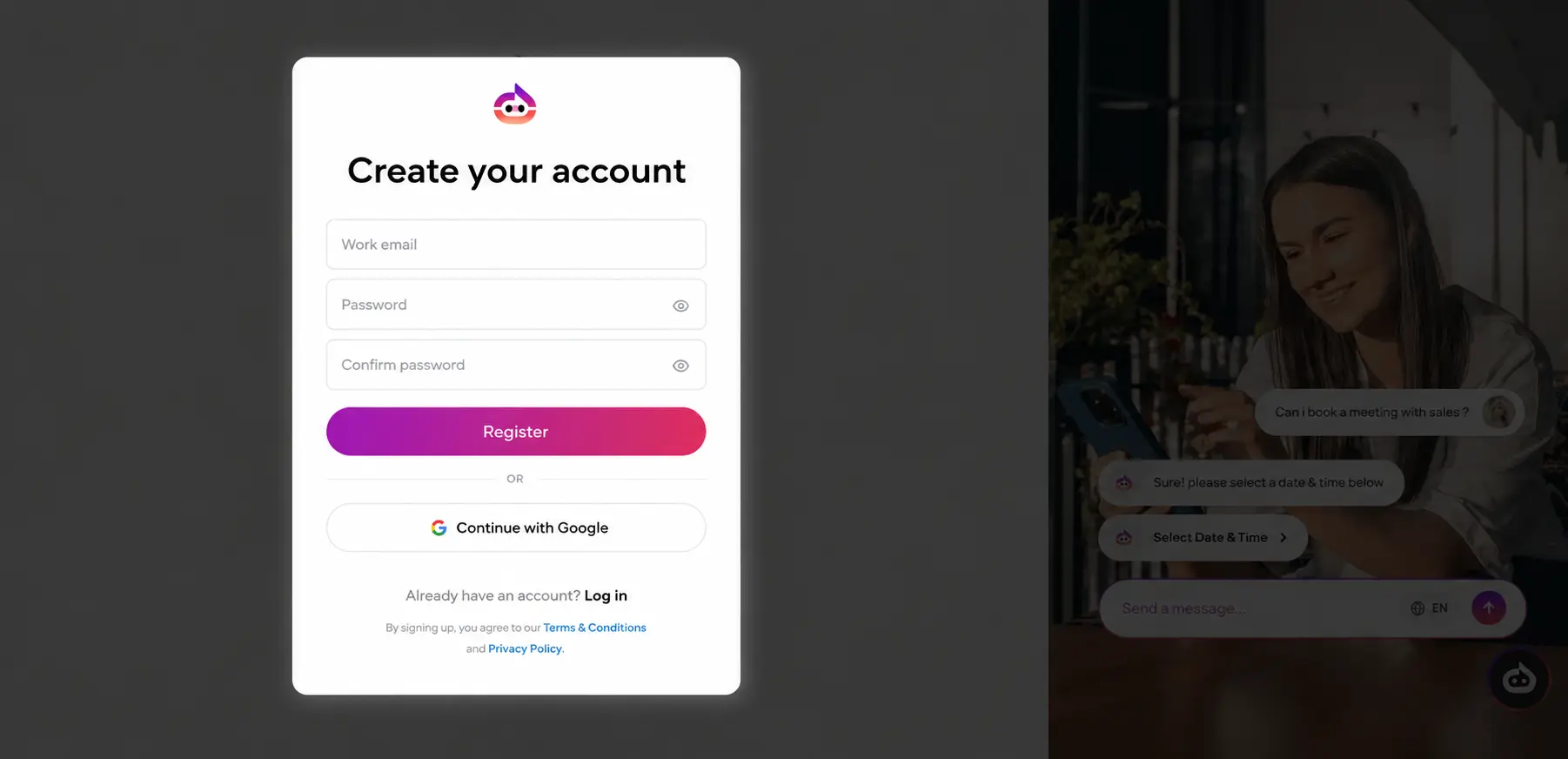
Choose one of the following registration methods:
Option 1: Sign up with Email
- Open the Witzo Sign Up page: https://app.witzo.ai/signup
- Enter your Email Address.
- Create a secure Password.
- Re-enter the password in the Confirm Password field.
- Click Register.
Option 2: Continue with Google
- Click Continue with Google.
- Select your Google account.
- If prompted, grant the required permissions.
- You will be redirected to your Witzo dashboard after successful authentication.
2
Verify Your Email
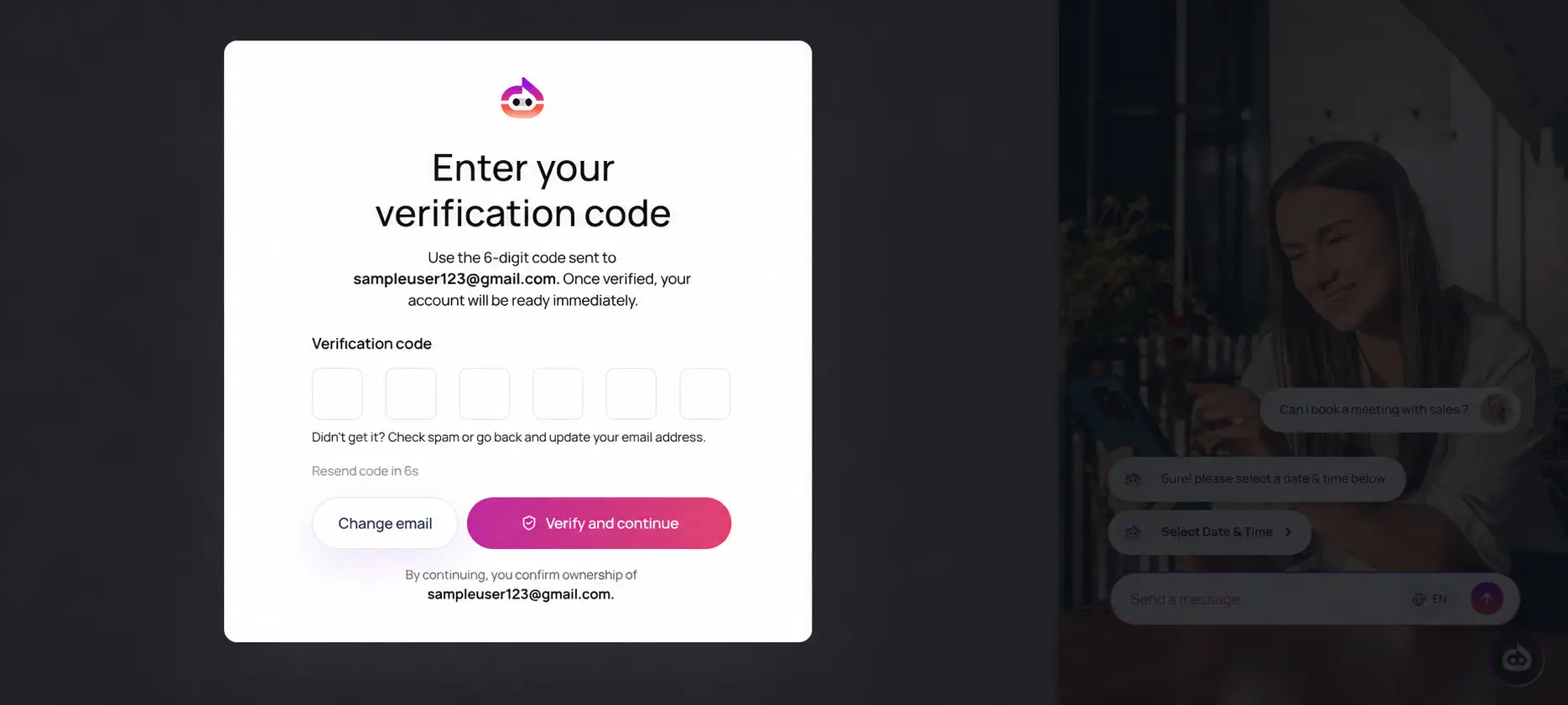
Note: This step is required only if you signed up using your email address.
After clicking Register, you are redirected to the email verification page.
- Open your registered email inbox.
- Locate the verification email sent by Witzo.
- Copy the 6-digit OTP from the email.
- Enter the OTP into the verification field.
- Click Verify & Continue to complete your registration.
OTP Troubleshooting
If the OTP does not work on the first try:
- Click Resend OTP to request a fresh code.
- Use the most recent OTP only. Older codes expire automatically.
- Check Spam, Junk, and Promotions folders if the email does not arrive.
- Confirm that the email address on the registration form is correct.
- If you entered the wrong address, go back to the sign-up form and register again with the correct one.
- If multiple OTP emails arrive, use the newest message because earlier codes may no longer be valid.
Registration Complete
Congratulations. Your account has been created successfully.
- If you signed up using email, your email address has now been verified.
- If you signed up with Google, your account is ready to use immediately.
You will now be redirected to your Witzo Dashboard, where you can begin setting up your workspace and exploring the platform.
What's Next?
After signing in, you can:
- Configure your workspace by updating your profile and organization settings.
- Add your first website or document source so the agent has knowledge to answer from.
- Customize the chat widget before publishing it to your website.
- Read the documentation to learn how each feature works in production.