Login
Sign in to your Witzo account with your registered email and password, or continue with Google if that is how the account was created. After authentication, you are redirected to the dashboard.
Sign In to Your Account
1
Login with Your Credentials
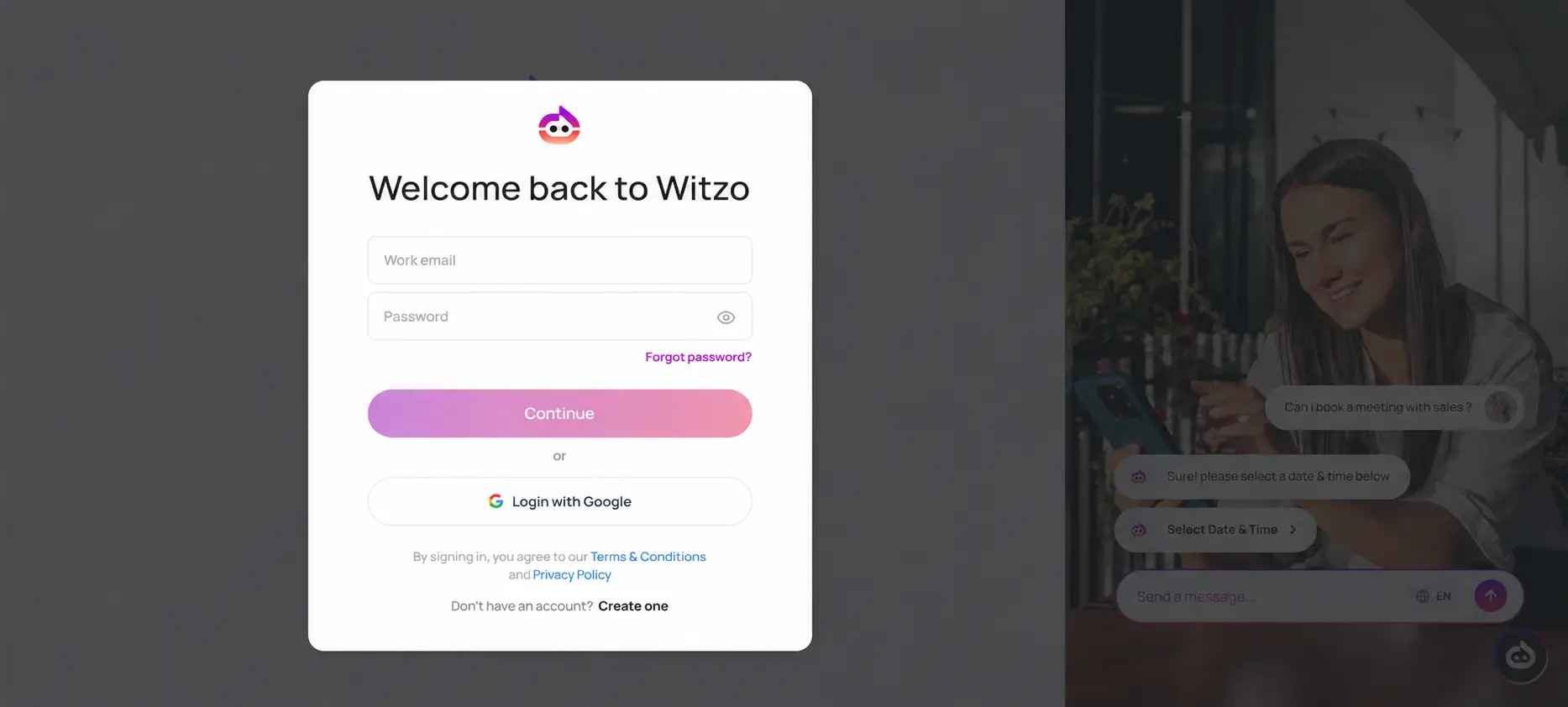
- Open the Witzo Login page at https://app.witzo.ai/login.
- Enter your registered Email Address.
- Enter your Password.
- Click the Login button to access your account.
2
Continue with Google
If you created your Witzo account with Google:
- Open https://app.witzo.ai/login.
- Click Continue with Google.
- Select the same Google account you used during sign-up.
- Complete any Google verification prompts.
- You will be redirected to the Witzo dashboard.
3
Access Your Dashboard
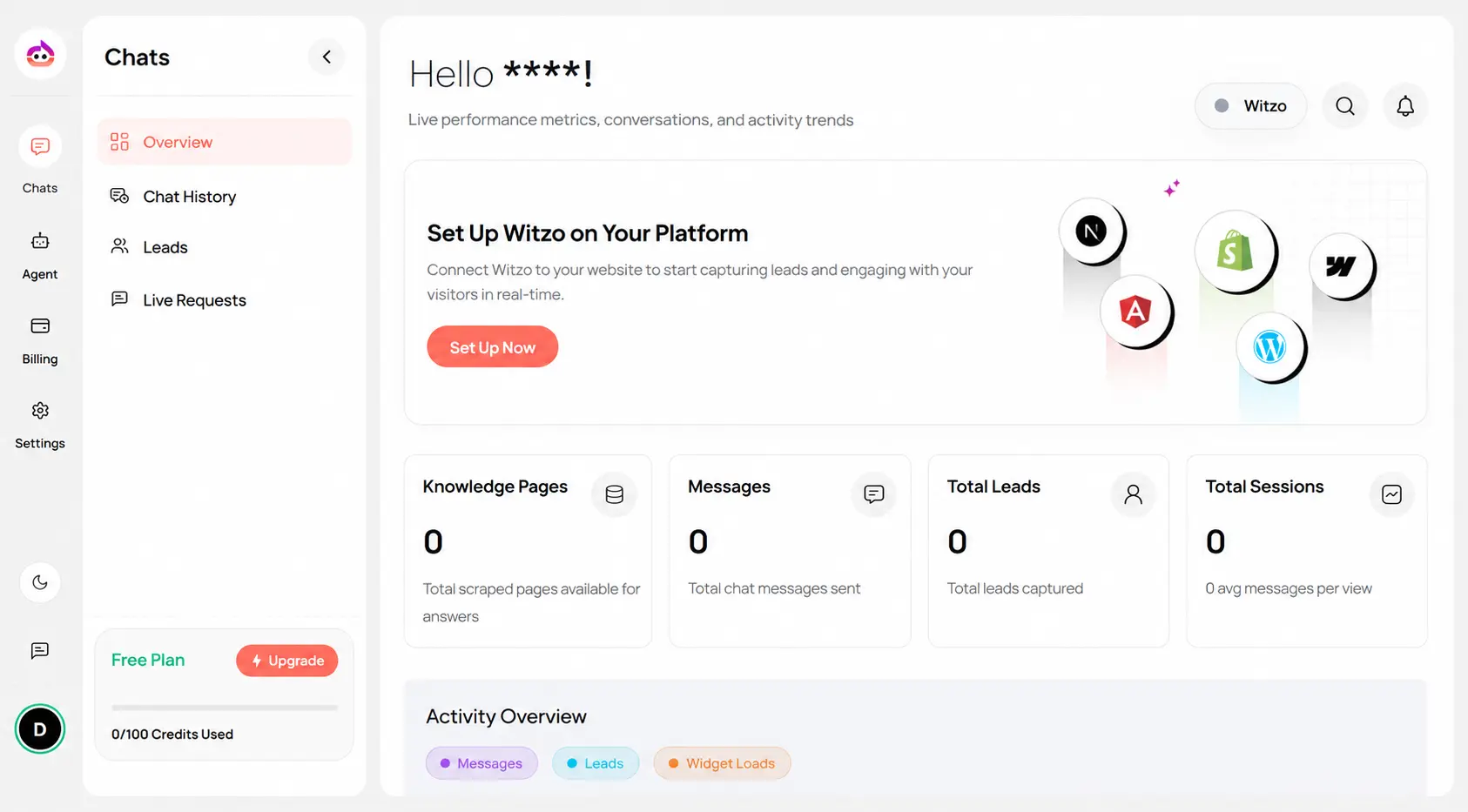
After successful authentication, you are redirected to your Witzo Dashboard.
From here you can:
- View and manage your AI agents.
- Configure data sources and widget settings.
- Monitor conversations and analytics.
- Manage leads, integrations, and workspace access.
Login Issues
If you are unable to sign in:
- Verify that you are using the correct email address.
- Make sure your password is entered correctly.
- Check whether Caps Lock is enabled.
- If you signed up with Google, use Continue with Google instead of entering a password.
- If you forgot your password, use Forgot Password? on the login page.
- If the problem persists, contact Witzo Support for help.
Forgot Password
If you forgot your password, you can reset it from the login screen.
1
Open Forgot Password
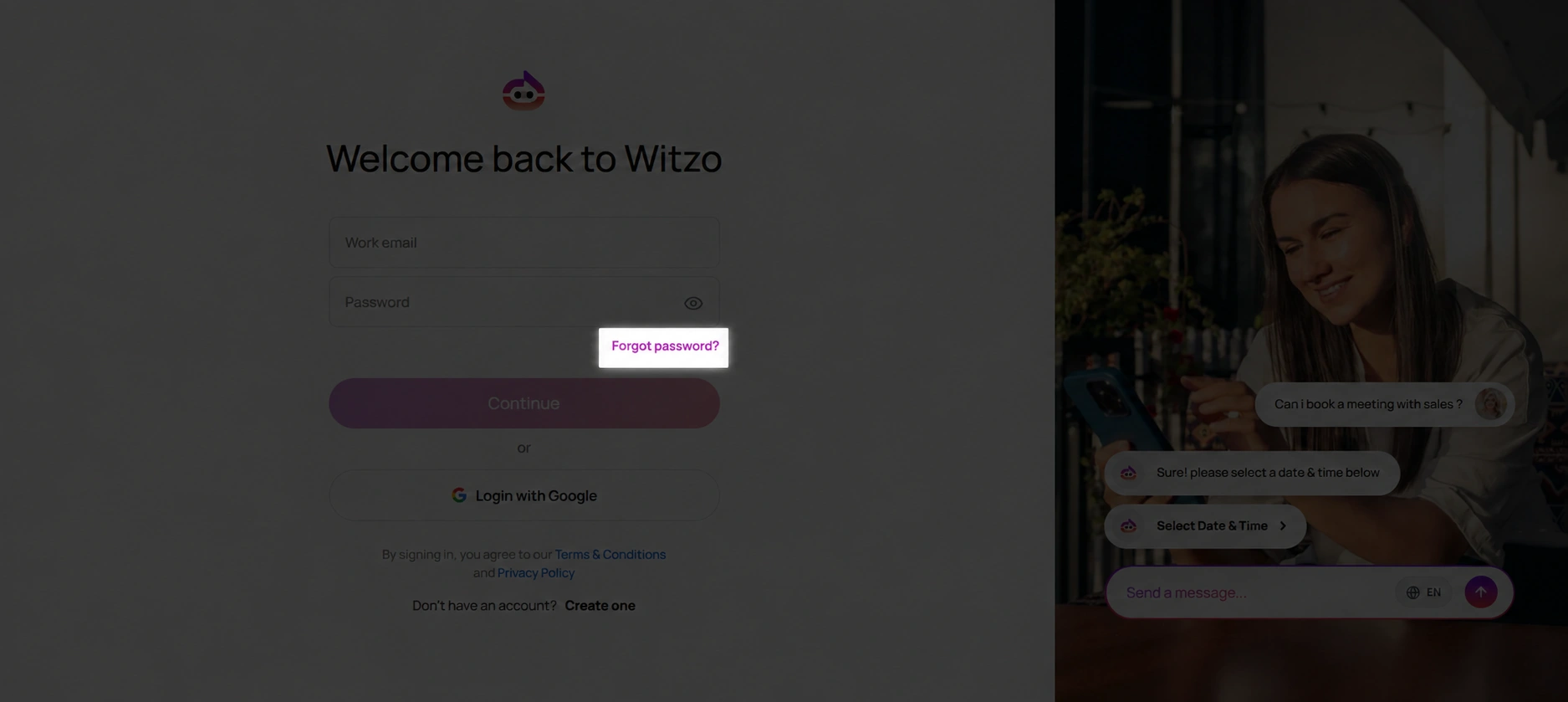
- Open https://app.witzo.ai/login.
- Click Forgot Password? below the login form.
- You will be redirected to the password recovery page.
2
Request a Password Reset
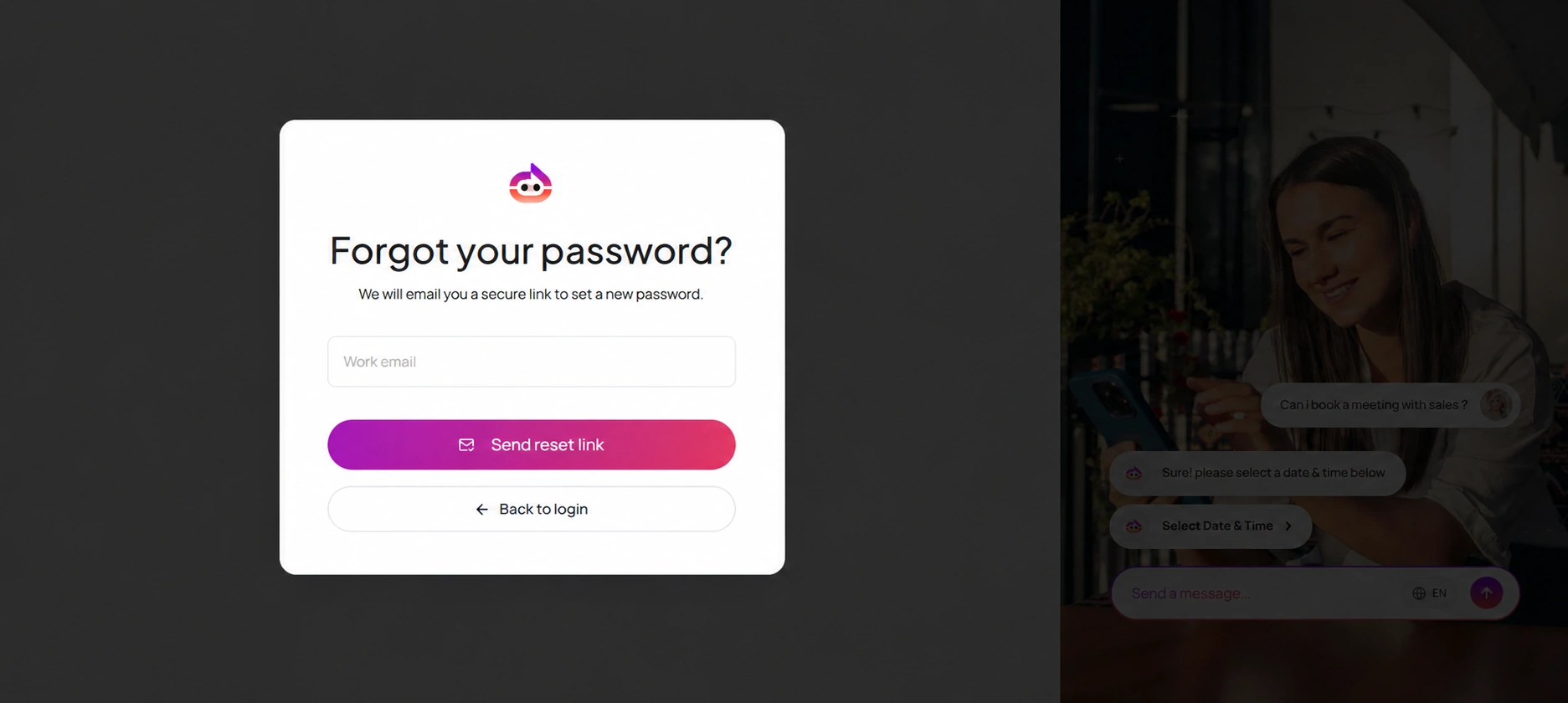
- Enter your registered work email address.
- Click Send reset link.
- Check your inbox for the password reset email.
- If you do not see the email, check your spam or junk folder.
3
Create a New Password
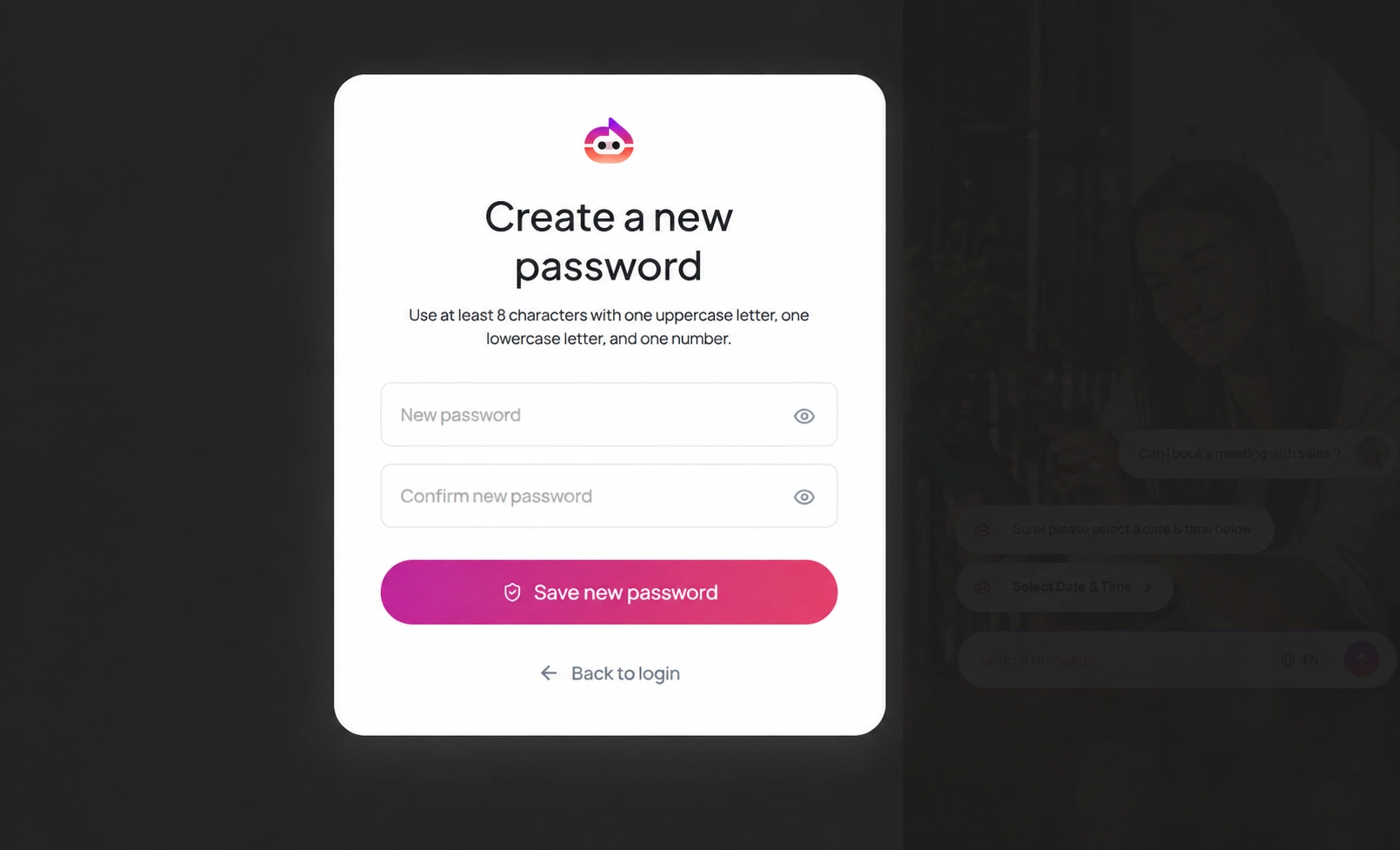
- Open the password reset link from the email.
- Enter your new password.
- Enter the same password again in Confirm new password.
- Make sure your password contains at least:
- 8 characters
- one uppercase letter
- one lowercase letter
- one number
- Click Save new password.
- Return to login and sign in with the new password.
Password Reset Tips
- Use the reset link as soon as it arrives, because password reset links can expire.
- If the email does not arrive, check your spam or junk folder first.
- If you no longer have access to the email address on the account, contact Witzo Support before creating a duplicate workspace.