Viewing and Managing Leads
View, review, and update captured visitor leads directly from your dashboard for easy follow-up and pipeline tracking.
Overview
When a visitor shares contact details through the widget or fallback lead form, Witzo stores that information in the Leads section. Use this dashboard to review contact info, conversation context, and follow-up status in one place.
Open the Leads Dashboard
- Go to Dashboard > Leads.
- Review the list of captured leads.
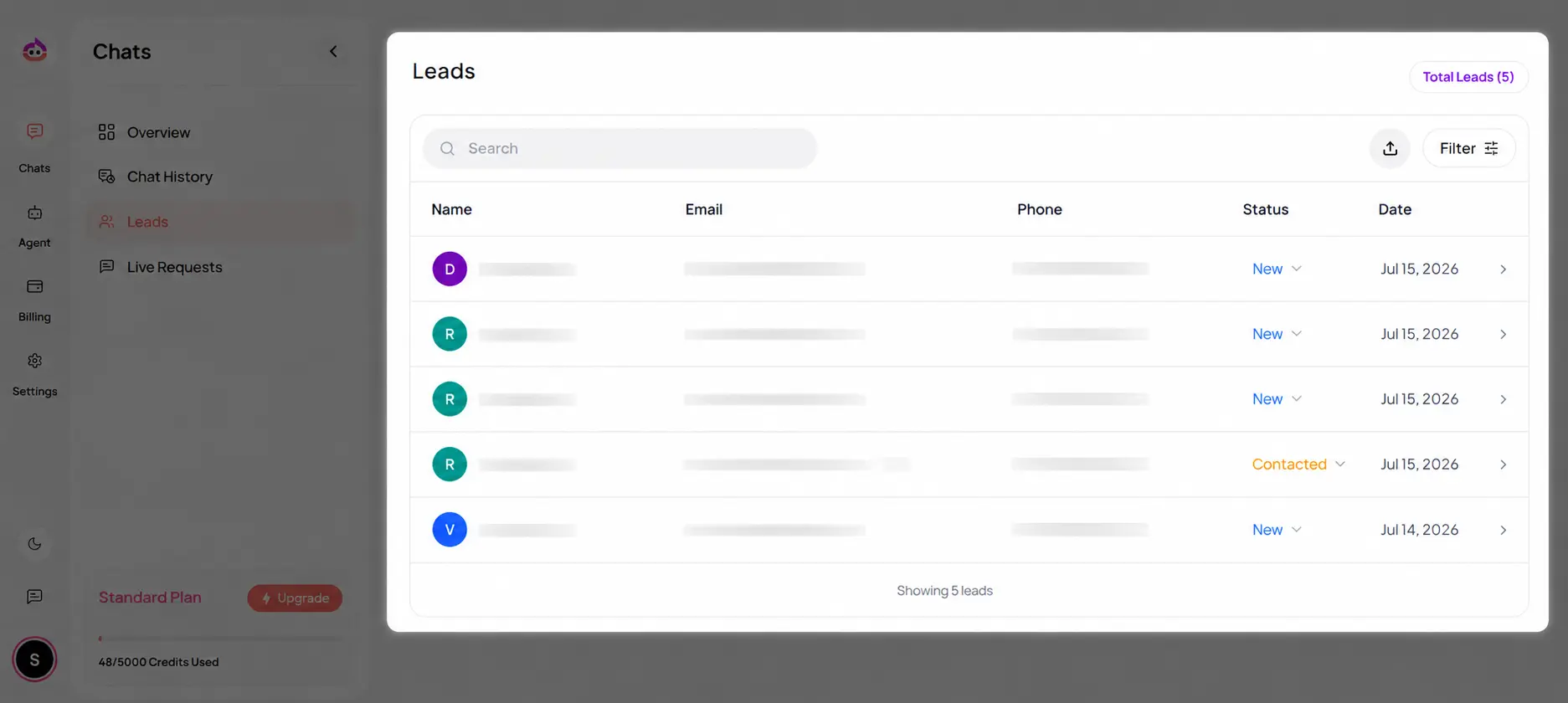
Each lead entry can include:
- name
- phone, if provided
- status
- created date
Review Lead Details
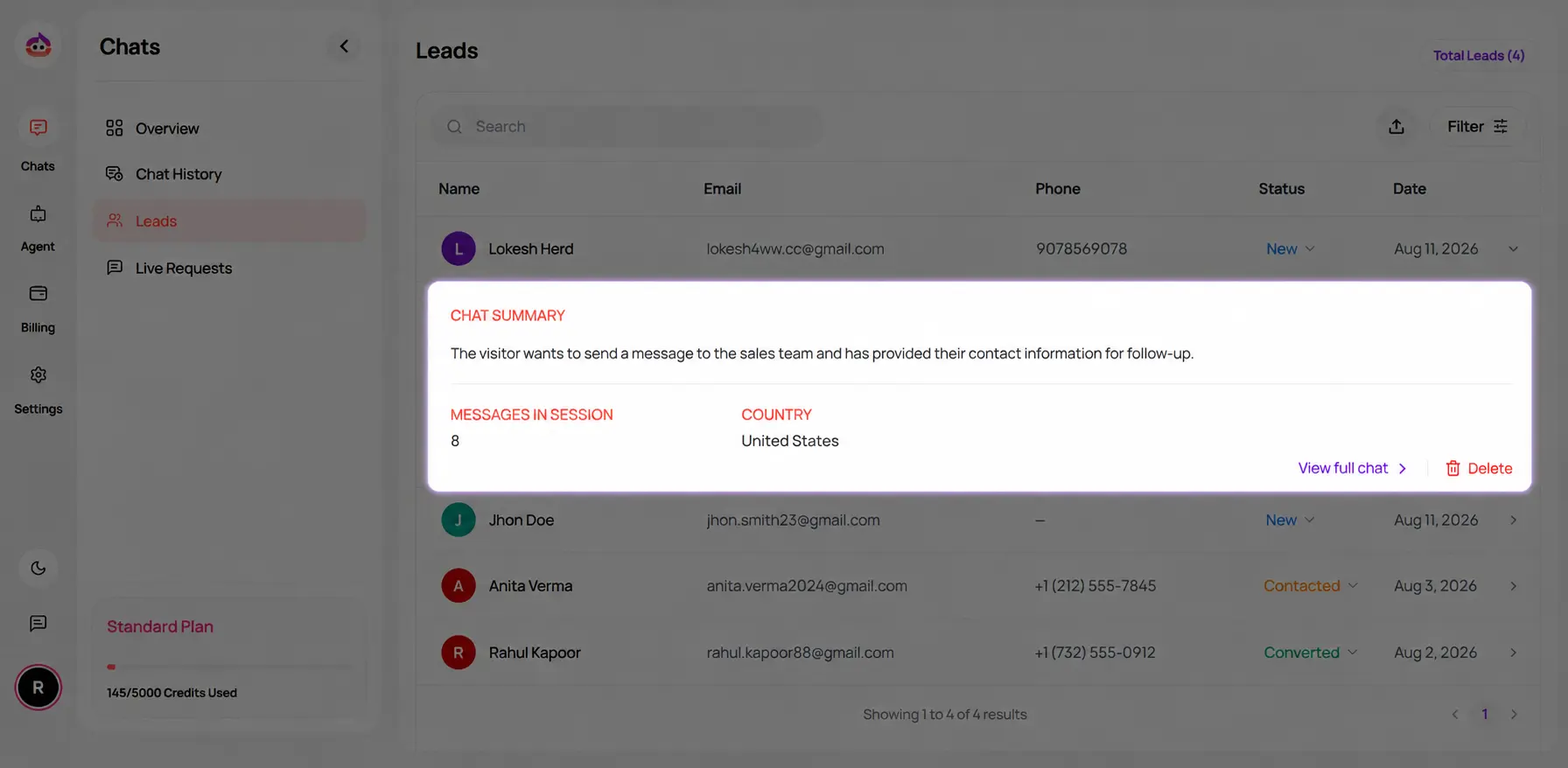
Click any lead to open the detailed view.
The lead page can show:
- contact details
- source, such as chat or fallback lead form
- conversation reference
- follow-up status
Lead Plan Limits
| Plan | Lead storage | Notes |
|---|---|---|
| Starter | 5 leads | Fallback lead form is not available |
| Basic | 50 leads | Supports follow-up workflows |
| Standard | Unlimited | Recommended for higher lead volume |
| Enterprise | Unlimited | Subject to agreed operational scope |
Search, Filter, and Status Updates
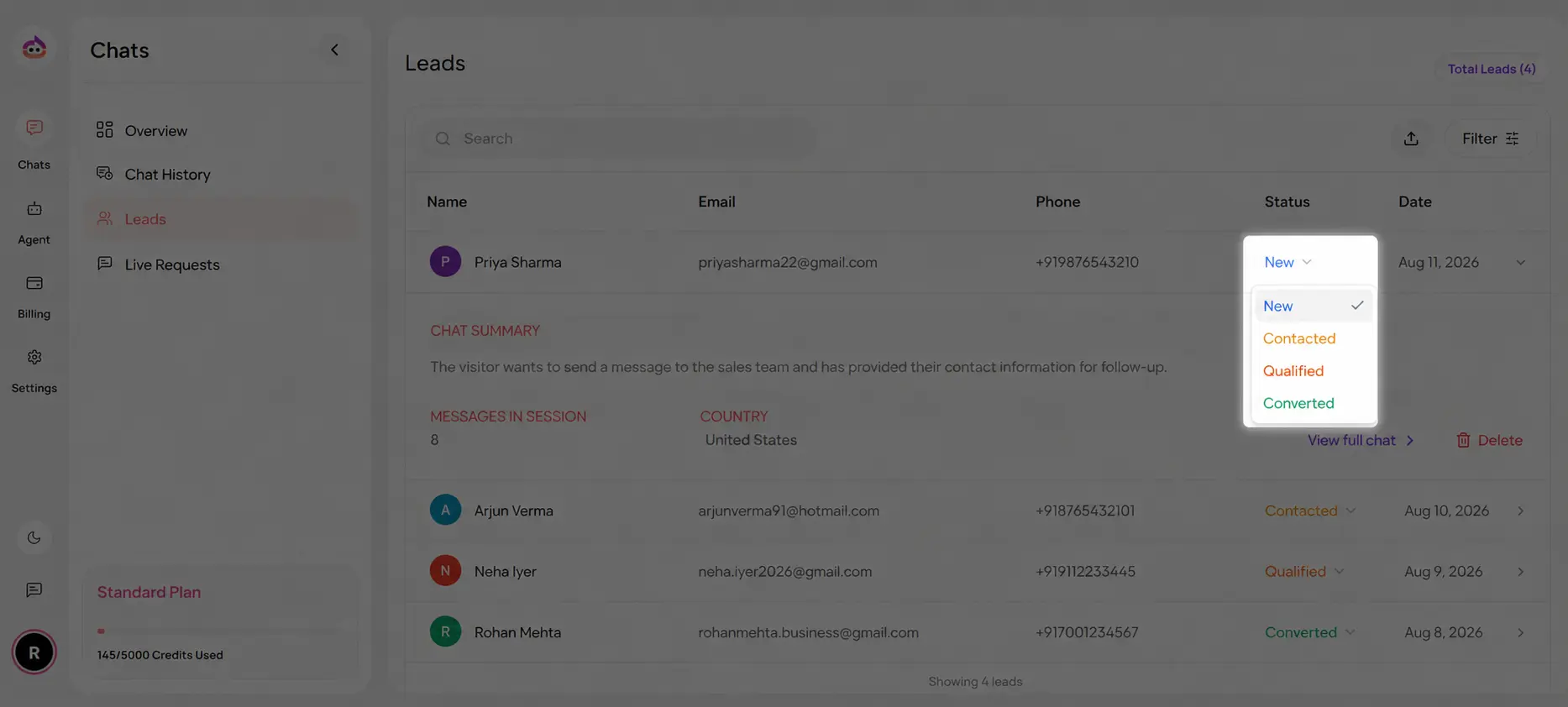
Use the Leads dashboard to:
- search by contact details
- filter by status or source
- review newly captured leads first
- update each lead's status as the sales process moves forward
Common statuses include:
- New
- Contacted
- Qualified
- Converted
Export Leads
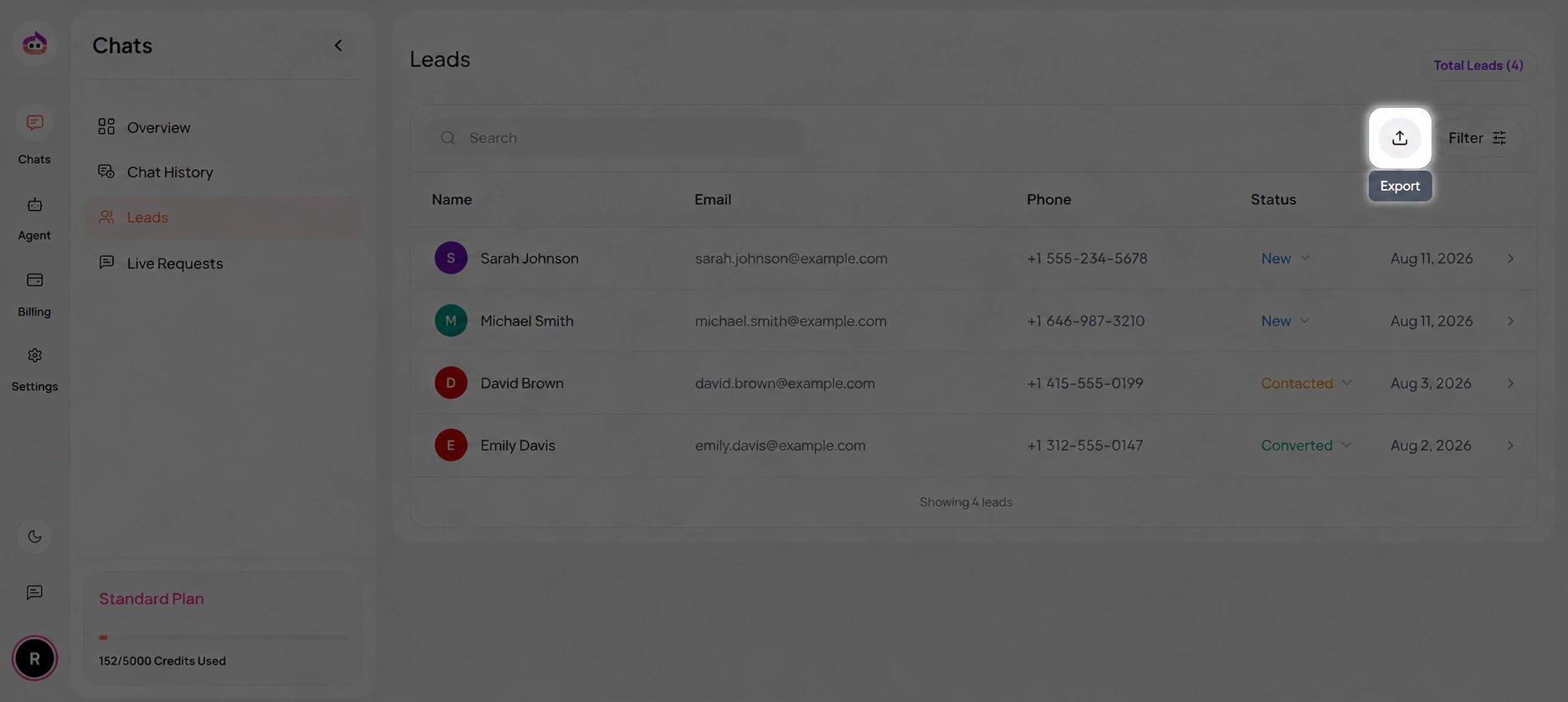
You can export leads for reporting, sales outreach, or backup workflows.
- Open Dashboard > Leads.
- Click the Export action.
- Download the available lead data for offline review.
Retention and Deletion
- Deleting a lead permanently removes it from the active lead list.
- Make sure your internal retention process matches your privacy and compliance obligations.
- If a lead requests deletion, handle both the operational workflow and any policy requirements your business follows.