Auto Follow-Up Emails (Basic, Standard, and Enterprise)
Automatically send a follow-up email after lead capture to improve engagement and response rates.
Overview
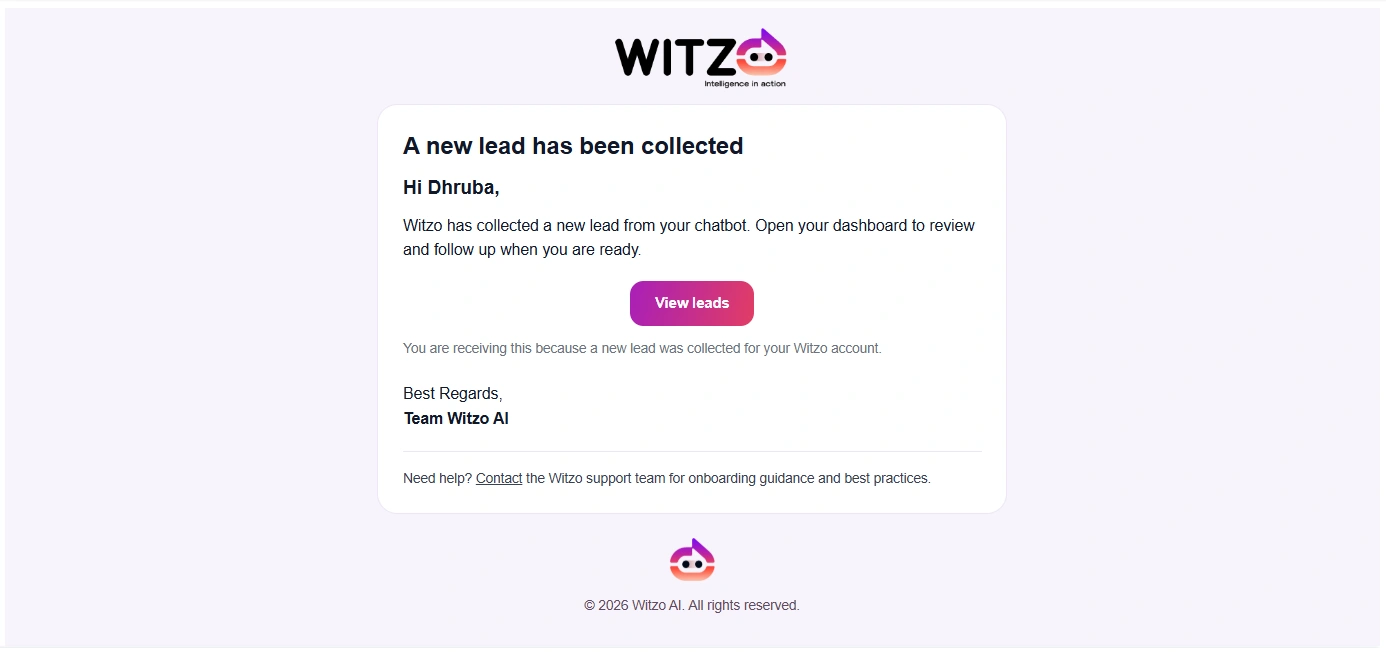
When enabled, Witzo sends an automatic follow-up email to captured leads. This works only if the lead provides a valid email address and your plan includes the feature.
When Emails Are Sent
A follow-up email is sent when:
- a lead is captured with a valid email address
- your plan includes auto follow-up capability
- no previous automatic follow-up was already sent for that lead
Plan Restriction: Available on Basic, Standard, and Enterprise.
Duplicate Prevention
Witzo prevents duplicate automatic follow-ups by:
- checking whether an automated follow-up was already sent for that lead
- storing send state internally
- blocking repeat sends for the same lead entry
This helps keep the visitor experience clean and avoids accidental repeat emails.
Limitations
- only one automated follow-up per lead
- no advanced multi-step email sequence in this workflow
- no full email template editor documented in this flow
- delivery depends on the configured mail service and a valid email address
Sender and Branding Notes
- Sender address configuration depends on your workspace setup.
- If your team needs custom sender behavior, confirm the available configuration in your environment before promising it externally.
- Review the final email content after any major branding change.