Understanding Monthly Limits and Reset
Your monthly conversation limit resets automatically based on your subscription cycle.
Overview
Witzo tracks usage monthly. Each workspace follows its own recurring reset date based on when the plan became active.
Reset Logic
When the reset date arrives:
- used conversations reset to zero
- your full monthly allowance becomes available again
- no manual action is required
Example
- You upgrade on March 10.
- Your limit resets on April 10.
- It then resets on the same day each following month.
The reset follows your subscription cycle rather than the calendar month.
Dashboard Usage Tracking
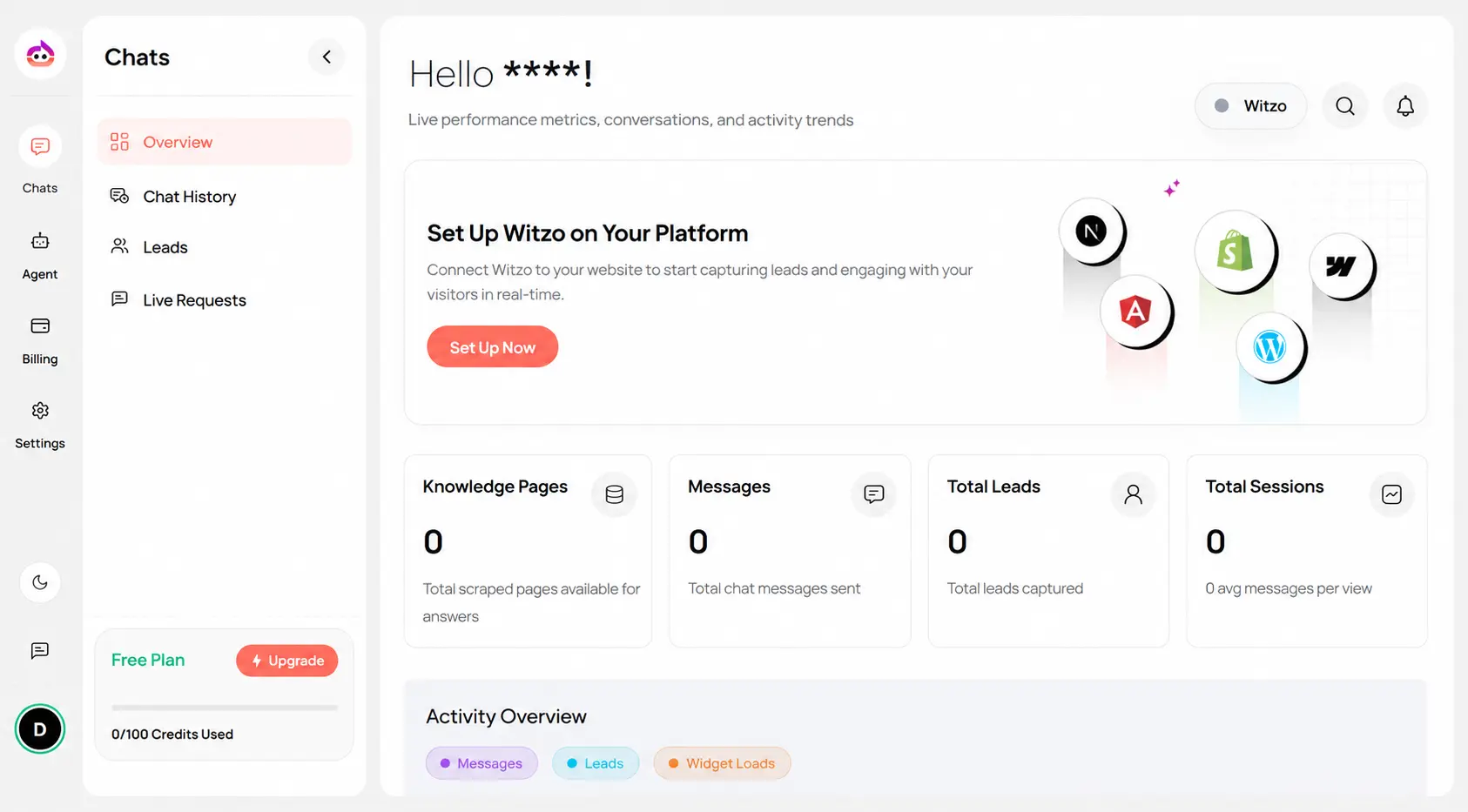
You can monitor usage inside Dashboard > Chats > Overview.
You will see:
- KnowledgePages
- Message
- Total Leads
- Total Sessions
If you are close to the limit, the dashboard will show fewer remaining conversations before blocking occurs.
Important Notes
- Upgrading your plan changes the available allowance immediately.
- Downgrade behavior depends on your current subscription state and takes effect according to your billing cycle.
- Historical conversations are not deleted when the limit resets.