Submit Feature Requests
Share your ideas by submitting feature requests directly from the Feedback tab in your dashboard.
How to Submit a Feature Request
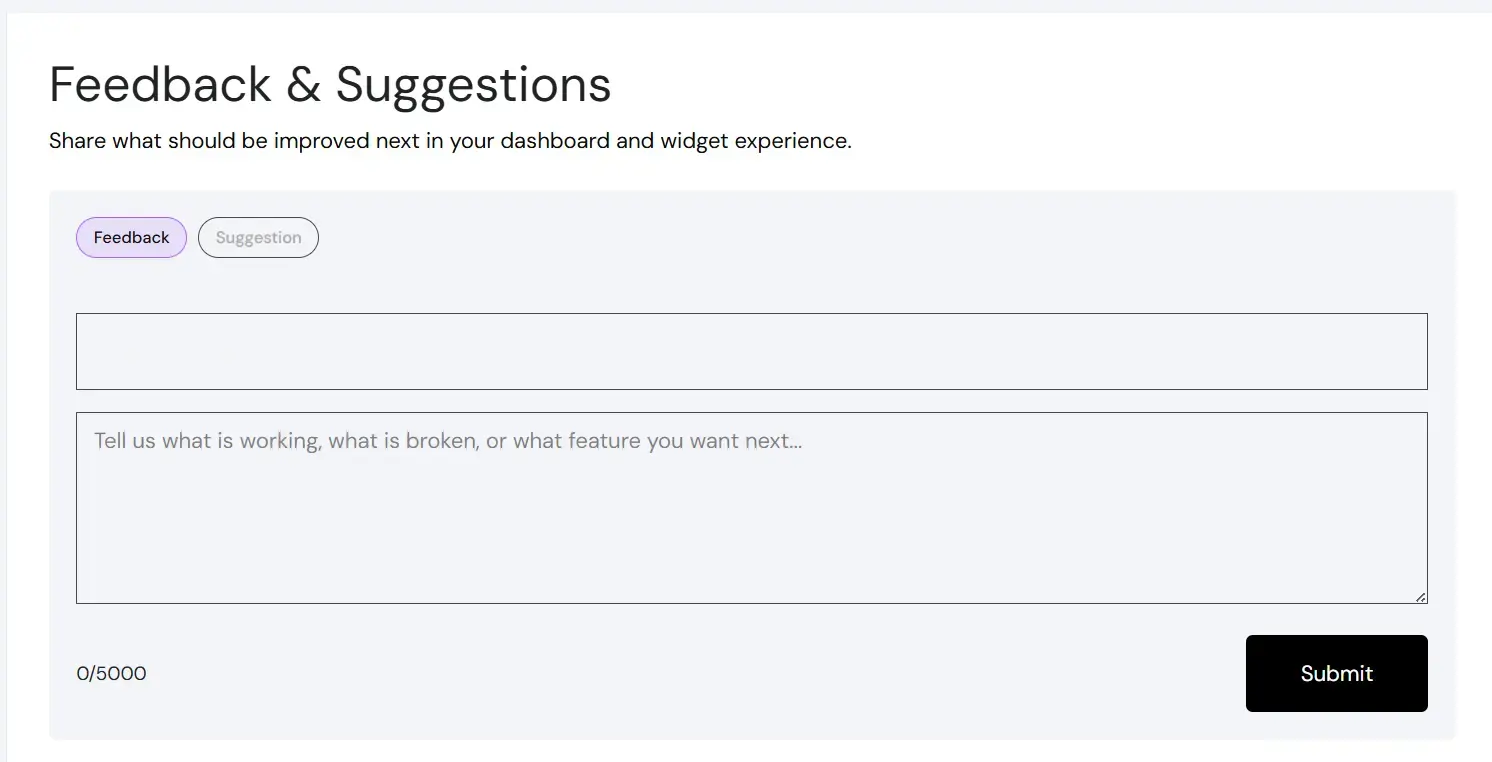
Go to Dashboard > Feedback.
- Open the Feedback tab.
- Enter your feature request details.
- Submit the form.
How Requests Are Reviewed
Feature requests are reviewed based on:
- frequency of demand
- impact across plans
- technical feasibility
- alignment with product direction
Expected Response Timing
Submitted requests are reviewed as part of the normal product feedback workflow. Not every request receives an immediate individual reply, but teams should expect evaluation during ongoing planning cycles.
Request Categories
Feature requests are categorized internally into:
- In progress
- Planned
- Under consideration
Not all requests are guaranteed implementation.
Important Notes and Limitations
- Submitting a request does not confirm feature approval.
- Roadmap decisions are based on overall product priorities.
- There is no public voting system currently.